

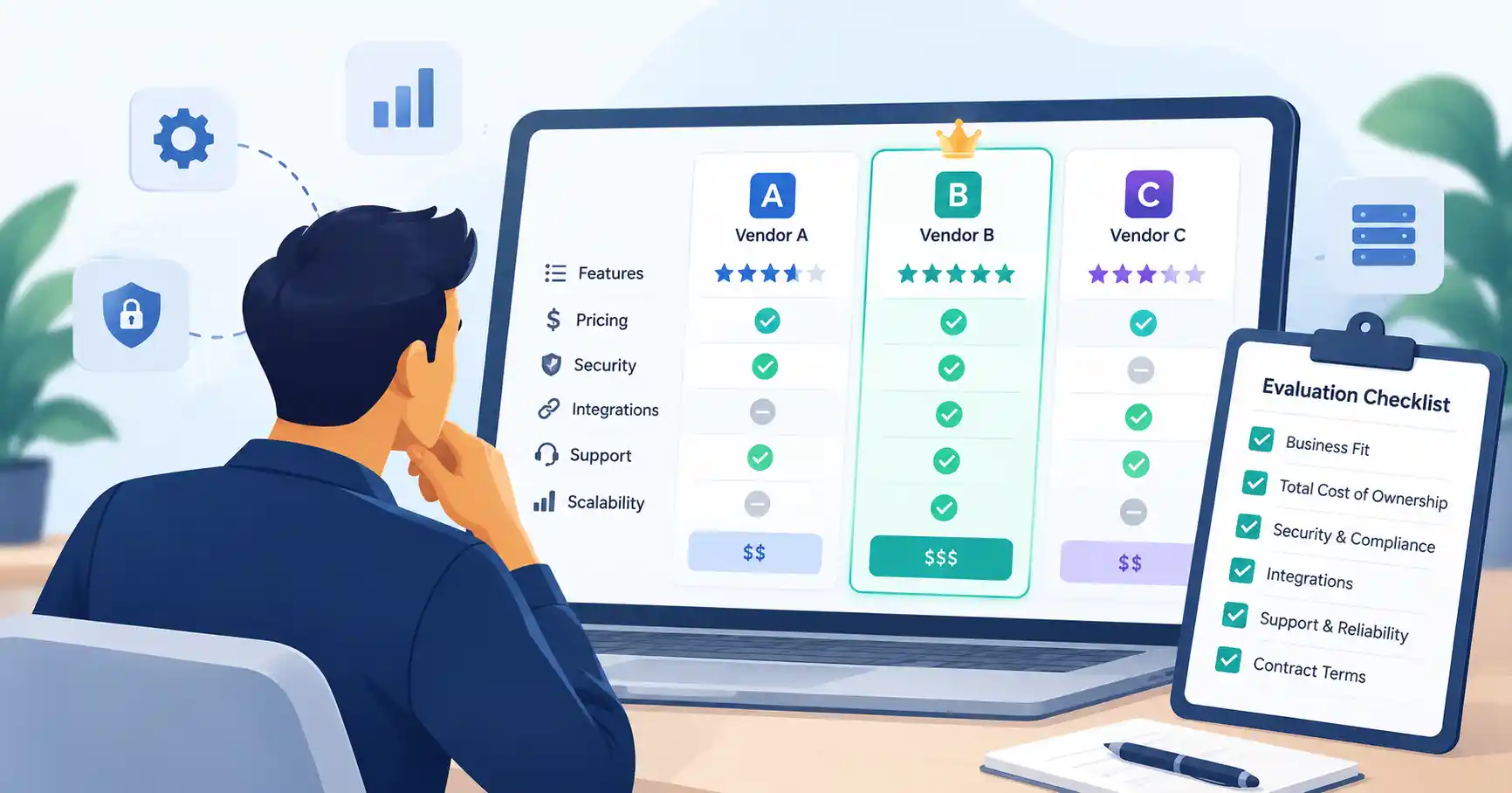
Choosing SaaS software takes more than comparing features and subscription fees. You need a vendor that meets your business requirements, keeps your data secure, integrates with your existing systems, and can support your team as it grows.
Several providers may look equally capable during a sales demo. The differences become clearer when you examine implementation costs, integration limitations, security practices, customer support, and contract terms.
A structured SaaS vendor evaluation gives you a consistent way to compare providers, assess risks, and explain your final decision. Here’s how to approach the process before committing to a software vendor.
What Is SaaS Vendor Evaluation?
SaaS vendor evaluation involves assessing software providers to determine which one best fits your organization’s business, technical, financial, and security requirements.
It’s not just about finding a product with the right features. You also need to consider its overall cost, implementation effort, reliability, support quality, scalability, and the difficulty of switching providers if your needs change.
For example, a startup comparing CRM platforms might find that Vendor A offers more features, while Vendor B integrates more effectively with its existing marketing platform. If reliable data synchronization matters more than advanced reporting, Vendor B may be the better fit.
Ultimately, the goal is to choose the provider that meets your needs most effectively, rather than defaulting to the lowest price or the longest feature list.
How to Evaluate SaaS Vendors Step by Step
A structured process helps you compare vendors fairly without turning a software purchase into an unnecessarily complicated project.
1. Define Your Business Requirements
Start by identifying the problem you want the software to solve. Document your key workflows, expected outcomes, budget, technical requirements, and any conditions a vendor must meet.
Organize your requirements into three categories:
- Must have: Essential features, integrations, security controls, or contract conditions.
- Should have: Capabilities that would improve efficiency but aren’t essential.
- Nice to have: Additional features that offer value but won’t determine the final decision.
Consider a marketing team evaluating automation software. CRM integration, campaign reporting, and role based access might be essential, while advanced AI recommendations would be a bonus. A product that lacks a required integration shouldn’t win simply because it offers more sophisticated AI features.
Clear requirements give every vendor the same criteria to meet and prevent priorities from shifting after an impressive demonstration.
2. Shortlist Suitable Vendors
Start with providers that meet your essential requirements. Comparing three to five vendors is a reasonable starting point for many small and midsize purchases, although complex or specialized projects may need a different approach.
Review each provider’s product documentation, pricing, integration options, support model, and experience serving businesses like yours.
Ask vendors to demonstrate your actual workflows rather than relying on a standard product tour. If you’re evaluating customer support software, for instance, ask them to show how tickets are assigned, escalated, reported on, and synchronized with your existing customer database.
Document unanswered questions and potential limitations. This will help you decide which vendors deserve a closer look.
3. Assess Security, Privacy, and Compliance
Security belongs in the evaluation from the outset, particularly when software handles customer information, financial records, or confidential business data.
Ask how the vendor protects data in storage and transit, manages user permissions, responds to security incidents, maintains backups, and handles data deletion when a contract ends.
Request relevant evidence, including security documentation, audit reports, privacy terms, and information about third party service providers. Make sure the evidence applies to the product and services you’re considering.
The NIST Cybersecurity Supply Chain Risk Management Due Diligence Assessment Quick Start Guide offers guidance for conducting supplier due diligence and assessing technology related risks.
The depth of your review should reflect the potential consequences of a problem. A basic productivity tool may warrant a lighter assessment than a platform that processes sensitive customer or financial information.
For more detailed guidance, see SaaSyntic’s SaaS vendor security assessment guide.
4. Test the Product With Realistic Workflows
A convincing sales demo doesn’t necessarily mean the product will work well in your day to day operations. Whenever possible, run a trial or proof of concept before making a commitment.
Choose a few representative tasks and define what success looks like. Test usability, reporting, integrations, permissions, and the amount of administrative work involved.
For example, a sales team could import sample leads, assign owners, automate follow ups, and generate a pipeline report. Ask the people who will actually use the software to complete these tasks and note where they encounter problems.
This process helps reveal whether the product supports your workflows without excessive manual effort or costly customization.
5. Calculate Total Cost of Ownership
The subscription fee is only part of the financial commitment. Calculate the total cost of ownership (TCO) over a period that reflects your purchasing decision, such as three years.
Account for expenses such as:
- Subscription fees and additional user licenses
- Implementation, configuration, and data migration
- Integration development and ongoing maintenance
- Training and onboarding
- Premium support, storage, and usage based charges
- Expected renewal increases and eventual migration costs
Consider these hypothetical CRM vendors:
| Cost factor | Vendor A | Vendor B |
| Annual subscription | ₹1,20,000 | ₹1,50,000 |
| Initial implementation | ₹60,000 | ₹20,000 |
| Three year subscription and setup | ₹4,20,000 | ₹4,70,000 |
| Additional annual integration costs | ₹30,000 | ₹10,000 |
These figures are illustrative. The three year subscription and setup totals assume unchanged annual subscription prices and exclude other costs.
Vendor A has the lower subscription price and the lower estimated three year cost in this example. However, cost alone shouldn’t determine the outcome. Consider each product’s capabilities, support, risks, and expected business value before making a decision.
6. Review Contracts and Exit Options
Before signing, examine the terms that will govern the relationship throughout the contract.
Pay attention to renewal dates, cancellation notice periods, price adjustment clauses, service level commitments, support responsibilities, minimum usage requirements, and contract duration.
Data portability deserves particular attention. Confirm that you can export your information in a usable format, understand what happens to your data when the contract ends, and establish whether the vendor offers migration assistance.
These details can make a significant difference if your business grows, your requirements change, or you eventually need to switch providers.
SaaS Vendor Evaluation Criteria: What Should You Compare?
Once you’ve shortlisted providers, assess each one against the same criteria. The relative importance of each factor will depend on your business goals and the risks associated with the software.
| Evaluation criterion | What to check | Evidence to request |
| Business fit | Required workflows and capabilities | Requirements checklist and product test |
| Integrations | Compatibility with existing systems | Integration documentation and test results |
| Security and privacy | Data protection, access controls, and incident response | Security documentation and relevant audit reports |
| Total cost | Subscription, implementation, and ongoing expenses | Itemized pricing proposal |
| Reliability and support | Availability commitments and support responsiveness | SLA and support policy |
| Scalability | Ability to accommodate future usage | Pricing tiers and documented limits |
| Exit flexibility | Data export and termination conditions | Contract and data export documentation |
Don’t give every criterion equal weight by default. A marketing team might prioritize integrations and campaign reporting, while a finance team may focus more heavily on data security, auditability, and access controls.
How to Score and Compare SaaS Vendors
A weighted SaaS vendor scoring model gives your team a consistent framework for comparing providers and documenting the decision.
Step 1: Assign weights to evaluation criteria
Assign a percentage to each criterion based on its importance. All weights should add up to 100%.
For a hypothetical CRM evaluation, you might allocate 25% to business fit, 20% to security, 15% to integrations, 15% to total cost, 10% to support and reliability, 10% to usability, and 5% to exit flexibility.
These weights are examples, not universal benchmarks. Adjust them to reflect your organization’s priorities and risk tolerance.
Step 2: Score each vendor consistently
Rate every provider on a scale of 1 to 5:
- 1: Does not meet the requirement
- 2: Meets only a small part of the requirement
- 3: Meets the core requirement
- 4: Meets the requirement well
- 5: Exceeds the requirement, supported by evidence
Calculate the weighted points for each criterion using this formula:
Weighted points = (Vendor score ÷ 5) × Criterion weight
For example, a vendor scoring 4 out of 5 on a criterion weighted at 20% earns 16 points. Add the weighted points across all criteria to calculate the vendor’s final score out of 100.
Step 3: Apply mandatory requirements
A strong overall score shouldn’t outweigh a critical failure. If a vendor can’t meet an essential security requirement, provide a mandatory integration, or accept a necessary contractual condition, pause the evaluation or reject that option.
Keep evidence and notes alongside each score. This makes the decision easier to explain to stakeholders and gives your team a record to revisit if circumstances change.
Common SaaS Vendor Evaluation Mistakes
Even a well organized evaluation can lead to a poor choice if important factors get overlooked.
- Choosing based on features alone: Extra functionality won’t compensate for a product that fails to support essential workflows.
- Focusing only on subscription price: Implementation, integration, and usage charges can substantially change the total cost.
- Accepting sales claims without verification: Check important promises against documentation, trials, and customer references.
- Leaving security reviews until the end: Identify critical risks before commercial negotiations are nearly complete.
- Overlooking future flexibility: Review data portability, renewal conditions, and migration requirements before signing.
Match the depth of your evaluation to the software’s business impact. A small team buying a low risk application doesn’t need the same process as an organization adopting software that handles sensitive customer records.
For guidance on the wider purchasing process, see SaaSyntic’s SaaS procurement process guide.
FAQ’s
What should be included in a SaaS vendor evaluation?
Cover business requirements, features, integrations, security, privacy, scalability, reliability, support, total cost of ownership, contract terms, and data portability. Verify important claims and document the evidence behind your scores.
How many SaaS vendors should you compare?
Three to five vendors is a useful starting point for many purchases. Prioritize providers that meet your essential requirements instead of spending time evaluating a long list of unsuitable options.
What documents should you request from a SaaS vendor?
Depending on the product and its risk profile, request an itemized quote, contract, service level agreement, relevant security reports, privacy terms, support policies, and data export documentation.
When should you reject a SaaS vendor?
Reject or pause an option if it fails a mandatory requirement, cannot provide adequate evidence for a critical security claim, lacks an essential integration, or proposes unacceptable contract terms. A low price or high overall score shouldn’t override a material risk.
Conclusion
A sound SaaS vendor evaluation replaces guesswork with a structured, evidence based decision. Start with clear requirements, shortlist suitable providers, verify security claims, test real workflows, and compare total costs before committing.
Use a weighted scorecard to make the comparison more consistent, but keep mandatory requirements separate from the overall score. This helps your team identify a provider that meets its needs, presents acceptable risks, and can adapt as the business evolves.