

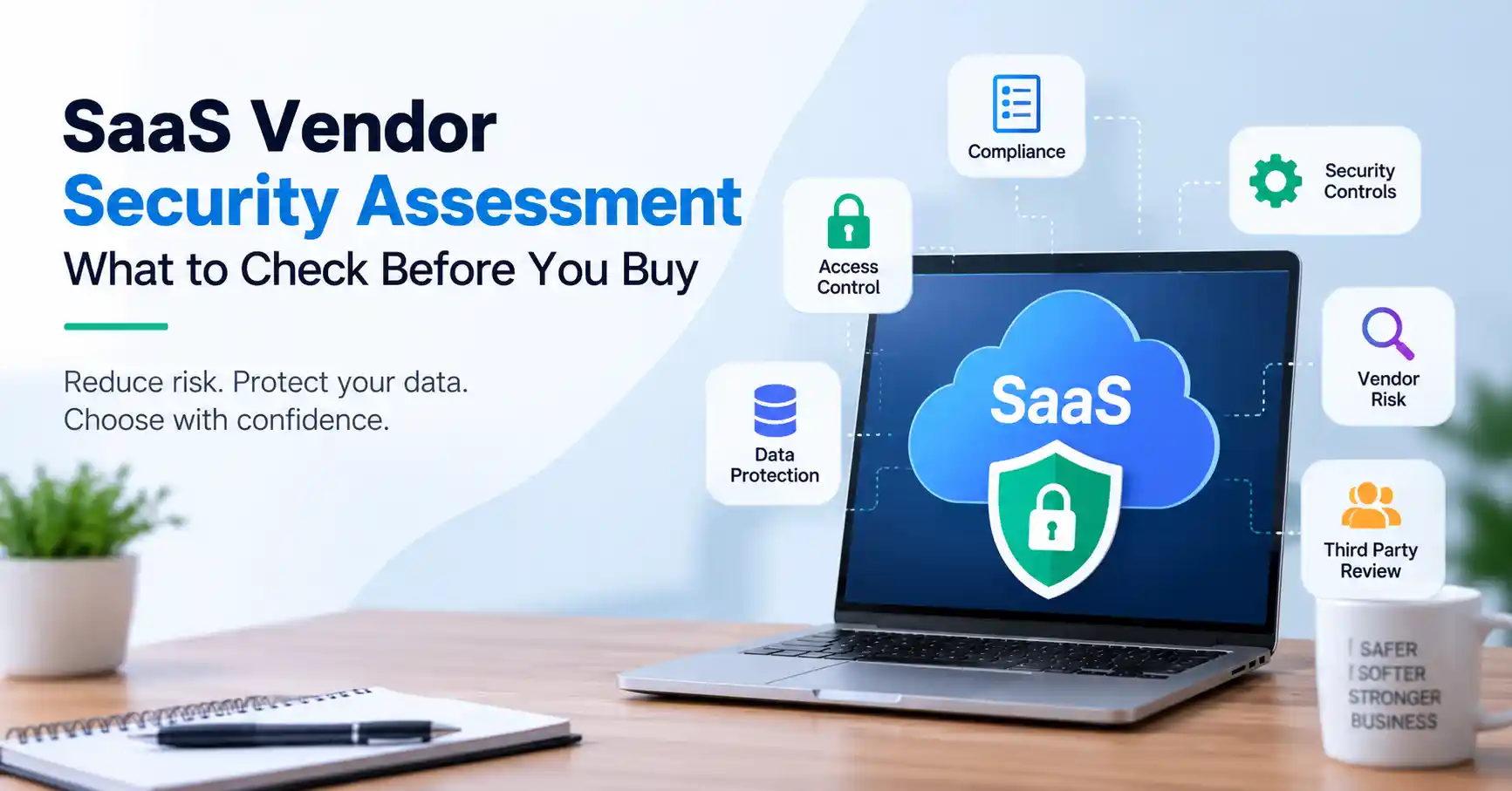
A SaaS vendor security assessment is the process of checking whether a software provider can protect your business data, systems, and users before you start using its platform. Vendor pages usually focus on nice features and sales points. The security part is not always easy to spot and may need more digging.
A clear review process can help you find weak spots, compliance problems, access risks, and data protection issues. This should happen before you sign any deal.
In this guide, you will see what to look for. You will also learn what questions to use, which errors show up a lot, and how to keep vendor security checks more even from one review to the next.
Table of Contents
- What is SaaS Vendor Security Assessment
- Why SaaS Vendor Security Assessment is Important
- Step by Step Guide
- Best Practices and Tips
- Common Mistakes
- SaaS Vendor Security Comparison
- Tools
- FAQs
- Conclusion
What is SaaS Vendor Security Assessment
A SaaS vendor security review is a planned check of how a software company handles security. It happens before your business grants the vendor access to internal tools or private data.
This type of review usually looks at several parts. Teams often verify data safeguards, encryption steps, user login and role controls, patch and weakness fixes, and how the company handles security events. They also check meeting required standards, backup practices, who on the vendor side can view or change data, and how third party services are used.
Say a firm wants to add a cloud customer relationship system. The vendor might offer strong sales and marketing tools. Even so, the buyer still needs clear answers. Where is customer data kept? Who has access? How are user accounts protected? And what is the plan if a security problem occurs?
This makes vendor security assessment different from a basic SaaS vendor evaluation. A general evaluation looks at price, features, support, integrations, and business fit. A security assessment focuses specifically on whether the vendor introduces an acceptable level of cybersecurity and data protection risk.
For a broader evaluation process, see the SaaS vendor evaluation guide on Saasyntic.
Why SaaS Vendor Security Assessment is Important
A SaaS provider may process information that is critical to your business. Once data moves into an external platform, your organization needs visibility into how that provider protects it.
A proper assessment can help you:
- Identify security weaknesses before onboarding a vendor
- Understand how sensitive business and customer data is protected
- Verify whether the vendor has appropriate security controls
- Reduce third party and supply chain security risks
- Give procurement, IT, legal, and security teams a common review process
The NIST Cybersecurity Framework 2.0 also treats supplier and third party cybersecurity as an ongoing risk management activity rather than something that ends when a contract is signed.
Step by Step Guide
Step 1: Identify the Data and Access the Vendor Will Have
Figure out what the SaaS product will be able to reach and read.
Then note the categories of data that are part of that access. For example: customer files, staff details, money and billing records, proprietary materials, login or sign in data, and any private papers or documents.
Then identify the access required. Does the application need read only access, administrative permissions, API access, or access to several internal systems?
For example, a project management application may only need employee names and work information. An accounting platform could have access to financial records and payment related information. The second scenario requires a much deeper review.
This first step helps you set the right security requirements instead of applying the same questionnaire to every vendor.
Step 2: Review the Vendor’s Security Controls
Now review the vendor’s main security controls.
First, see if they encrypt data while it moves across networks and when it is stored.Also check what login methods they offer, and whether they require multi factor sign in. Confirm if they use role based access rules. Look at their password rules too.
Next, read how they handle logging and monitoring. Then check how they manage flaws in their systems, including how they track fixes.
Finally, verify what security tests they run and how often they do them.When you talk to the vendor, ask for proof. Do not rely only on marketing lines like “enterprise grade security.”
Good proof can include written security policies, short summaries of penetration tests, and audit results. They may also share certifications, vulnerability tracking details, or documented security steps.You can also compare their practices to known cybersecurity frameworks.
NIST has guidance on how to evaluate risks in the supply chain and how to treat supplier relationships.
Step 3: Check Data Protection and Privacy Practices
Security is only one part of the assessment. You also need to understand what happens to your data throughout its lifecycle.
Ask:
- Where is customer data stored?
- Which countries or regions may process the data?
- How long is information retained?
- Can the vendor delete your data when requested?
- Are backups encrypted?
- Does the vendor use customer data for analytics or product improvement?
- Which third parties can access or process the information?
For example, a SaaS vendor may use another cloud provider for hosting and a separate service for email delivery. These subprocessors become part of your overall vendor risk picture.
Your assessment should therefore include the vendor’s data processing practices and relevant privacy agreements.
Step 4: Evaluate Incident Response and Business Continuity
No security program eliminates every risk. What matters is also how the vendor responds when something goes wrong.
Ask for information about incident detection, notification procedures, disaster recovery, backup processes, business continuity, and recovery objectives.
Find out how customers are notified after a confirmed security incident and whether the contract includes specific notification requirements.
Also review uptime commitments and service level agreements. A security incident is not the only problem that can affect your business. A prolonged outage can disrupt operations even when no data breach occurs.
Step 5: Review the Contract and Exit Process
Security needs should not live only in a survey or questionnaire. Key points should also show up in the actual contract and related agreements, when it makes sense.
Go through the sections that cover data ownership. Also check rules for confidentiality and security duties. Look for terms on breach alerts and how quickly the vendor must notify you. Confirm how subprocessors are handled. Review audit rights. Make sure data retention time is stated. Check what happens when the deal ends.
Focus on exit events. What happens when you stop using the platform and leave?
Can you download your data in a format you can use right away? After the contract ends, how long does the vendor keep the information? Also ask whether backup copies that hold your data can be fully deleted later.
For instance, a company may find it is hard to move data out of a SaaS tool after years of use. Plan for exit from the start, not only after the problem appears.
Best Practices and Tips
Use these practices to make your SaaS security reviews more effective:
- Make a basic security questionnaire for vendor onboarding.
- Group vendors by how sensitive the data they will touch.
- Require proof for security measures. Do not rely on claims alone.
- Bring in the right people when it fits the case. That can include Security, IT, Procurement, Legal, and the business owner.
- After a vendor is added, check high risk vendors again from time to time.
- Write down the risks you find. Also note the control steps that reduce the risk. Record the approval choice and who agreed.
- Add security and data protection needs in the contract when you can.A risk based approach is usually more practical than treating every SaaS application exactly the same. A tool handling public marketing content does not require the same level of review as a platform processing sensitive customer or financial information.
Common Mistakes
Even organizations with mature security programs can make vendor assessment mistakes.
- Checking security only after the purchase decision has already been made
- Treating compliance certifications as proof that every business requirement is satisfied
- Sending a questionnaire without reviewing the evidence provided
- Ignoring subcontractors and third party service providers
- Failing to reassess high risk vendors after onboarding
A certificate or audit report can provide useful assurance, but it should be considered alongside your organization’s specific requirements and risk tolerance.
SaaS Vendor Security Comparison
The following table can help teams organize the main areas of a vendor security review.
| Assessment Area | What to Check | Evidence to Request | Risk if Weak |
| Data Security | Encryption, storage, retention | Security documentation | Data exposure |
| Access Control | MFA, roles, privileged access | Access control policy | Unauthorized access |
| Compliance | Relevant standards and audits | Audit reports and certificates | Compliance gaps |
| Incident Response | Detection and notification process | Incident response policy | Slow breach response |
| Business Continuity | Backups, recovery, availability | Recovery documentation | Operational disruption |
| Third Parties | Subprocessors and dependencies | Subprocessor list | Supply chain risk |
| Exit Process | Export and deletion procedures | Data retention policy | Difficult migration |
A good evaluation looks at controls, the proof you have, the effect on the business, and how likely things are to fail at the end. It does not depend on just one badge or certificate.
Tools
You do not always need a specialized platform to run a SaaS vendor security assessment.
- Security questionnaires can standardize the questions sent to vendors.
- Spreadsheets can track evidence, risks, owners, and approval status.
- Contract management platforms can help monitor security clauses and renewal dates.
- Vendor risk management platforms can centralize assessments and evidence for larger organizations.
- NIST cybersecurity guidance can provide a structured reference for supplier risk management.
For smaller teams, a well designed questionnaire and risk register may be enough. Larger organizations may benefit from dedicated third party risk management software.
FAQ’s
What should a SaaS vendor security assessment include?
It typically includes data security basics. It also covers who can access what. Authentication is part of it too. Encryption is included as well. You get help with finding and fixing weaknesses. Incident response planning is included. Business continuity requirements are part of the scope. Compliance is addressed. Work with third parties is included. Data deletion is also handled.
How often should SaaS vendors be assessed?
Vendors marked as high risk should not wait until procurement to get reviewed. They need checks on a regular basis. How often you do it depends on what data is involved, how much access the vendor has, how high the vendor risk is, and what your internal rules say.
Is SOC 2 enough for a SaaS vendor?
A SOC 2 report may help you understand controls. Still, you should review if the vendor fits your needs. Check security, privacy, contract terms, and day to day operations.
What evidence should a vendor provide?
Vendor risk dictates your proof. Expect audit reports, security policies, pen test outcomes, certifications, incident response blueprints, data processing papers, or subprocessor lists. Truly, it varies.
Who should conduct the assessment?
Security teams usually run the technical review. Still, other groups may join in when it fits the situation. This can include procurement, legal, IT, privacy, and people from the business side. It depends on the vendor and on what kind of data is involved.
Conclusion
Doing a SaaS vendor security assessment lets you figure out what risks pop up when bringing on an outside software maker. Checking boxes or hoarding certifications isn’t the point here. You need a clear picture of what data and system access they actually get, how they lock it down, their playbook when an incident hits, and exactly how your company can walk away safely if things go south.
The practical move? Build a repeatable security checklist and sort vendors by their risk level. That gives your team a steady way to vet new software. Security stays baked into the buying process right from day one.