

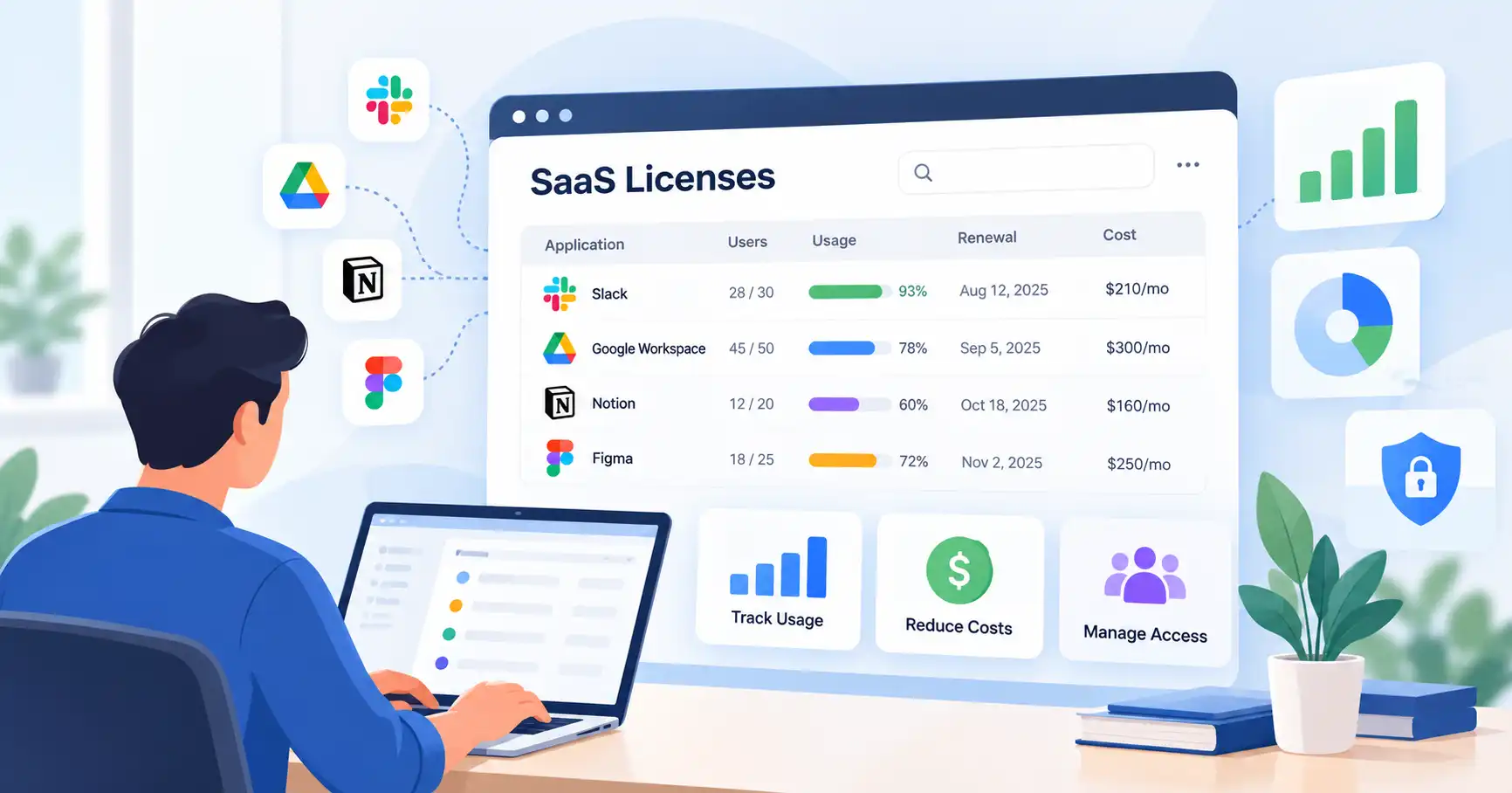
As a business grows, keeping track of SaaS subscriptions gets harder. Teams adopt new applications, employees need different access permissions, and subscriptions continue to renew even when usage changes. Without a clear process, companies can end up paying for unused seats, maintaining duplicate tools, or leaving former employees with access to business systems.
SaaS license management helps businesses keep track of purchased licenses, understand how they’re being used, and make better decisions about access, spending, and renewals.
You don’t need an expensive enterprise platform to get started. Small businesses can manage licenses with a spreadsheet and regular reviews, while growing companies may need automation and centralized reporting.
This guide covers how SaaS license management works, how to put a process in place, and how to optimize licenses without disrupting daily operations.
What Is SaaS License Management?
SaaS license management involves tracking, assigning, monitoring, and optimizing software licenses purchased through cloud based subscriptions.
For example, a marketing team might use a CRM, an email marketing platform, a design tool, and an analytics application. Each product can have different seat limits, permission levels, pricing tiers, and licensing conditions.
Managing these licenses gives the business a clearer picture of who has access, how many seats are available, whether employees still need them, and when subscriptions require review.
Common SaaS license types
SaaS providers use different licensing models depending on their products and pricing structures.
- Per user licenses: The business pays based on the number of users or seats.
- Tier based licenses: Available features and access depend on the selected subscription plan.
- Usage based licenses: Charges reflect consumption, such as API calls, storage, or processing.
- Enterprise licenses: Contracts may include negotiated seat limits, organization wide access, or specific usage conditions.
The licensing model determines which optimization strategies make sense. Removing an unused seat might reduce costs under a per user plan, whereas a usage based subscription requires closer monitoring of consumption and billing thresholds.
SaaS license management vs. SaaS management
Although these terms are related, they cover different responsibilities. License management focuses on software entitlements, assignments, usage, and optimization. Broader SaaS management also includes application discovery, vendor relationships, spending, integrations, security, and renewals.
Software asset management (SAM) often has a wider scope, covering software assets across cloud services, on premises applications, and other deployment models.
Why SaaS License Management Matters
A structured approach helps businesses control software costs without compromising access to the tools employees need.
The main benefits include:
- Cost control: Identify licenses that may no longer be needed and investigate overlapping subscriptions.
- Better visibility: Maintain a reliable record of applications, owners, costs, and license assignments.
- Access governance: Review permissions when employees change roles or leave the company.
- Smarter renewal decisions: Evaluate usage and business value before contracts renew.
- Less administrative work: Standardize license requests, approvals, and employee offboarding.
Consider a startup where marketing, sales, and customer support teams purchase software independently. Without a shared inventory, the company might miss duplicate applications or continue paying for accounts belonging to former employees.
A centralized process makes these issues easier to spot before they turn into recurring expenses.
How to Manage SaaS Licenses Step by Step
You can introduce a practical SaaS license management process without overhauling your existing systems.
Step 1: Discover all SaaS applications
Start by identifying every application the business uses. Don’t depend entirely on IT records individual departments may have purchased subscriptions independently.
Review invoices, payment records, expense reports, application integrations, and department software lists. Ask team managers to confirm which tools their employees rely on.
Include applications whose future is still undecided. At this stage, the priority is to understand what exists, not to cancel subscriptions immediately.
Step 2: Build a centralized license inventory
Create a spreadsheet or database that captures the information needed to manage each subscription.
| Field | What to record |
| Application and vendor | Product name and provider |
| Internal owner | Person responsible for the subscription |
| Licenses purchased | Total seats available or contracted |
| Licenses assigned | Seats allocated to users |
| Usage information | Last activity or relevant consumption data |
| Cost | Subscription price and billing frequency |
| Renewal details | Contract end date and cancellation notice period |
| Access requirements | Permissions, business purpose, and relevant security considerations |
Keep the inventory manageable. A spreadsheet that nobody updates won’t provide reliable information for budgeting or renewal decisions.
Step 3: Assign owners and manage access
Each important application should have an internal owner who understands its business purpose, helps approve appropriate access, and participates in renewal decisions.
Review software access whenever employees join, change roles, or leave the company.
Sensitive applications need particular care. Follow documented approval and verification procedures before changing access. Removing a license without checking file ownership, workflows, or business critical accounts can disrupt operations.
Step 4: Monitor license assignments and actual usage
An assigned license doesn’t necessarily mean an employee actively uses the application. Someone might rarely open a tool but still need it for quarterly reporting or another occasional task.
Review available usage reports alongside team requirements. Where possible, distinguish between inactive accounts, occasional users, and employees who depend on the software for essential work.
Don’t assume that a lack of recent logins means a license is unnecessary. Check the employee’s role, upcoming responsibilities, and any contractual or operational constraints before reclaiming a seat.
Step 5: Reclaim unused seats and optimize plans
When you identify licenses that may no longer be needed, check with the relevant owner before removing or reassigning them.
Look for overlapping functionality, too. A team might discover that two applications offer similar reporting features, although each could still support a different workflow.
Before consolidating tools, compare the potential savings with migration costs, integration dependencies, and any functionality the business might lose. Keeping both applications may be justified if they serve distinct needs.
Step 6: Review renewals before deadlines
Record renewal dates and cancellation notice periods in a shared calendar. Review important contracts early enough to compare alternatives, negotiate terms, or cancel within the required window.
Consider license usage, price changes, business outcomes, contractual obligations, and switching costs before deciding whether to renew.
For more guidance on the purchasing side, read SaaSyntic’s guide to the SaaS procurement process.
Step 7: Establish a recurring review process
Choose a review schedule that reflects the size and risk of your SaaS environment. Monthly reviews may suit teams whose needs change frequently, while quarterly reviews might work for more stable subscriptions.
Assign responsibility for updating the inventory, checking utilization, reviewing upcoming renewals, and documenting decisions. Regular reviews are more useful than a one time cleanup.
How to Measure SaaS License Utilization and Savings
License utilization shows how many purchased licenses are actively in use. The FinOps Foundation recognizes it as a SaaS licensing metric that can help identify potential over provisioning.
Calculate license utilization
Use this formula:
License utilization = (Licenses in use ÷ Licenses purchased) × 100
Suppose a business purchases 50 licenses for an application and actively uses 40.
(40 ÷ 50) × 100 = 80% utilization
The remaining 10 seats deserve a closer look, but that doesn’t automatically mean all of them should be removed.
Estimate potential savings
Assume each seat costs $20 per month.
| Item | Amount |
| Licenses purchased | 50 |
| Potentially unnecessary licenses | 10 |
| Monthly cost per license | $20 |
| Potential monthly savings | $200 |
| Potential annual savings | $2,400 |
These figures are illustrative. The savings are possible only if the seats can be removed from the paid subscription, the contract allows the reduction, and future demand doesn’t require them.
There’s also an important distinction between unassigning a user and reducing the number of paid licenses. Microsoft documents these as separate administrative actions, so removing access alone doesn’t necessarily lower the bill.
SaaS License Management Best Practices
Once you’ve established the basics, a few habits can make the process more reliable.
- Connect relevant data sources. Where practical, link HR records, identity management systems, finance data, and application usage reports.
- Automate routine tasks carefully. Automate standard requests and reminders while retaining checks for sensitive access changes and account ownership.
- Review access regularly. Apply role based permissions and remove access when it’s no longer required.
- Plan renewals early. Evaluate usage, contract terms, and alternatives before negotiation or cancellation deadlines.
- Document important decisions. Record why licenses were retained, reassigned, downgraded, or removed.
Security should remain part of the process when adopting applications or expanding integrations. SaaSyntic’s guide to a SaaS security assessment explains how to evaluate vendor controls, data handling, and access requirements.
SaaS License Management Software: What Should You Compare?
A spreadsheet may be sufficient when the application inventory is manageable and someone can keep the records accurate. Dedicated SaaS license management software becomes more useful when manual tracking starts to break down or teams need automated discovery, usage reporting, and access workflows.
| Approach | Advantages | Limitations | Best suited for |
| Spreadsheet and calendar | Low cost, flexible, easy to start | Manual updates and limited automation | Small businesses |
| Existing admin and identity tools | Uses existing user and license records | May cover only supported applications | Teams with established IT systems |
| Dedicated SaaS management platform | Can centralize discovery, usage, spending, and license workflows | Additional cost, setup, and integration work | Growing businesses with complex software portfolios |
Before choosing a tool, confirm that it supports your applications and licensing models. Check whether it distinguishes assigned seats from active usage, tracks renewal dates, integrates with existing systems, and generates reports your team can act on.
Consider the total cost of ownership, including implementation and administration. A new platform is worthwhile only when its expected benefits justify the additional expense.
Common SaaS License Management Mistakes
Watch out for these common problems:
- Removing licenses based only on login data: Check business requirements and occasional usage before reclaiming a seat.
- Ignoring contract terms: Some subscriptions don’t allow immediate reductions in purchased seats.
- Tracking assignments without tracking costs: Connect license records to subscription quantities and invoices.
- Forgetting employee offboarding: Review application access and account ownership whenever someone leaves.
- Automating without oversight: Poorly configured workflows can remove access employees still need.
- Waiting until renewal week: Late reviews leave less time to negotiate, compare alternatives, or cancel.
The aim isn’t to maximize utilization at any cost. It’s to maintain appropriate access while avoiding unnecessary spending and operational disruption.
FAQ’s
What is SaaS license management?
SaaS license management involves tracking, assigning, monitoring, and optimizing software licenses purchased through cloud subscriptions. It helps businesses manage access, control costs, and make informed renewal decisions.
How can a small business manage SaaS licenses?
Start with a centralized spreadsheet covering applications, owners, costs, license counts, usage, and renewal dates. Assign responsibility for each subscription and review the inventory regularly. Consider dedicated software when manual tracking becomes difficult to maintain.
How often should SaaS licenses be reviewed?
Review usage and upcoming renewals monthly or quarterly, depending on how quickly the business changes. Check access whenever employees join, change roles, or leave. Applications with higher security risks may need more frequent reviews.
When should a business invest in SaaS license management software?
Consider dedicated software when your team can no longer maintain an accurate application inventory, usage data is scattered, renewals are being missed, or manual access reviews take too much time. The expected savings and operational improvements should justify the additional cost.
Conclusion
Effective SaaS license management starts with understanding which applications your business uses, who has access, how many licenses you’ve purchased, and whether those licenses still serve a purpose.
Build a centralized inventory, validate usage before reclaiming seats, document access changes, and review renewals well before deadlines. Then choose the approach that fits your business, whether that’s a spreadsheet, existing administrative tools, or a dedicated platform.
The goal isn’t simply to buy fewer licenses. It’s to pay for the software your business needs, give employees the access required to do their jobs, and stay in control as your SaaS portfolio grows.