

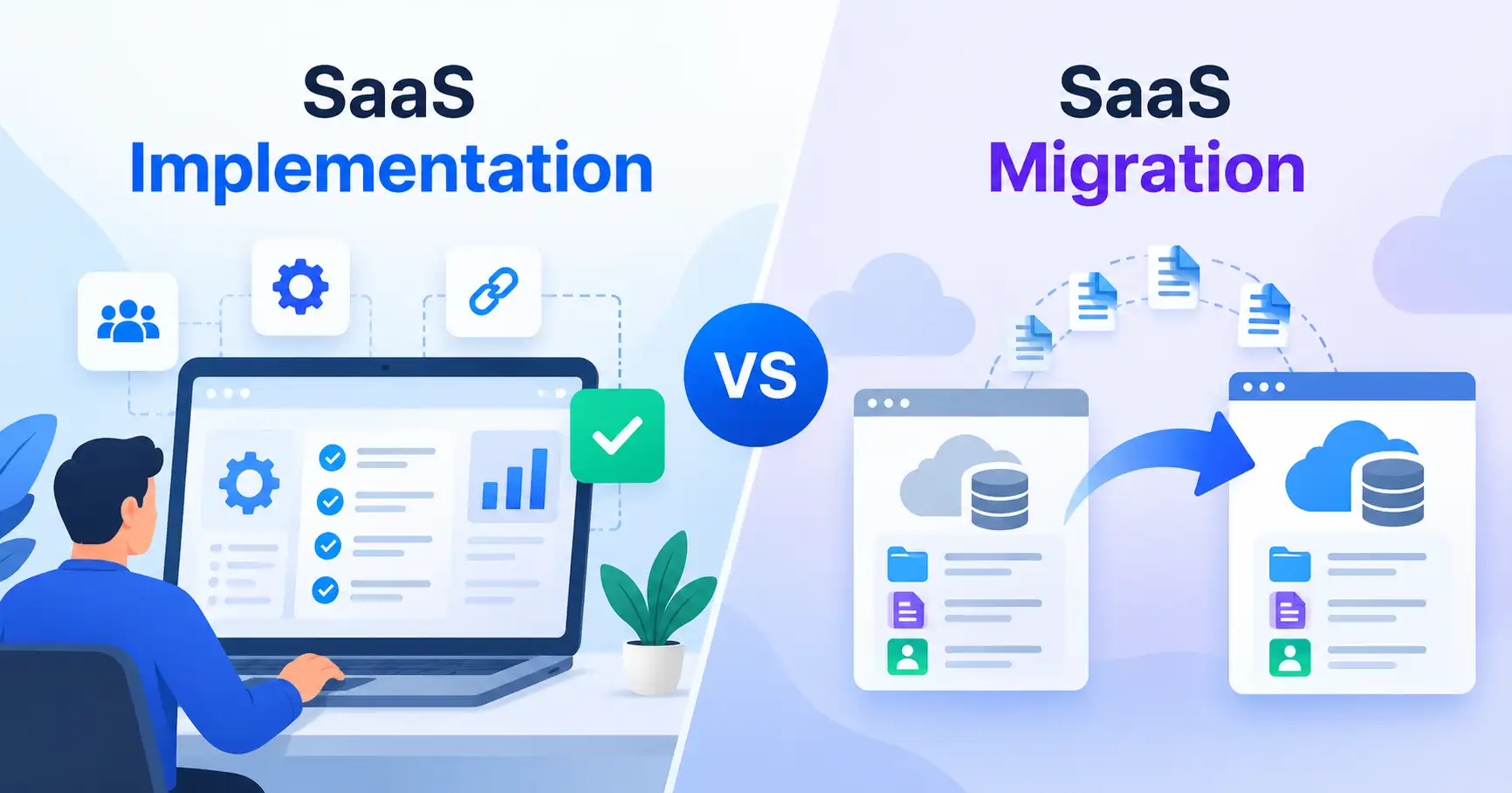
Businesses often face a choice between implementing new software and migrating from an existing platform. Understanding the difference between SaaS implementation vs migration helps teams plan the transition, allocate resources, and avoid unnecessary disruption.
Although the two processes can overlap, they serve different purposes. SaaS implementation prepares an application for business use, while SaaS migration moves existing data, workflows, users, or services to another system or environment.
For SaaS founders, startup owners, and operations teams, knowing which approach they need makes it easier to set priorities and plan a successful software transition.
What Is SaaS Implementation?
SaaS implementation involves configuring, integrating, testing, and deploying a Software as a Service (SaaS) application to meet a company’s business requirements.
Creating an account is only the starting point. Teams may also need to configure settings, assign user permissions, connect existing tools, establish workflows, and train employees before the application is ready for daily use.
When do businesses need SaaS implementation?
Implementation is usually necessary when a business:
- Adopts a SaaS tool for the first time.
- Introduces new software to an existing team.
- Configures a platform to support new business processes.
- Expands software access across multiple departments.
- Automates tasks that were previously handled manually.
Example: A startup adopts a customer relationship management (CRM) platform for the first time. Its team sets up sales stages, creates user accounts, connects email, and configures lead assignment rules. The goal is to make the CRM ready for everyday use, so this is a SaaS implementation project.
A structured SaaS implementation plan helps teams define responsibilities, prepare integrations, and establish success criteria before launch.
What Is SaaS Migration?
SaaS migration involves moving data, applications, users, workflows, or other resources from an existing system to a different platform or environment.
This might mean switching from one SaaS provider to another, replacing an on premises application with a cloud service, or transferring workloads between cloud environments.
The scope depends on what the business needs to preserve and what it wants to change.
What does a SaaS migration involve?
Depending on the project, migration may include:
- Data transfer: Moving customer records, transaction histories, documents, or support tickets.
- Workflow changes: Recreating existing processes in the destination platform.
- User and permission migration: Maintaining appropriate access levels and role assignments.
- Integration updates: Reconnecting APIs, reporting systems, and other business applications.
- Validation and cutover: Verifying transferred information and moving users to the new environment.
Example: A company replaces its existing helpdesk software with another provider. It needs to transfer customer profiles, historical support tickets, and relevant automation rules while keeping support operations running. This is SaaS migration.
For a closer look at the data transfer process, see the SaaS data migration guide.
SaaS Implementation vs SaaS Migration: Key Differences
The distinction comes down to the primary objective. Implementation prepares software for business use migration moves existing resources to a new system or environment. A project may require either activity or both.
| Comparison factor | SaaS implementation | SaaS migration |
| Primary goal | Prepare software for business use | Move existing resources to a new destination |
| Starting point | A new tool or deployment requirement | An existing system or environment |
| Main activities | Configuration, integration, testing, training | Data transfer, mapping, validation, cutover |
| Data requirements | Data may be created from scratch or imported | Existing data often needs to be transferred or reconciled |
| Main risks | Poor configuration, low adoption, broken workflows | Data loss, compatibility issues, downtime |
| Success measures | Adoption, workflow readiness, business requirements met | Data accuracy, continuity, successful transfer |
| Typical example | Setting up a new project management platform | Moving projects and task histories to another platform |
Which process is more complex?
Neither process is automatically more complex. Implementation can require substantial effort when a platform needs extensive configuration, multiple integrations, or significant changes to existing business processes. Migration can be more demanding when source data is inconsistent, the destination uses a different data structure, or downtime is difficult to accommodate.
The scope matters more than the label. Moving a small contact list may be relatively straightforward, while implementing an enterprise wide platform with multiple integrations can involve considerable planning.
For additional context on cloud migration approaches, AWS Prescriptive Guidance on migration strategies explains different ways to move applications and workloads.
Can SaaS Implementation and Migration Happen Together?
Yes. When a business replaces an existing platform, implementation and migration are often closely connected parts of the same project.
Consider a growing company that wants to replace its CRM. The team must configure the new platform, transfer customer records, recreate sales workflows, connect email, and train sales representatives.
Each activity serves a different purpose:
- Migration: Transfers customer records, notes, and relevant historical information from the old CRM.
- Implementation: Configures sales pipelines, user permissions, integrations, and reporting in the new CRM.
Managing these as separate but coordinated workstreams clarifies responsibilities and helps teams identify dependencies.
For example, the migration team needs an agreed data structure before importing records. At the same time, the implementation team must configure the destination fields and permissions correctly. Without coordination, records could end up in the wrong fields or employees could lose access to information they need.
The better approach is to plan the transition as one project while tracking implementation and migration milestones separately.
How to Choose the Right Approach
Before setting a timeline or committing resources, work through these five steps.
Step 1: Define the business objective
Start with the problem you’re trying to solve. Are you introducing a capability for the first time, improving an existing deployment, or replacing a system that no longer meets your needs?
Your answer helps determine whether the project requires implementation, migration, or both.
Step 2: Identify what needs to be preserved
List the information and processes the business cannot afford to lose. These might include customer records, transaction histories, active projects, permissions, integrations, and audit records.
Not everything needs to move. Review outdated, duplicate, unnecessary, or legally restricted data before finalizing the migration scope.
Step 3: Evaluate the destination platform
Confirm that the new SaaS product supports your required workflows, integrations, access controls, and reporting.
Document differences between the old and new systems. Copying an existing setup directly may not work if the destination organizes information differently.
Step 4: Plan testing and the transition
Decide how you’ll verify configuration, data accuracy, integrations, and user access. Assign responsibility for approving the results, determine when users will switch over, and establish how the team will respond if something goes wrong.
Where possible, test with representative data before transferring everything. Maintain a rollback or recovery plan that reflects the system and its business risks.
Step 5: Measure success after launch
Choose metrics that reflect the project’s objectives.
- For implementation: Track user adoption, workflow completion, integration reliability, and whether business requirements have been met.
- For migration: Track data accuracy, completeness, successful reconciliation, and continuity of critical operations.
If the project includes both, measure both sets of outcomes. Transferring data successfully is only part of the job if employees still struggle to use the new platform.
Common Mistakes to Avoid
Even well planned software transitions can run into problems when teams overlook important details.
- Treating migration as a simple data export: Different platforms may use different fields, relationships, and formats. Map and validate data before transferring it.
- Ignoring integrations: An application may work properly on its own but fail to exchange information with other business systems. Test critical connections before launch.
- Moving everything without reviewing it: Unnecessary records increase migration effort and may carry outdated information into the new platform.
- Skipping user preparation: Employees need to understand changes to workflows, permissions, and daily processes. A suitable SaaS user adoption approach can help prepare teams for the transition.
- Launching without a recovery plan: Decide how to handle failed imports, unexpected errors, and critical issues after cutover. Keep the old system available until essential data and operations have been verified, where practical.
The priority is to plan for the entire business transition, not just the software setup or data transfer.
FAQ’s
1. Is SaaS implementation the same as SaaS migration?
No. SaaS implementation prepares software for business use through configuration, integration, testing, and training. SaaS migration moves existing data, applications, or other resources to a new system or environment. A single project may require both.
2. Is data migration part of SaaS implementation?
It can be. When implementing a new SaaS platform, a business may need to import existing data. However, implementation doesn’t always require migration, particularly when the company is adopting its first tool or starting with a clean environment.
3. Can you implement SaaS without migrating data?
Yes. A business can configure a new application, create user accounts, establish workflows, and connect integrations without transferring data from an older system. Whether this makes sense depends on historical reporting needs, compliance obligations, and operational requirements.
4. Which is more expensive: SaaS implementation or migration?
There is no universal answer. Costs depend on project scope, data quality, integration requirements, licensing, specialist support, and internal resources. When both activities are involved, estimate their costs separately before evaluating the overall transition budget.
Conclusion
SaaS implementation and SaaS migration serve different purposes, but businesses often need both when replacing or expanding their software systems.
Implementation gets a platform ready for everyday use. Migration moves the data, workflows, and other resources the business needs to preserve. Understanding the distinction helps teams plan more effectively, manage risks, and define meaningful success criteria.
Before starting a software project, clarify the business objective, identify what needs to move, assess the destination platform, and establish testing and success criteria. With those decisions made early, choosing the right approach becomes much easier.