

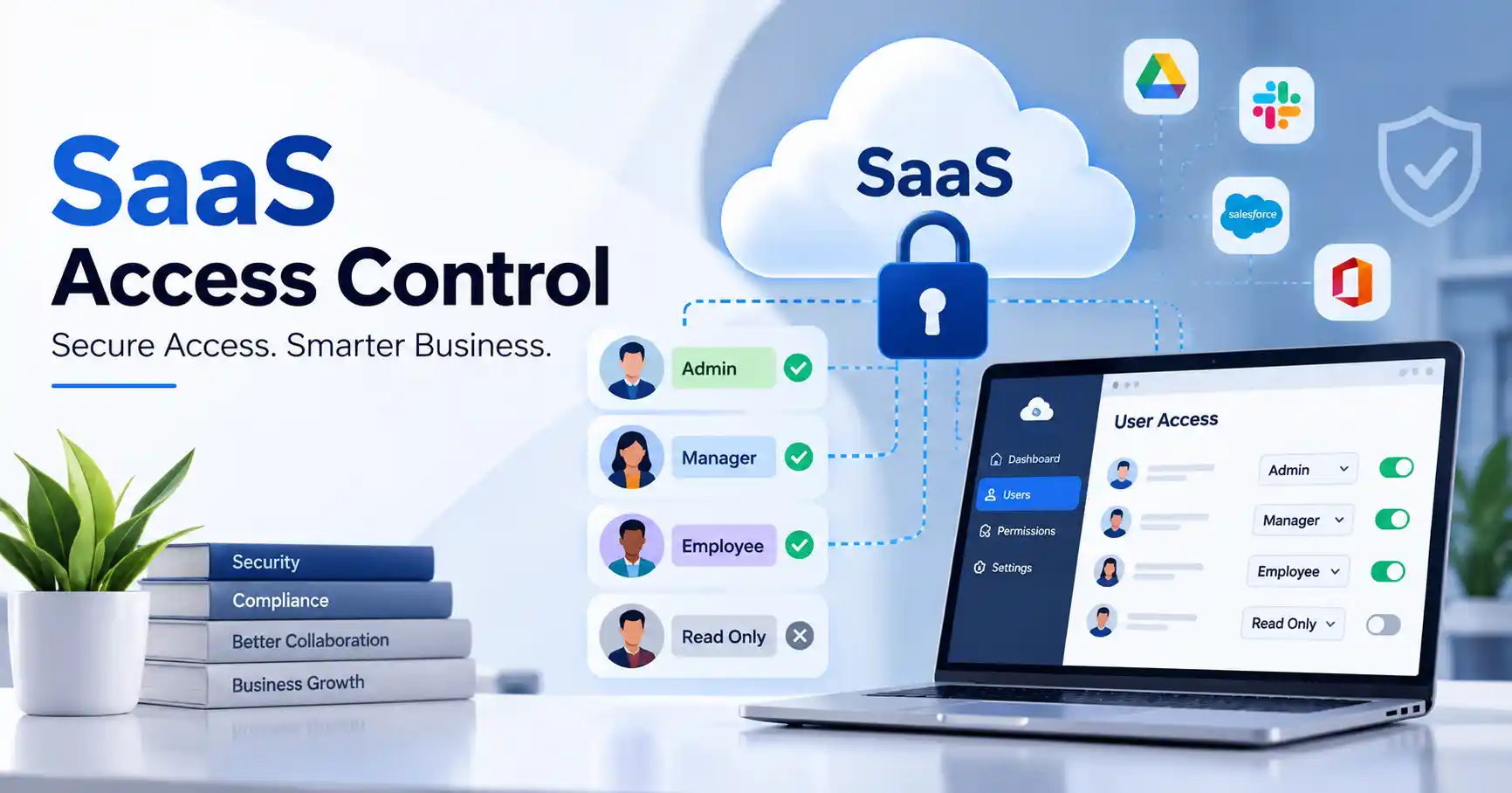
SaaS access control governs application entry, internal boundaries, and user capabilities. Without it, companies drown in forgotten permissions, ghostly accounts, and terrifying security holes, Honestly, it is a mess. A robust framework ties together user roles, precise privileges, airtight authentication, and constant audits, forming a web that stops unauthorized intruders in their tracks. This complete guide breaks down the core mechanics, practical setup steps, common pitfalls to dodge. And the right tools for the job. Mastering this keeps your data locked down tight.
Table of Contents
- What is SaaS Access Control
- Why SaaS Access Control is Important
- Step by Step Guide
- Best Practices and Tips
- Common Mistakes
- SaaS Access Control Tools
- FAQs
- Conclusion
What is SaaS Access Control
SaaS access control is essentially a security framework governing who enters your cloud software. It handles authentication, sure, but it also dictates what users can actually touch once they are inside the system.
Imagine a firm utilizing a typical customer relationship platform. Sales reps constantly pull up client profiles, whereas finance personnel only require billing logs. Administrators hold the ultimate master keys for user provisioning. Good access routing ensures employees land precisely where they belong, and nowhere else.
Standard mechanisms span role based restrictions, attribute logic, single sign on portals, multi factor challenges, and granular permission tuning.
For modern enterprises juggling dozens of distinct cloud subscriptions, this vital layer must integrate tightly into a SaaS security.
Why SaaS Access Control is Important
Smart access control tames corporate threats, quietly smoothing out daily software operations with zero friction.
Key benefits include:
- It stops unauthorized entry cold.
- By strictly limiting access to pre approved personnel using core least privilege principles, employees receive only the precise tools required for their daily tasks.
- Onboarding flows seamlessly.
- Organizations effortlessly clear compliance hurdles while gaining complete visibility into every single interaction with sensitive corporate assets.
Bad access control can really mess things up, even if an app’s security is otherwise solid. Say an employee switches teams. If no one updates their account, they still have old permissions. That’s a problem.
Step by Step Guide
Step 1: Identify Users and SaaS Applications
List every SaaS app you own right now. Who touches what? Think accounting tools, CRM systems, project management software, cloud storage, and communication apps, Map out each user, their department, and their daily business function. A marketing staffer needs analytics and ad networks, sure, but payroll systems? Absolutely not. This exhaustive inventory hands you a solid baseline to finally build a real, functional SaaS access management process that stops leaks cold.
Step 2: Define Roles and Permissions
Build roles around actual job duties instead of what people happen to want, Standard SaaS setups usually include admin, manager, employee, contractor, and read only tiers. You need clear documentation for every single permission.
Take a support manager. They can handle customer tickets, sure, but billing settings? Off limits.
That is why role based access control matters. It keeps permissions sane as your company gets bigger.
Step 3: Implement Strong Authentication
Access control only works if you actually know who is knocking at the door. Use heavy duty authentication wherever you can, like multi factor setups or single sign on. Weak passwords and recycling old ones? Put a stop to that. Big companies usually lean on a dedicated identity provider to wrangle logins across a dozen different cloud apps at once. When in doubt, NIST Digital Identity Guidelines to help map out your entire identity strategy.
Step 4: Automate Onboarding and Offboarding
Manual access management becomes difficult as employee numbers increase.
Link your identity provider directly to SaaS tools SaaS integration strategy . When new hires arrive, their accounts and exact permissions provision themselves instantly. Pure magic.When someone leaves, their access can be removed quickly.
For example, an employee leaving the finance department should lose access to financial SaaS applications as part of the offboarding process rather than days later.
Automation also reduces the chance of forgotten accounts becoming security weaknesses.
Step 5: Review and Audit Access Regularly
Access control isn’t a set it and forget it deal. You need to audit permissions often, Spot dead accounts, bloated privileges, shared logins, and weird access habits. High risk apps, Check those even more. Keep solid audit logs of big access events. Think account creations, permission shifts, failed log in tries, and deletions. Also, the Cybersecurity and Infrastructure Security Agency puts out solid identity and access guidance. Organizations use it to tighten up security.
Best Practices and Tips
- Follow least privilege. Give users only the permissions required for their current responsibilities.
- Use role based access control. Standardized roles are easier to maintain than manually assigning permissions to every employee.
- Enable multi factor authentication. This adds another verification layer if a password is compromised.
- Remove inactive accounts quickly. Former employees and unused accounts should not retain unnecessary access.
- Separate administrator accounts. Privileged activities should not always be performed through everyday user accounts.
- Review permissions regularly. Schedule periodic access reviews for critical SaaS applications.
- Monitor privileged activity. Pay particular attention to changes involving administrators, security settings, and sensitive data.
Common Mistakes
Giving Everyone Administrator Access
Administrator privileges should be limited to people who genuinely need them. Excessive administrative access increases the potential impact of compromised accounts.
Keeping Former Employee Accounts Active
Shut down stale accounts immediately, Leaving forgotten credentials active invites absolute disaster. Why risk such exposure when security matters most?
Creating Too Many Custom Permissions
Customized permissions get confusing fast. Stick to basic roles first. Only add more complicated stuff when you really, truly need it.
Ignoring Contractors and Temporary Users
External users often receive access for specific projects but may be forgotten later. Set expiration dates or review their access when the project ends.
Failing to Review Permissions
Permissions get messy fast, A person switches roles, and their access becomes a jumbled mess. Auditing them often is key. Is it still what the business actually requires today?
SaaS Access Control Tools
Companies vary wildly they demand unique configurations. Consider SaaS, team size, and security imperatives.
| Tool or Platform | Main Use | Suitable For | Key Capability |
| Okta | Identity management | Medium and large businesses | SSO and lifecycle management |
| Microsoft Entra ID | Identity and access management | Microsoft focused organizations | Authentication and application access |
| JumpCloud | Identity and device management | Growing businesses | Directory, SSO, and device management |
| OneLogin | Workforce identity | Businesses using multiple SaaS applications | SSO and user provisioning |
| Auth0 | Application authentication | SaaS product teams | Customer identity and authentication |
Selecting the ideal tool hinges on your exact needs. SaaS provisioning, customer auth, or central control? Workforce identity always drives it.
When companies look at SaaS apps in a wider way, a clear integration plan can also link identity and access steps to the systems they already run.
FAQ’s
What is SaaS access control?
SaaS access control decides who gets inside a cloud app. It dictates permissions post login. Roles run the whole show, while activity logging watches every single sign in closely. You cannot skip this stuff. It’s vital.
What is role based access control in SaaS?
Role based access control assigns permissions according to predefined roles. Instead of managing permissions for every individual, administrators can assign users to appropriate roles.
Why is least privilege important?
Least privilege restricts accounts to vital access alone. When a breach happens, those stripped permissions quietly stop the damage from spreading. That is containment.
Is single sign on the same as access control?
Single sign on destroys password fatigue instantly. People bounce through countless apps using one credential, while access control quietly takes the wheel, dictating precisely what those newly verified individuals are allowed to touch.
How often should SaaS permissions be reviewed?
Review critical apps often. How often exactly, Well, that depends on the risk and what your company needs. Plus, check access whenever someone switches roles or quits.
Conclusion
SaaS access control gives companies a clear way to handle user identities, permissions, and app access. What works best? A mix of least privilege, role based permissions, strong authentication, automated onboarding and offboarding, plus regular access reviews. Seriously.
First, take inventory of your SaaS apps and see who is actually inside them. Next up: define practical roles, strip away junk privileges, crank up authentication security, and set up a routine review schedule. When your software stack expands unpredictably, automation keeps the whole thing from falling apart.