

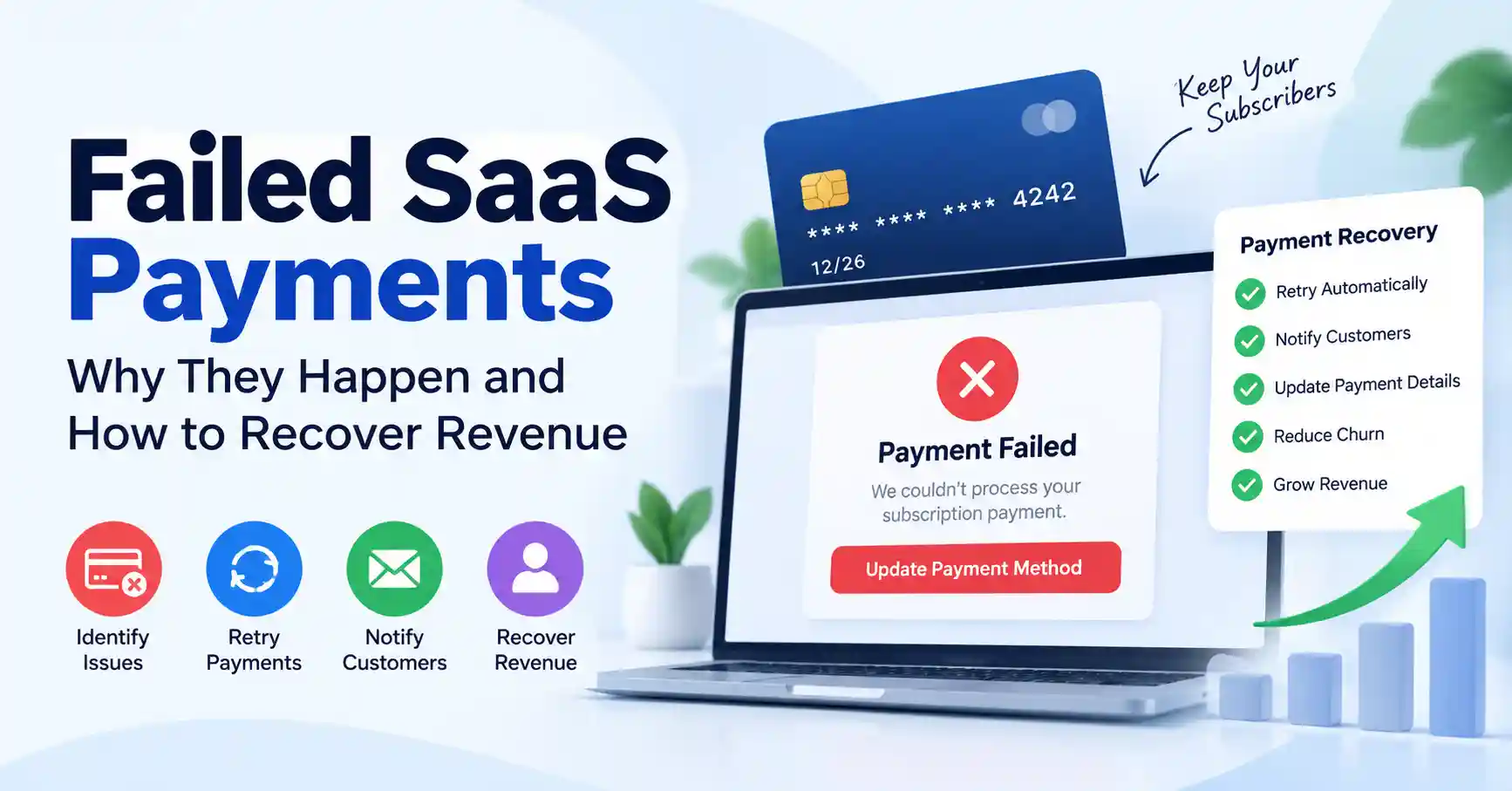
Subscription businesses often see failed SaaS payments. A charge may fail for many small reasons. The card might be expired. There may not be enough money in the account. The bank could block the transfer. The customer might not pass an auth check. Sometimes the billing details are just wrong.
What hurts more than the one failed payment is what happens next. The monthly or yearly revenue can stop. The customer bond can weaken too. That is where the real work lies.
In this guide, you will look at why SaaS payments fail. You will also learn how to fix a failed transaction. Finally, you will see how to set up a payment recovery flow that stays steady over time..
Table of Contents
- What are failed SaaS payments
- Why failed SaaS payments are important
- Step by step guide to recovering failed payments
- Best practices and tips
- Common mistakes
- Tools for payment recovery
- FAQs
- Conclusion
What are failed SaaS payments
A SaaS bill can fail when a person cannot pay for a subscription item. This can be a new plan, a renewal, an upgrade, or any repeat charge. In these cases, the payment service or the bank rejects the attempt, and the SaaS firm does not get the money it expected.
Say a customer pays 49 dollars each month. Their card expires right before the next renewal date. When the billing system tries to run the charge, the payment does not go through. If nothing else happens, the customer may lose access over time or they might cancel the plan.
A failed charge does not always mean the customer is ready to leave. Sometimes the problem is short lived. It can be fixed with retry jobs, clear alerts to the customer, and new or corrected payment details.
Related terms include SaaS payment recovery, subscription payment failures, recurring payment failures, and failed payment automation.
Why failed SaaS payments are important
Failed payments can have a direct impact on SaaS revenue and customer retention.
They matter because they can:
- When a successful subscription is not paid later, lower the monthly recurring revenue.
- When payments are not recovered, more customers end their service without choosing to.
- Create unnecessary support requests when customers do not understand why access changed.
- Distort revenue forecasting if failed renewals are not tracked properly.
- Damage the customer experience when payment problems are handled poorly.
A SaaS firm with lots of users can still lose important money over small billing problems. Recovering an existing customer payment is often easier than acquiring a completely new customer.
For a broader view of SaaS growth and automation, explore the SaaS marketing automation platform.
Step by Step Guide to Recovering Failed SaaS Payments
Step 1: Identify why the payment failed
Start by understanding the reason for the decline. Payment processors usually provide a decline code or failure reason.
Common causes include:
- Expired or replaced cards
- Insufficient funds
- Incorrect card information
- Bank declines
- Fraud prevention checks
- Strong customer authentication requirements
- Temporary processor or network problems
For example, an insufficient funds failure may resolve when the customer receives their salary or transfers money into their account. An expired card, however, usually requires the customer to provide new payment information.
Do not treat every failed transaction the same way. The recovery action should match the failure reason.
Step 2: Retry temporary failures automatically
Some payment failures are temporary. Instead of immediately canceling the subscription, use a smart retry strategy.
For example, a SaaS company might attempt another charge after one day, then several days later, followed by another attempt before the subscription is suspended.
Your retry timing should follow your payment provider, how you bill customers, and your setup. Do not keep trying too fast. If payments fail again and again, people get upset.
A solid SaaS billing flow should save each retry. It should also make it easy to see if the payment was later recovered.
Step 3: Notify customers quickly
Tell customers right away if a payment did not go through. Write a short email that explains the result and the next step.
Use plain language. Do not mention a decline code. Say that the latest subscription payment could not be processed. Then ask the customer to update billing details using a safe link or form.
Example text:
Hi Customer Name, We could not process your latest subscription payment.To keep your account active, please update your payment method as soon as you can.
Make sure the email includes the customer name, the subscription name or plan, the payment problem, any deadline for the update, and a direct action the customer can take to update their billing.
Step 4: Give customers an easy way to update payment details
Getting payments back on track is tougher when people must reach support just to change a card. A secure billing portal lets customers update their card, billing address, or other payment details on their own.
Say a customer gets a failed payment notice at 10 AM. They can open the billing link, update the card, and finish the payment in minutes. This cuts down delays and can ease the burden on your support team.
You can also read more about SaaS billing automation to see how billing workflows can reduce manual payment work.
Step 5: Measure recovery and improve the process
Payment recovery should be treated as an ongoing optimization process.
Track metrics such as:
- Number of failed payments
- Failure rate
- Recovery rate
- Revenue recovered
- Average recovery time
- Involuntary churn
- Payment failure reasons
Suppose 1,000 renewal payments are attempted and 60 fail. If 40 are recovered through retries and customer updates, your recovery process saved revenue that might otherwise have been lost.
Review these numbers regularly. If expired cards are responsible for most failures, improve card update reminders. If authentication problems are common, review the checkout and payment authentication experience.
Best Practices and Tips
- Use automated payment retries for failures that are likely to be temporary.
- Send payment failure notifications quickly rather than waiting several days.
- Give customers a direct and secure link to update their payment method.
- Segment payment failures by reason so recovery messages can be more relevant.
- Use a grace period when appropriate instead of immediately canceling subscriptions.
- Track recovered revenue separately from normal subscription revenue.
- Test payment recovery emails regularly to improve open rates and completion rates.
One important principle is to avoid making payment recovery feel like a collections process. A customer may simply have an expired card or a temporary bank issue.
Common Mistakes
Canceling subscriptions immediately
Canceling an account right after one failed payment can push customers away too fast. Sometimes those payment errors clear up on a second attempt.
Sending too many payment emails
Multiple messages in a short period can annoy customers. Create a clear communication sequence instead.
Making customers contact support
For straightforward billing issues, customers should be able to update their payment information without opening a support ticket.
Ignoring failure reasons
Treating every decline as identical makes recovery less effective. Use the available transaction information to determine the appropriate action.
Measuring only failed payments
The failure rate is useful, but recovery rate and recovered revenue tell you whether your billing process is actually working.
Tools for SaaS Payment Recovery
Several payment platforms provide features that can help SaaS companies manage recurring billing and failed payments.
| Tool | Best for | Useful capability | Example use |
| Stripe Billing | Subscription businesses | Automated retries and billing management | Recover failed renewals |
| Paddle | SaaS and digital products | Subscription billing and payment management | Manage international subscriptions |
| Chargebee | Recurring revenue businesses | Dunning and subscription management | Automate payment recovery |
| Recurly | Subscription companies | Revenue recovery workflows | Manage failed recurring payments |
| GoCardless | Bank payment collection | Direct debit and recurring payments | Collect subscription payments |
The key takeaway is that the right tool should reduce manual recovery work while giving customers a simple path to resolve payment problems.
For payment processing documentation, see the Stripe Billing documentation and Chargebee documentation.
FAQ’s
What causes failed SaaS payments?
Common causes include expired cards, insufficient funds, incorrect billing information, bank declines, authentication problems, and temporary payment network issues.
How long should a SaaS company retry a failed payment?
There is no universal retry period. The appropriate schedule depends on the payment provider, subscription cycle, failure reason, and customer experience. Many SaaS businesses use several attempts across a defined grace period.
Should a SaaS company cancel an account after one failed payment?
Many companies let the customer try to fix the issue on their own first. If there is a short grace window, plus automatic retry attempts and status alerts, fewer people will leave.
How can SaaS companies reduce payment failures?
Use accurate billing information, automated retries, payment method update tools, clear customer notifications, and monitoring of payment failure patterns.
What is payment recovery?
Payment recovery is the process of recovering revenue from unsuccessful subscription transactions through retries, customer communication, payment method updates, and automated billing workflows.
Conclusion
Failed SaaS payments don’t automatically spell lost revenue or gone customers. Lots of these stumbles come from temporary glitches, Fixable ones, provided you have a decent recovery setup ready to go.
Start by digging into why payments tank. Automate your retry attempts, ping the customer fast, give them a dead simple way to update their card, and keep an eye on your recovery metrics. Stick with it. Down the road, you will slash involuntary churn and watch your recurring revenue steady right out.
Your homework: pull the logs for your failed subscription payments over the last ninety days. Find the top three culprits. Build your recovery process around fixing those specific headaches instead of treating every single drop like it’s identical.