

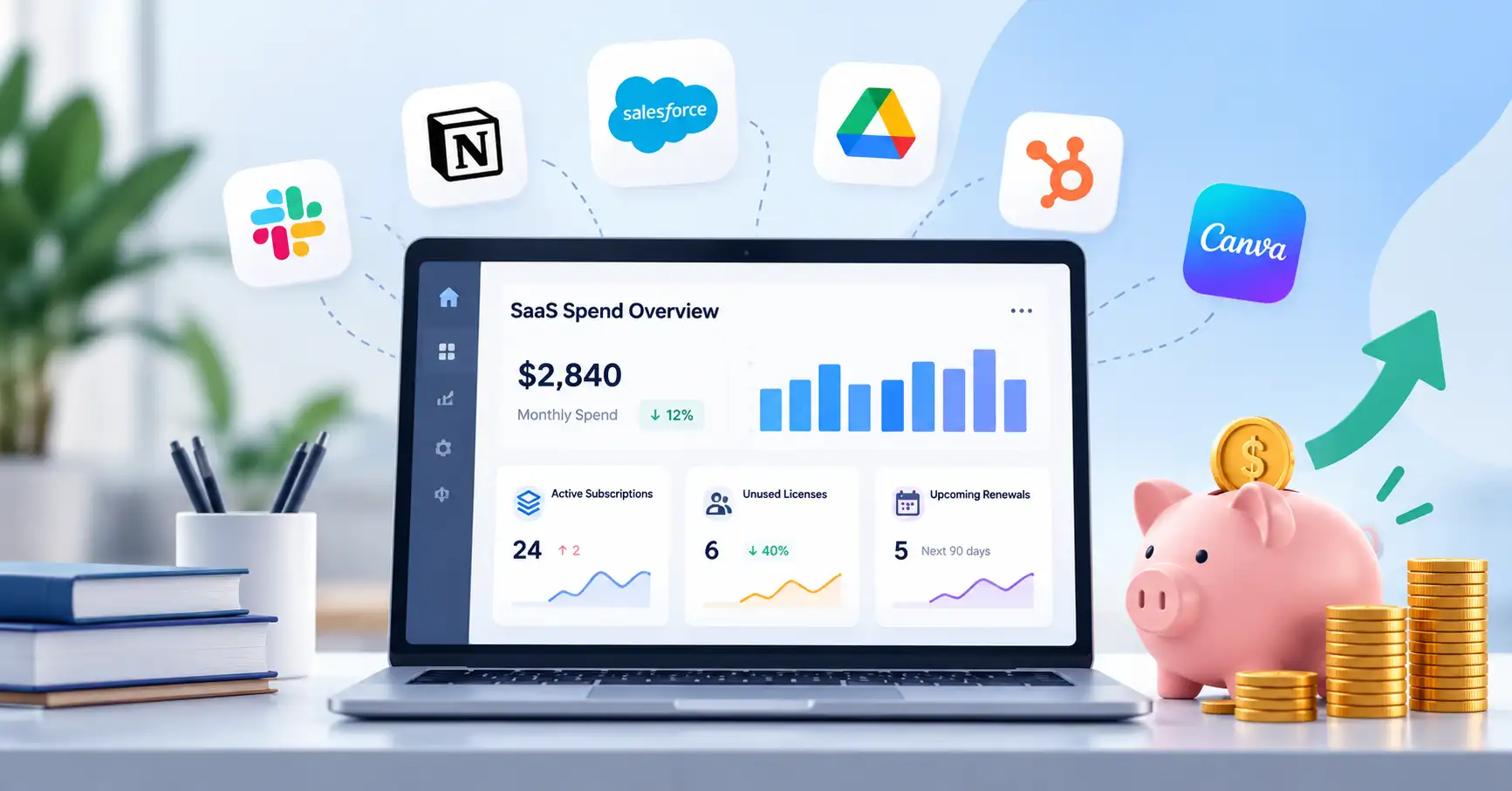
Software subscriptions can add up quickly. A startup might pay for a CRM, an email marketing platform, project management software, analytics tools, and several AI applications. As teams sign up for more services, keeping track of what the business actually uses and whether each subscription is worth the cost becomes increasingly difficult.
SaaS spend management gives businesses a way to monitor software expenses, spot unnecessary costs, and make smarter purchasing decisions. The aim isn’t to cut subscriptions indiscriminately. It’s to control spending while retaining the tools that support essential workflows and business growth.
This guide covers practical ways to audit subscriptions, optimize software spending, and establish a cost control process for small businesses and growing companies.
What Is SaaS Spend Management?
SaaS spend management involves tracking, reviewing, and optimizing the money a business spends on software as a service subscriptions. It includes recurring payments, license usage, pricing plans, contracts, renewals, and usage based charges.
For example, a marketing team might pay for two platforms with similar email automation features. Comparing how each tool is used could reveal an opportunity to consolidate subscriptions without disrupting existing campaigns.
SaaS spend management is closely related to two other business activities, but each has a different focus:
- SaaS procurement covers evaluating, approving, and purchasing software.
- SaaS vendor management focuses on vendor relationships, performance, contracts, and risk.
- SaaS spend management concentrates on software expenditure and the value the business gets in return.
These processes complement one another, but spend management puts financial visibility and cost optimization first.
Why SaaS Software Costs Are Difficult to Control
Several issues can make software expenses harder to manage than they initially appear.
- Unused licenses: Businesses continue paying for accounts that employees no longer need.
- Overlapping tools: Different departments purchase software with similar capabilities.
- Automatic renewals: Contracts renew before anyone checks whether the subscription still makes sense.
- Fragmented ownership: Finance handles payments, IT manages access, and individual teams understand how the software is used. Without coordination, nobody has the complete picture.
- Variable usage charges: AI APIs, cloud services, and consumption based plans can produce fluctuating bills.
Each expense might seem reasonable on its own. The problem emerges when subscriptions accumulate across departments and billing cycles.
How to Control SaaS Spending in 7 Steps
1. Build a Complete Software Inventory
Start by identifying every subscription the business pays for. Check company card statements, invoices, expense reports, accounting records, and available application directories.
A simple spreadsheet can bring the essential information together.
| Field | What to record |
| Software and vendor | Product name and provider |
| Business owner | Person responsible for the subscription |
| Monthly cost | Monthly equivalent of the recurring fee |
| License usage | Purchased seats and active users |
| Renewal date | Contract end date and cancellation notice period |
| Business purpose | Problem the software solves |
| Status | Keep, review, consolidate, or cancel |
For annual subscriptions, calculate the monthly equivalent to make budgeting easier. Keep the actual billing dates in the inventory too, so large annual payments don’t catch the finance team off guard.
If a department purchased a tool independently, find out who uses it and whether it contains business data before making changes.
2. Audit License Usage
Compare the number of licenses purchased with the number of people who currently need them.
Imagine a company paying for 30 seats in a project management platform when only 22 employees require access. The remaining eight seats are worth investigating, but they shouldn’t be removed without checking first.
Some licenses may be reserved for contractors, seasonal work, or upcoming hires. Confirm the actual requirement with the application owner before reducing the seat count.
One useful metric is the unused seat rate:
Unused seat rate = (Purchased seats − Required active seats) ÷ Purchased seats × 100
In this example, if all eight seats are confirmed unnecessary, the potential reduction is approximately 26.7% of purchased seats. The actual financial savings depend on the vendor’s pricing model and whether the contract permits a reduction.
3. Identify Duplicate and Overlapping Tools
Group applications by function, such as CRM, collaboration, analytics, design, customer support, and AI content creation.
Then compare what each tool actually does. Two products might offer similar features while serving different business needs, so overlapping functionality doesn’t automatically justify cancellation.
For instance, a marketing team might use one platform for email campaigns and another for customer segmentation. Consolidating them could make sense if the remaining platform handles both requirements without significant migration costs or the loss of essential features.
Before cancelling anything, check integrations, data export options, user permissions, and dependencies. The lowest subscription price doesn’t always translate into the lowest overall cost.
4. Optimize Pricing Plans and Renewals
Review each subscription to determine whether its current plan still fits the business.
Look for premium features that go unused, excess seats, annual plans that no longer offer sufficient value, and opportunities to negotiate pricing or compare alternatives. Check renewal terms and cancellation notice periods before making a decision.
Annual billing may reduce the effective monthly price, but it also commits cash upfront. Monthly billing offers more flexibility, which can be useful when a startup’s needs change frequently.
Start reviewing contracts well before renewal dates. That leaves time to negotiate, compare providers, or plan a migration if switching becomes the better option.
For guidance on evaluating software and making informed purchasing decisions, see SaaSyntic’s SaaS procurement process guide.
5. Control New Software Purchases
Reducing existing expenses is only part of the job. Businesses also need to prevent unnecessary subscriptions from entering the budget.
Introduce a straightforward approval process for new software. Before approving a purchase, ask:
- Can an existing tool already meet this requirement?
- Does the expected benefit justify the subscription and implementation costs?
- Who will manage the tool, monitor usage, and review the renewal?
Keep the process proportionate to the purchase. A low cost tool for a small team might require only manager approval, while software that handles sensitive customer data may need additional IT and security checks.
6. Monitor AI and Usage Based Software Costs
AI applications can add complexity to software budgets. Some charge a fixed subscription fee, while others bill according to API calls, usage credits, processing volume, or premium features.
Track fixed fees separately from variable consumption costs. Where available, configure spending alerts, monitor usage trends, and investigate unexpected increases.
For example, a development team might find that an automated workflow repeatedly calls an AI API when one request would be sufficient. Improving the workflow could reduce consumption without requiring a provider change or limiting useful work.
7. Establish Regular Spend Reviews
Make software spending reviews part of the regular finance and operations routine. Check expenditure monthly and schedule deeper reviews before major renewals.
Look for unexpected cost increases, inactive licenses, upcoming contract deadlines, and spending that no longer aligns with the budget. Assign an owner and deadline to each follow up action so potential savings don’t get lost after the review.
The FinOps Foundation’s guidance on SaaS cost management also highlights the importance of centralized visibility, clear ownership, usage monitoring, and collaboration between finance, procurement, and technical teams.
SaaS Spend Management Tools vs. Spreadsheets
Dedicated software isn’t a requirement for getting started. The right approach depends on how many subscriptions you manage and how much visibility your current systems provide.
| Approach | Advantages | Limitations | Best suited for |
| Spreadsheet | Affordable and flexible | Requires manual updates and offers limited usage visibility | Small businesses with few subscriptions |
| Contract management software | Centralizes agreements and renewal dates | May lack detailed license analytics | Teams managing numerous vendor contracts |
| SaaS management platform | Can consolidate spending, application, and license information | Adds software costs and implementation effort | Businesses with complex software portfolios |
A spreadsheet is a reasonable starting point if someone can keep the records accurate. Dedicated software becomes worth considering when manual tracking is unreliable or managing subscriptions consumes too much time.
Before investing in another platform, check whether your existing accounting, identity management, or IT systems already provide the information you need.
SaaS Spend Management Metrics to Track
A small set of metrics can help you evaluate progress over time.
- Total SaaS spend: The amount spent on subscriptions during a defined period.
- License utilization rate: Assigned licenses divided by purchased licenses, multiplied by 100. Assignment alone doesn’t prove active or productive use, so review activity data alongside this metric.
- Cost per active user: Software expenditure divided by the number of relevant active users.
- Realized savings: Confirmed reductions in actual expenditure after changes take effect.
- Upcoming renewal exposure: The value of contracts approaching renewal, particularly those with advance cancellation requirements.
Track these figures consistently rather than relying on a single snapshot. The FinOps Foundation’s licensing and SaaS framework provides further guidance on utilization, contractual terms, and cost optimization.
FAQ’s
What is the main goal of SaaS spend management?
The goal is to understand software expenditure, eliminate unnecessary costs, and ensure subscriptions continue to deliver business value. It helps businesses make better purchasing and renewal decisions rather than simply cutting expenses.
How can small businesses reduce SaaS costs?
Start with a complete subscription inventory, review license usage, identify overlapping tools, and examine upcoming renewals. A spreadsheet and clear ownership rules are often enough to establish an initial process.
How often should businesses audit SaaS spending?
Review spending and unexpected charges monthly. Conduct more detailed license and contract reviews quarterly or before major renewals, depending on the size and complexity of the software portfolio.
When should a company invest in SaaS spend management software?
Consider dedicated software when subscriptions are difficult to track manually, ownership is fragmented, or license and renewal reviews take too much time. Weigh the expected benefits against licensing, implementation, and maintenance costs.
Conclusion
Effective SaaS spend management starts with visibility. When you know what the business pays for, who uses each tool, and when contracts renew, you can make more informed decisions about what to retain, optimize, consolidate, or cancel.
Begin with a software inventory, investigate unused licenses, and review upcoming renewals. Then establish a regular review process and assign clear ownership to every subscription.
The goal isn’t to spend less on software at any cost. It’s to get more business value from every software dollar while keeping unnecessary expenses under control.