

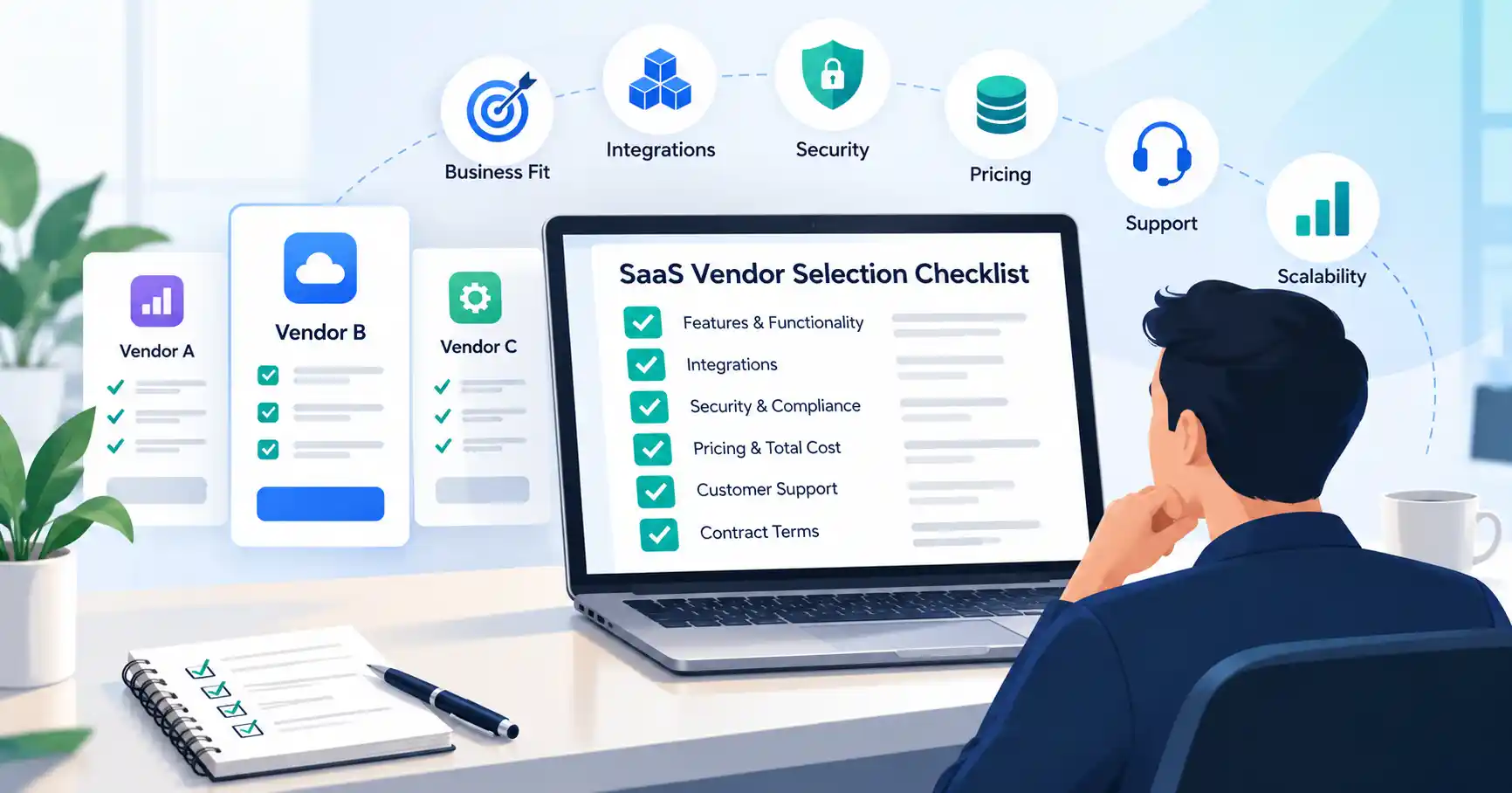
Choosing a SaaS product takes more than comparing features and subscription fees. Your choice can influence team productivity, data security, operating costs, and how easily your business can grow.
A product might look ideal during a demo, only to become expensive once you factor in integrations, onboarding, premium support, and extra users. Another tool may have fewer features but fit your workflows better and cost less to maintain.
A SaaS vendor selection checklist gives you a consistent way to compare providers without relying solely on sales pitches or personal preferences. This guide covers 15 essential checks, along with a practical scoring method to help you make an informed decision.
What Is a SaaS Vendor Selection Checklist?
A SaaS vendor selection checklist is a structured set of requirements for evaluating software providers before purchasing a subscription.
It helps business owners, procurement teams, IT professionals, and department leaders determine whether a product meets their needs, fits their budget, and presents an acceptable level of risk.
Rather than focusing only on features, a comprehensive checklist considers the entire buying decision, from implementation and security to vendor reliability, contract terms, and the process of leaving the platform.
For a broader framework, explore our guide to SaaS vendor evaluation.
SaaS Vendor Selection Checklist: 15 Things to Check
Use these 15 criteria to assess each shortlisted provider. Apply the same questions to every vendor and request supporting evidence wherever possible.
1. Business Goals and Requirements
Start by identifying the problem you need to solve. Document the workflows the software must support and the results you expect to achieve.
For example, a sales team evaluating a CRM might need centralized lead tracking, automated follow ups, and a clear view of its sales pipeline.
Check: Does the product address a specific business problem, and can you measure its expected impact?
2. Essential Features and Functionality
Separate must have features from nice to have options. This keeps your team focused on its actual requirements instead of getting distracted by an impressive product demonstration.
Prepare a requirements list and ask each vendor to demonstrate essential capabilities through realistic business scenarios.
Check: Can the software support your critical workflows without costly workarounds or additional tools?
3. Integrations and API Compatibility
Most SaaS products need to exchange data with other systems, such as your CRM, accounting platform, analytics tools, or internal applications.
Find out whether the integrations you need are built in, available through third party connectors, or require custom API development.
Check: Are the necessary integrations available, supported, and affordable to maintain?
4. Security and Compliance
Examine how the vendor protects information, controls access, handles incidents, and maintains its security measures. Request relevant evidence, including independent audit reports or security documentation.
Your compliance requirements will depend on your industry, location, customers, and the data you process. A certification can provide useful assurance, but it doesn’t automatically mean every requirement is covered.
For a more detailed review, consult our SaaS vendor security assessment guide.
Check: Can the vendor demonstrate security controls that match your risk profile and compliance requirements?
5. Data Privacy and Ownership
Understand how your business and customer data will be handled once it enters the platform.
Ask where the data is stored, which subprocessors can access it, how long it is retained, and whether the vendor uses it to train AI models. When evaluating AI tools, clarify whether your inputs and outputs may be used for training and which controls are available.
Check: Are data ownership, permitted uses, retention periods, and deletion procedures clearly documented?
6. Reliability and Service Availability
Downtime can interrupt sales, customer support, marketing campaigns, and financial operations. Assess whether the vendor can provide the level of reliability your business requires.
Review the service level agreement (SLA), available incident history, backup practices, disaster recovery arrangements, and service credits. Pay attention to how uptime is measured, which exclusions apply, and what happens when commitments aren’t met.
Check: Are the vendor’s reliability commitments appropriate for the software’s importance to your business?
7. Scalability and Usage Limits
Your software requirements may change as you add employees, customers, records, transactions, or automation workflows.
Check user limits, API quotas, storage allowances, rate limits, and the conditions that trigger an upgrade. Consider both your current needs and expected growth.
Check: Can the product scale with your business without forcing an expensive or disruptive migration?
8. Usability and Adoption
Even a feature rich platform can disappoint if employees struggle to use it.
Arrange a trial with the people who will work with the software regularly. Rather than letting them explore the dashboard freely, ask them to complete everyday tasks and assess how easily they can get the job done.
Check: Can your team handle essential workflows without excessive training or manual effort?
9. Customer Support and Service Levels
Support quality becomes especially important when problems affect daily operations. Compare available support channels, operating hours, response commitments, escalation procedures, and premium support costs.
A small business using a noncritical scheduling tool may not need round the clock assistance. A company that relies on software for order processing may require faster response commitments.
Check: Does the support model align with your team’s working hours and operational needs?
10. Vendor Stability and Product Direction
Consider whether the provider can support the product throughout your expected contract period.
Review product updates, documentation, customer references, leadership communications, and how the vendor handles feature requests. With smaller providers, also consider how heavily your operations would depend on a single supplier.
Check: Is there enough evidence to support confidence in the vendor’s continued service and product development?
11. Subscription Pricing and Additional Charges
The advertised subscription price rarely tells the whole story. SaaS pricing may depend on user seats, usage, storage, API calls, automation runs, or access to specific features.
Request an itemized quote that explains what’s included, which usage limits apply, and what you’ll pay for overages or add ons.
Check: Can you estimate your actual costs at the level of usage you expect?
12. Total Cost of Ownership
Total cost of ownership (TCO) covers the expenses involved in implementing, operating, and maintaining software not just the subscription fee.
Account for:
- Subscription and usage charges
- Implementation and migration
- Integration development
- Employee training and administration
- Premium support and maintenance
- Expected renewal increases
Consider two providers. Vendor A charges ₹2,000 per month, while Vendor B charges ₹3,000. If Vendor A requires ₹30,000 in additional setup work and Vendor B includes setup, Vendor A may not be the cheaper option during the first year.
Check: Which vendor delivers the best overall value over your expected period of use?
13. Contract Terms and Renewal Conditions
Review the contract before making a commitment. Pay particular attention to minimum terms, automatic renewals, cancellation windows, price increases, service obligations, liability limits, and termination rights.
An attractive upfront discount may not justify a long term commitment if you have limited flexibility to exit later.
Check: Are the commercial terms clear, acceptable, and flexible enough for your business?
14. Data Portability and Exit Options
Plan for the possibility that you’ll eventually leave the platform. Your business might outgrow the product, switch providers, or need to reduce costs.
Ask which data formats are available for export, whether exports include attachments and historical records, how much migration assistance costs, and when retained data will be deleted after termination.
Check: Can you retrieve your information and move to another provider without unreasonable costs or disruption?
15. Implementation Readiness and Success Criteria
Before signing, establish who will lead implementation, which resources are required, and how you’ll measure success.
For a marketing platform, success criteria might include completing the CRM integration, tracking campaigns correctly, achieving team adoption, and reducing manual reporting.
Agree on responsibilities, dependencies, milestones, and acceptance criteria with the vendor before implementation begins.
Check: Is there a realistic implementation plan with clear ownership and measurable outcomes?
How to Compare SaaS Vendors Using a Scorecard
Once you’ve completed the checklist, use a weighted scorecard to compare shortlisted providers. It makes trade offs easier to explain and helps stakeholders understand why one vendor is a better fit than another.
Step 1: Set Evaluation Weights
Assign each criterion a weight based on its importance to your business. The following example illustrates a hypothetical CRM purchase. Adjust the weights to reflect your priorities.
| Evaluation criterion | Weight |
| Business fit and features | 25% |
| Security and privacy | 20% |
| Integrations | 15% |
| Total cost | 15% |
| Reliability and support | 10% |
| Usability and adoption | 10% |
| Exit flexibility | 5% |
| Total | 100% |
Step 2: Score Each Vendor
Rate each provider on a consistent scale from 1 to 5:
- 1: Does not meet requirements
- 2: Meets a few requirements
- 3: Meets core requirements
- 4: Meets requirements well
- 5: Exceeds requirements with supporting evidence
To calculate a weighted score, multiply the criterion’s weight by the vendor’s score divided by five. Add the results to get a final score out of 100.
For instance, a vendor scoring 4 out of 5 on a criterion weighted at 20% earns 16 points.
Step 3: Apply Mandatory Requirements
A strong overall score shouldn’t outweigh a critical failure. If a vendor can’t meet a mandatory privacy requirement, provide a required integration, or accept an essential contract condition, pause the evaluation or reject the option regardless of its total score.
Use the scorecard to inform your decision, not replace professional judgment.
Common SaaS Vendor Selection Mistakes
A checklist is only useful when the evaluation process is consistent and thorough. Watch out for these common mistakes:
- Choosing the lowest price: Compare total cost and business fit rather than focusing on the initial subscription.
- Overvaluing demonstrations: Validate important claims through trials, documentation, and realistic workflows.
- Leaving security until the end: Involve security and legal stakeholders early enough to identify potential blockers.
- Skipping reference checks: Ask existing customers about implementation, support quality, and recurring problems.
- Ignoring the exit plan: Review data export options and termination terms before signing.
- Using different criteria for each vendor: Apply the same scorecard to every shortlisted provider.
The depth of your review should match the level of risk. A low impact productivity tool may require only a lightweight assessment, while a platform handling sensitive customer or financial information deserves closer scrutiny.
The NIST Cybersecurity Supply Chain Risk Management Due Diligence Assessment Quick Start Guide offers a useful reference for evaluating technology suppliers.
FAQ’s
What should be included in a SaaS vendor selection checklist?
Cover business requirements, essential features, integrations, security, data privacy, reliability, scalability, usability, support, vendor stability, pricing, total cost of ownership, contract terms, data portability, and implementation readiness.
How many SaaS vendors should you compare?
There’s no fixed number. Start with a manageable shortlist of providers that meet your essential requirements. Evaluate them using the same criteria, then test the strongest candidates against realistic workflows.
What documents should you request from a SaaS vendor?
Depending on the product and its risk profile, request an itemized quote, contract and SLA, security documentation, relevant audit reports, privacy terms, a data processing agreement where applicable, support policies, and data export documentation.
When should you reject a SaaS vendor?
Reject or pause an evaluation if a vendor fails a mandatory requirement, can’t provide adequate evidence for a critical security claim, offers unacceptable contract terms, lacks an essential integration, or can’t meet your operational needs. A low price shouldn’t outweigh a material business risk.
Conclusion
The right SaaS vendor isn’t necessarily the cheapest provider or the one with the longest feature list. It’s the one that meets your requirements, fits your budget, manages risk appropriately, and can support your business over time.
Use this 15 point checklist to compare providers consistently, verify important claims, calculate total costs, and review contract and exit terms before committing. Document the reasoning behind your choice so your team can revisit it when requirements change or renewal approaches.
A structured selection process won’t eliminate every risk, but it will put you in a stronger position to make an informed purchasing decision.