

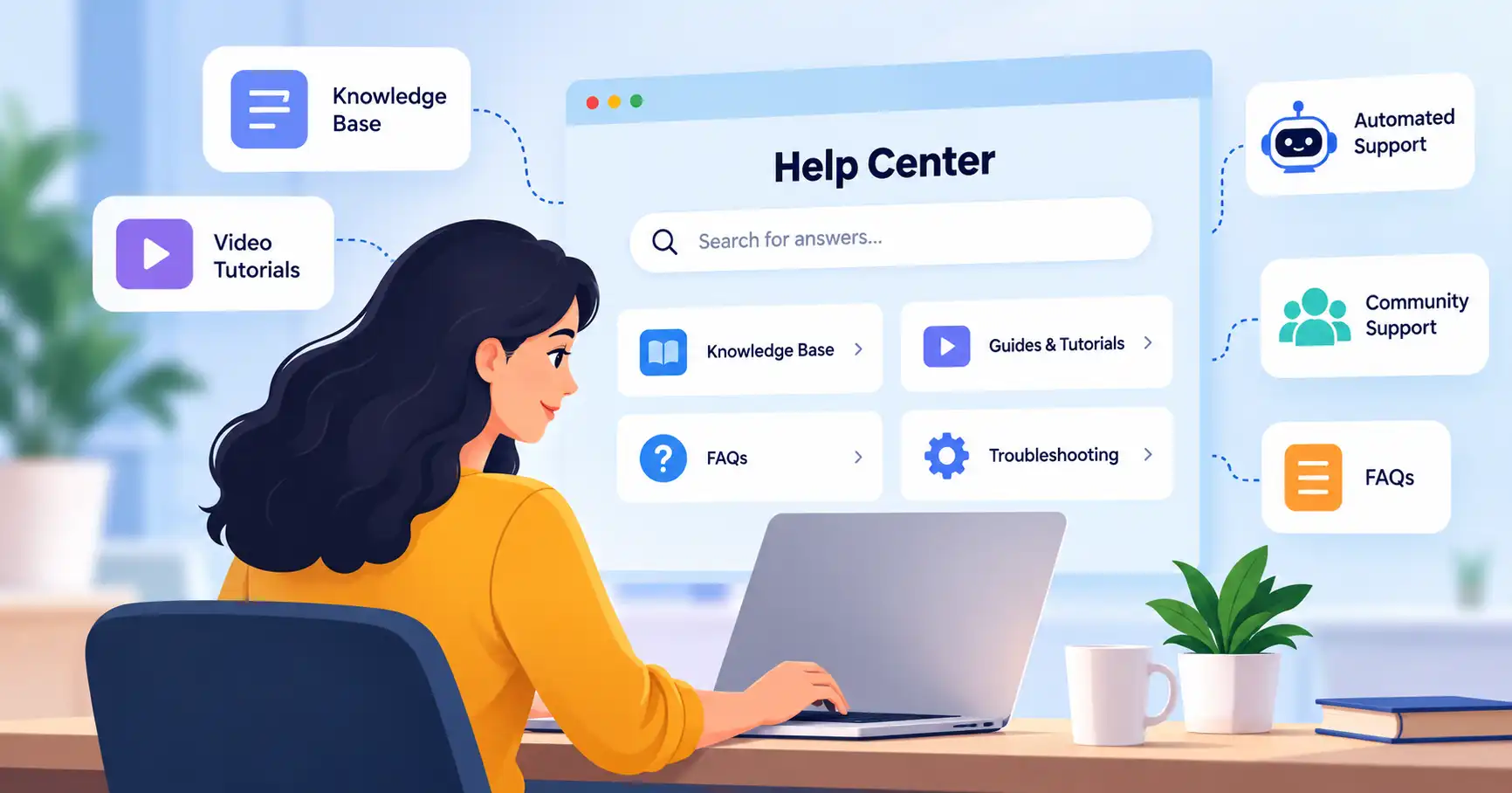
SaaS self service support lets customers fix their own issues without waiting around for a human agent. It packs knowledge bases, FAQs, manuals, guides, search bars, and automated helpers, the catch? Just dumping help articles online guarantees nothing. Nobody reads them. This guide walks you through building a practical system from scratch, picking the right content, dodging common traps, and checking if it actually lightens the load on your exhausted support team once and for all.
Table of Contents
- What is SaaS Self Service Support
- Why SaaS Self Service Support is Important
- Step by Step Guide
- Best Practices and Tips
- Common Mistakes
- SaaS Self Service Support Tools
- Tool Comparison
- FAQs
- Conclusion
What is SaaS Self Service Support
SaaS self service support gives customers a way to fix everyday product hiccups and track down answers without ever talking to a support agent. The point isn’t to ditch human help entirely, Not at all. It just ensures people handle the basic stuff solo, freeing up agents for the tricky knots that actually demand them.
A normal setup crams in a knowledge base, FAQ pages, troubleshooting docs, video walk throughs, product manuals. And occasionally an AI chatbot or user forum. Zendesk defines this approach simply: customers track down their own fixes using resources like help articles.
Picture a user working inside an email marketing platform who needs to update a sender address. Do they log a ticket and wait? Nope. They hit the help center, search for how to change sender email, and knock it out in minutes.
The best move is building your knowledge base around real questions your customers throw at you every day. Saasyntic has a thorough guide on SaaS knowledge bases that can walk you right through putting that together.
Why SaaS Self Service Support is Important
Superb self service halts support floods while still delivering remarkably smooth experiences.
- Basic support tickets vanish because the platform instantly handles straightforward questions, Customers grab answers whenever they want instead of idling through traditional office hours.
- Agents finally get breathing room to chase down messy bugs and strange account glitches.
- Consistency rules the day since every user accesses identical, verified information, Best of all? Failed searches and looping queries act as a neon sign pointing straight to hidden product flaws.
Self service helps customer happiness if answers are easy to find and right. The key is it should make things easier for the customer, not just shove the work onto them. That’s the point.
Step by Step Guide
Step 1: Identify Repetitive Customer Questions
Look at your existing support data. Stop guessing what people want.
Dig into recent tickets, chat logs, emails, and call recordings. Find the stuff that pops up over and over. Setup issues, billing mix ups, password resets, integrations, account tweaks, and weird error codes.
Say customers keep asking about exporting reports. Give that exact topic its own article named How to Export Reports, Don’t bury the answer deep inside some massive general handbook.
The rule here is dead simple. If your team answers the exact same question week after week, you need a dedicated self service page for it.
Step 2: Build a Customer Focused Knowledge Base
Build your help content around real customer tasks rather than echoing internal company departments. Think Getting Started, Billing, Integrations, Troubleshooting, and Security.
Every single article should tackle just one specific issue, Give them the immediate answer first. Then walk through the steps, Always drop in screenshots or brief videos whenever a step gets murky.
Fix your search function. Seriously. What is the point of writing a brilliant fix if nobody can actually find it when they panic?
Step 3: Create Clear Self Service Workflows
Self service needs to tie right into your broader support setup. Imagine a customer hunting down answers about a failed payment, they should land on a quick troubleshooting guide first. If that does not fix it, the page needs to offer a dead simple route to reach a human. That is how you build a bridge from self service to actual assistance.
Modern help centers lean on this exact mix of knowledge bases and ticketing tools, making escalation smooth when things get tricky.
Your agents should pull from that exact same knowledge base too. When someone pings support with a question that is already answered somewhere on the site, the agent just drops the link. No drafting explanations from scratch.
Check out our SaaS customer support strategy guide for more on the whole operation.
Step 4: Add Automation Carefully
Automation speeds up SaaS self service support, sure, but it shouldn’t build a wall between your customers and the actual team.
Simple jobs are easy to hand off. Suggesting relevant articles, answering basic questions, gathering account info, routing requests, and sniffing out common support topics work well here.
Say a customer types I cannot log in. The system steps right in with password reset steps and troubleshooting tricks.
If those quick fixes fail, the customer needs a human. Fast. No loops through the exact same automated questions.
AI also spots content gaps and polishes knowledge base articles, that helps. Still, the core facts must stay accurate and up to date.
Step 5: Measure and Improve the Experience
Like any support channel, self service needs a close look. You really should track everything: what people search for in your knowledge base, how many eyes land on an article and which ones flop, the searches that go nowhere. Then there’s ticket volume, customer happiness, how often issues escalate, and, of course, how many problems customers solve themselves.
Say hundreds of people are hunting for an API key but just aren’t finding it. That’s a glaring content gap. Don’t just publish more articles blindly. Instead, tweak those search terms. Mess with article titles, Make navigation smoother. Rewrite product instructions to match what customers actually need. You can link all this self service data directly to your overall support numbers using our SaaS customer support guide.
Best Practices and Tips
- When you write, think like a customer. What words do they use when they’re stuck?
- Make each article laser focused. One article, one solution, that’s the goal. Don’t bury the answer, either. Give it to them up front nobody wants to wade through a ton of intro text. And seriously, keep your stuff fresh, Interfaces change, features shift, prices jump around, integrations get tweaked. Stay on top of it.
- Watch what people search for and don’t find, that’s a goldmine for new content. And if someone can’t solve their issue with self service, there needs to be a clear next step. Don’t leave them hanging, Finally, forget assumptions. The best article ideas come straight from actual customer questions.
Zendesk offers concrete blueprints for building solid help centers. It walks you through every single phase, from initial planning to final refinement. Truly essential.
Common Mistakes
1. Creating Too Much Content
Adding more pages rarely fixes self service. Instead, a tiny stack of razor sharp, genuinely useful guides beats hundreds of stale documents. Quality reigns supreme.
2. Writing About Features Instead of Problems
Shoppers rarely type feature names into search bars. Instead, they hunt for fixes to genuine headaches. Ditch corporate jargon entirely. Swap convoluted titles for plain language. Give someone admin access instead.
3. Ignoring Failed Searches
A failed search? Pure gold, that. If folks are digging around and coming up empty, your content’s definitely missing a piece.
4. Hiding Human Support
People need a clear escalation path for tough problems. Self service should just be one gear in a vast support engine, not some brick wall blocking human help.
5. Allowing Articles to Become Outdated
Old screenshots cause endless support tickets. Assign clear ownership to vital content, then audit the stuff relentlessly.
SaaS Self Service Support Tools
Choosing the right platform hinges on support volume, product complexity, current tech stacks, and automation.
- Zendesk fits teams that need structured ticketing, knowledge management, strict workflows, and a wide service platform.
- Intercom works well for product led SaaS companies wanting conversational support, messaging, help center content, and AI assistance.
- Help Scout is a practical pick for groups preferring a simpler customer support workflow paired with clear documentation.
- Freshdesk helps businesses looking for multichannel customer service alongside solid ticket management.
- HubSpot Service Hub makes sense when your support needs to lock arms with CRM data and other tools already in HubSpot. It just works.
SaaS Self Service Support Tool Comparison
| Tool | Best For | Main Strength | Support Model |
| Zendesk | Growing support teams | Knowledge and ticket workflows | Omnichannel |
| Intercom | Product led SaaS | Conversational support and AI | Messaging and tickets |
| Help Scout | Small and mid sized teams | Simple support experience | Email and help center |
| Freshdesk | Growing businesses | Multichannel support | Omnichannel |
| HubSpot Service Hub | CRM focused teams | CRM and support integration | Connected service |
Ditch endless feature lists. The ideal platform simply clicks with your real customer journey and day to day workflow without missing a beat.
Intercom links its Help Center straight to conversational support, showing articles before folks talk to an agent. Zendesk does something similar. They pitch their setup as a self serve hub tying together knowledge bases, community forums, and easy ticket submission all in one spot.
FAQ’s
What is SaaS self service support?
SaaS self service support lets users resolve common software glitches completely independently. No human agents required. The kit includes searchable knowledge bases, detailed FAQs, tutorials, and automated tools designed to get answers fast.
How does self service reduce SaaS support tickets?
It slays repetitive questions instantly. Take simple password resets, for example. One clear guide eliminates half of those basic access requests right away.
What should a SaaS self service knowledge base include?
Start with setup guides, how to, and billing details. Then add account management, troubleshooting tips, plus integrations and FAQs. That truly covers everything!
Should SaaS companies use AI for self service support?
AI helps with search, article suggestions, answering questions, and triage, still, it needs solid facts backing it up. And when things get messy, hand the user over to a real human. Fast.
How do you measure SaaS self service support?
You’ve got to watch the numbers that really count, Look at self service use, searches that actually work versus those that bomb out. Then there’s ticket volume, how often things get escalated, and if customers are happy. Did we fix those common questions without needing an agent? That’s the stuff.
Conclusion
Self service support for SaaS isn’t just some dusty library of help docs. Far from it. It’s an intentional setup built so customers can grab what they need right away, sorting out everyday hiccups without ever waiting on an agent.
First, dig through your ticket queues. Figure out what keeps breaking or confusing people, then hammer out clear, targeted articles framed around real user headaches. Fix search. Sprinkle in automation where it actually makes sense, and keep tabs on what readers fail to find anyway.
Where do you start? Grab your last 100 customer chats. Pull out the five questions that pop up constantly. Write or polish a single resource for each one, then track the queue to see if those specific tickets actually dry up over the coming weeks.