

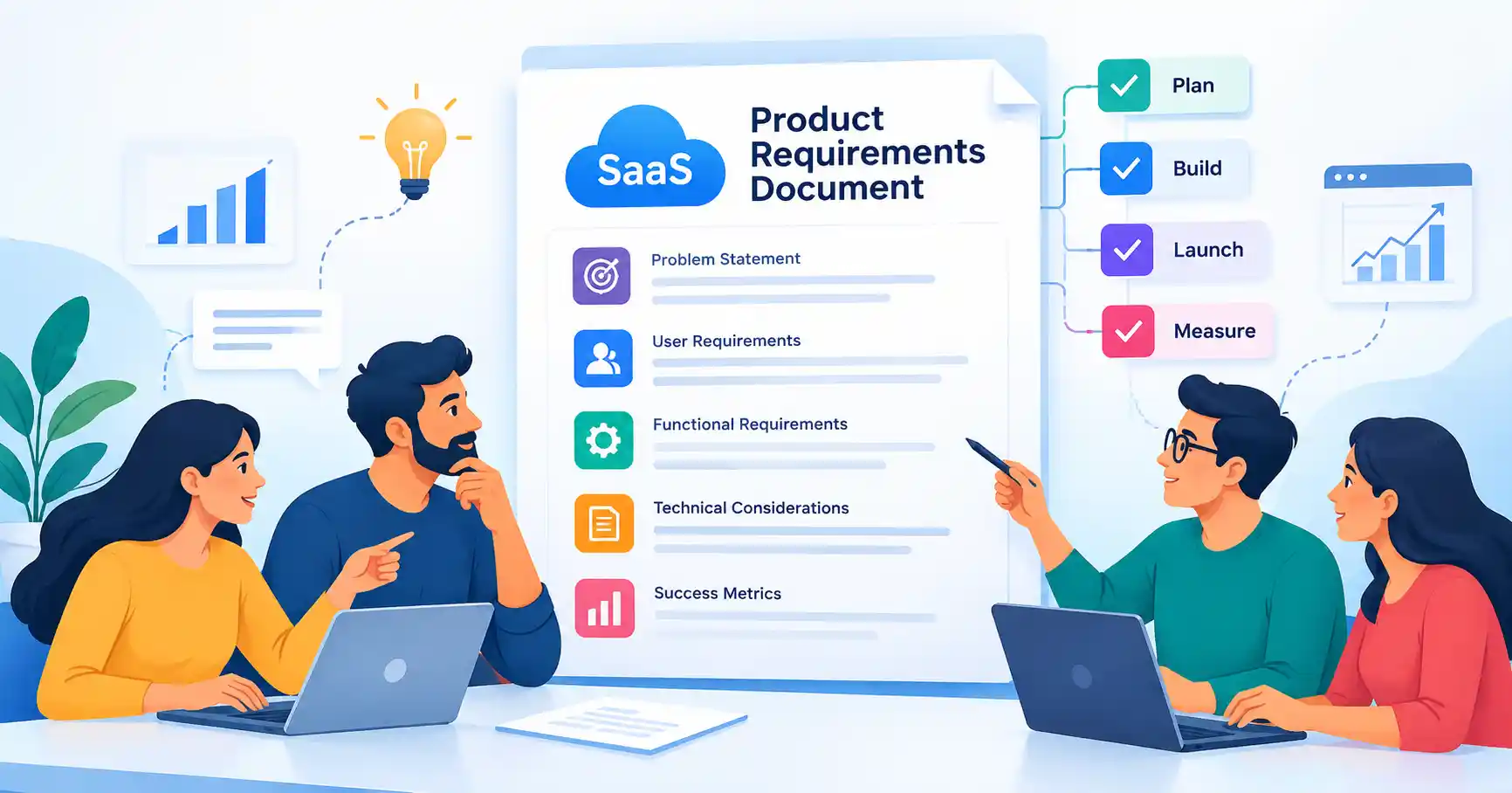
A PRD for a SaaS product? It essentially lays out what your team’s crafting, why it’s crucial. And crucially, how you’ll gauge its success. Without a proper PRD, your developers, designers, marketers, frankly everyone, views the product concept through a wildly divergent scope. It’s the PRD that synchronizes everyone, aligning them on requirements, priorities, and the ultimate functionality of the deliverable. This guide offers a path to creating a practical SaaS PRD, detailing essential components, common stumbling blocks to circumvent, and some useful resources.
Table of Contents
- What is a SaaS Product Requirements Document
- Why a SaaS Product Requirements Document is Important
- Step by Step Guide
- Best Practices and Tips
- Common Mistakes
- Tools
- FAQs
- Conclusion
What is a SaaS Product Requirements Document
A SaaS product requirements document, a PRD, for short, spells out everything a new software product or feature needs to do. Who’s it for? What exactly does the team building it need to hit?
It’s basically a single source of truth, something everyone involved can point to: product managers, designers, engineers, marketing, even the folks in customer success and the higher ups.
Say a SaaS company wants to roll out automated invoice reminders. The PRD would lay out how users can set up rules, pick payment conditions, tweak reminder messages, and check if they’ve been delivered.
It’d also nail down who the ideal user is, what business goal this feature serves, what it needs to do, how it should feel for the user, any tech stuff to consider, and how they’ll measure if it’s a win.
Now, a good PRD isn’t some super detailed coding manual, Not at all. What it does is give the team enough background and clarity. That way, they can make smart choices when they’re actually building the thing.
For teams deep into bigger picture product strategy, a good move is to link that PRD right into a solid SaaS product discovery process.
Why a SaaS Product Requirements Document is Important
Scaling a SaaS product, A PRD truly shines. It’s invaluable when development teams grow.
It helps teams:
• Create a shared understanding of the product requirement
• Reduce confusion between product, design, engineering, and business teams
• Define the scope before development begins
• Identify missing requirements and dependencies earlier
• Give developers and designers clear product context
• Establish measurable criteria for determining whether the feature is successful.
The product manager chirps, “Faster checkout. Easy, right?” A developer instantly translates this to “boost page speed.” Meanwhile, a designer envisions “cutting down checkout screens.” But a Product Requirements Document, ah, that’s the real magic. It transforms that nebulous concept into something tangible, that, my friends, is its singular purpose.
Step by Step Guide
Step 1: Define the Product Problem
Always kick off with the problem, not some fancy feature. What’s truly bothering users? Who’s feeling the pain, exactly? And why should the business even care about fixing it?
Take this: instead of rattling on about needing a “subscription cancellation dashboard,” you’d say customer success teams are pulling their hair out. They’re bouncing between screens just to figure out why folks are bailing on subscriptions. The real issue is that these managers need one clear spot for all those cancellation reasons. That way, they can spot a chance to keep a customer and act fast. It gives everyone the full picture before diving into how something works.
Step 2: Define Users and Goals
First, who’s actually using this thing? Figure out their main goal. Think about their job, what they’re trying to do with it, what’s currently annoying them, and what they hope will happen. Take a SaaS analytics platform, for example. You’d have admins, marketing folks, and execs, they all look at the same dashboard, but for totally different reasons.
Next, nail down the business objective. Are we pushing for more people to use a feature, cutting down on support tickets, keeping more customers, or boosting how much they spend? Link this back to your overall SaaS product strategy, so the feature genuinely helps hit those bigger company goals.
Step 3: Document Functional Requirements
Functional requirements explain what the product must do.
Break large requirements into clear, testable statements.
For example:
• Users can create an invoice reminder rule
• Users can select when a reminder should be sent
• Users can edit or delete an existing rule
• The system records reminder delivery status
• Administrators can view reminder activity
Skip fuzzy stuff like “easy to use” or “fast dashboard.” You need numbers. Don’t just say a dashboard should load quickly. Pin down exact load times for the main dashboard, along with the conditions, and then everyone agrees on that performance goal.
Step 4: Define User Experience and Technical Requirements
Oh, and your PRD? It needs to detail the essential UX and technical bits.
Map out the user’s journey, every screen they’ll encounter, required permissions, integrations, necessary data, and major dependencies. Look, it’s not a full blown architecture document. But engineers do need a heads up on potential implementation blockers.
Take a billing feature, for instance. That sucker will probably need to tie into your current payment system, respect existing account permissions, and, naturally, maintain a thorough audit trail. If your product interacts with APIs, third party hooks, specific security protocols, or complex data streams, nail those dependencies down early. For extra help with product planning, teams can always poke around resources from folks like Atlassian.
Step 5: Define Success Metrics and Acceptance Criteria
So, how do we know this thing actually works? Simple: our success metrics tie right back to the problem we started with. Say the issue was nobody using that new reporting tool then we’d track how many people adopt the feature, how many weekly active users it gets, or how often reports are created. We might even look for a drop in support tickets about reporting.
And for acceptance criteria, these are the must haves for calling it done. Maybe an admin needs to be able to set up a reminder rule, save it without a hitch, and then actually see it pop up in their active automation list. That’s how we’ll know it’s ready.
Best Practices and Tips
A useful PRD should provide clarity without becoming unnecessary documentation.
Follow these practices:
• Keep requirements specific and testable
• Write for the entire product team rather than only developers
• Separate must have requirements from future enhancements
• Include real user scenarios whenever possible
• Connect every major feature to a user or business problem
• Review requirements with engineering and design before development begins
• Update the PRD when important requirements change
A PRD should also have a clear owner. Nobody owns those old requirements, do they? They just hang around, making everything messy.
Common Mistakes
Writing the PRD Around Features
Build a feature without knowing the actual user problem, that’s just asking for garbage.
Making Requirements Too Vague
Statements such as improve usability or make the dashboard better are difficult to implement and test.
Including Too Much Technical Detail
A PRD should provide product context and requirements. Detailed implementation decisions usually belong in technical design documentation.
Ignoring Edge Cases
Consider situations such as failed payments, duplicate records, missing permissions, empty states, cancelled accounts, and integration failures.
Treating the PRD as a Static Document
Product requirements can change as teams learn from users, testing, analytics, and technical discovery. Keep the document updated when important decisions change.
Tools
Different teams use different tools to create and manage product requirements.
| Tool | Best For | Key Strength | Typical Use |
| Notion | Flexible product teams | Documentation and collaboration | PRDs, research, product notes |
| Confluence | Larger organizations | Structured team documentation | Requirements and technical documentation |
| Jira | Development teams | Requirements connected to delivery | Stories, tasks, releases |
| Productboard | Product management | Product discovery and prioritization | Feedback, roadmaps, requirements |
| Linear | Modern software teams | Product and engineering workflows | Issues, projects, and product delivery |
Which tool wins? It all hinges entirely on your daily planning, documenting, coding, and collaborating habits.
Productboard offers helpful guides for refining workflows, Use these materials today to anchor customer insights directly into choices.
FAQ’s
What should a SaaS product requirements document include
PRDs cover immense ground. Problem statements, target users, goals, technical constraints, acceptance criteria, and metric tracking must all fit inside that single, sprawling document.
Who should write a SaaS PRD
Product managers typically own the PRD, sure. But solid specs demand a team effort, pulling in direct feedback from engineering, design, sales, support. And just about everyone else involved.
How long should a SaaS PRD be
There’s no set page count. A tiny feature might take just two pages, whereas an entire SaaS product initiative demands far more detail. Just give enough context to kill any ambiguity, Don’t drown the team in unnecessary paperwork.
Is a PRD required for every SaaS feature
Hardly. Minor tweaks just need a brief ticket. But massive features, brand new workflows, sprawling products, and deep integrations genuinely demand a full PRD.
What is the difference between a PRD and a technical specification
A PRD outlines core business goals, user needs, target behavior, and the precise problem. Technical specs differ entirely. They reveal how engineers construct the actual system, mapping out architecture, databases, and APIs.
Conclusion
A SaaS product requirements document, it’s your idea’s blueprint, really. It gets everyone on the same page, Good ones avoid just listing features. Instead, they connect user pain points to functional specs, achievable goals, and clear success metrics.
First, identify the main problem, who you’re helping, and the ultimate aims. Then, detail what the product actually does. Sort out the technical elements and the interface design, Finish with clear performance indicators. Then, loop in your designers, engineers, QA, and support staff for their input.