

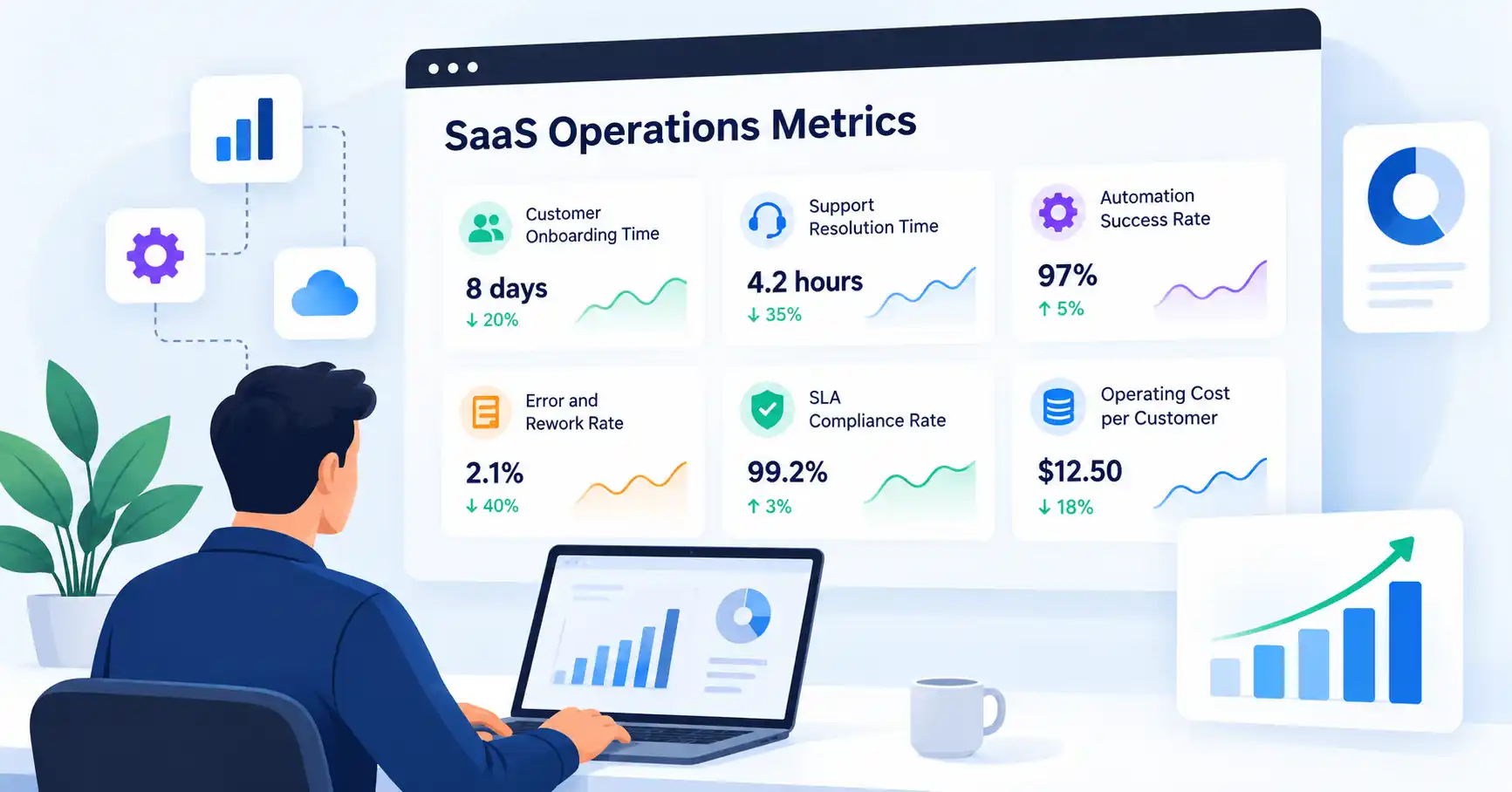
Running a SaaS business takes more than keeping an eye on monthly recurring revenue and customer growth. You also need to understand how efficiently your team works, how reliable your systems are, how quickly customers get value, and where operational costs are creeping up.
That’s where SaaS operations metrics become useful. They help founders and operations managers spot bottlenecks, streamline workflows, reduce avoidable work, and make better decisions using measurable results.
The trick is knowing which numbers deserve attention. Tracking too many KPIs can create extra reporting work without improving performance. Start with the operational challenges that matter most, then build a focused set of metrics around them.
What Are SaaS Operations Metrics?
SaaS operations metrics measure how efficiently, reliably, and cost effectively a software as a service business runs its day to day processes.
These metrics cover areas such as customer onboarding, internal workflows, support, automation, service reliability, and resource utilization.
Financial metrics like monthly recurring revenue (MRR) and customer acquisition cost (CAC) tell you about business performance. Operational metrics look at what happens behind those results: how work gets done, where delays occur, and which processes need attention.
For instance, revenue might be growing even as onboarding slows down, support tickets pile up, and employees spend hours correcting avoidable mistakes. Operational KPIs help you spot these issues before they become harder to resolve.
12 SaaS Operations Metrics You Should Track
You don’t need to track all 12 metrics from the outset. Choose those that align with your current priorities and expand your dashboard as your operations grow.
1. Customer Onboarding Time
What it measures: How long a new customer takes to complete onboarding or reach a defined activation milestone.
Formula: Onboarding time = Activation date − Onboarding start date
If customers typically take eight days to complete onboarding, look at what’s slowing them down. Common areas to investigate include setup tasks, missing customer information, integrations, and training.
How to improve it: Break onboarding into individual stages and find where customers spend the most time waiting. Automate repetitive setup tasks where it makes sense, but don’t rush customers through the process at the expense of a successful implementation.
2. Process Cycle Time
What it measures: The time required to complete a specific operational task, from start to finish.
You could measure the time needed to approve a refund, resolve an internal request, or complete a software integration.
How to improve it: Measure each workflow separately instead of combining unrelated tasks into a single average. Look for unnecessary approvals, repeated handoffs, and delays between steps.
3. Manual Effort per Workflow
What it measures: The employee time spent completing a recurring process manually.
For example, a team might spend several hours every week transferring customer information between disconnected tools.
How to improve it: Record the time required for each workflow and estimate the monthly effort involved. Consider automation when the time saved justifies the costs of implementation, maintenance, and handling errors.
Automation isn’t always the right choice. If a task happens only occasionally, doing it manually may be more practical than building and maintaining an automated workflow.
4. Error and Rework Rate
What it measures: The percentage of completed tasks that need to be corrected or repeated.
Formula: Rework rate = (Tasks requiring rework ÷ Total completed tasks) × 100
Suppose 12 out of 80 completed onboarding tasks need correction. Your rework rate is 15%.
How to improve it: Group errors by cause. Incomplete information, unclear instructions, and inconsistent procedures can all lead to rework. Address the underlying problem rather than repeatedly fixing individual mistakes.
5. Support Resolution Time
What it measures: How long it takes to resolve a customer support issue.
Formula: Average resolution time = Total resolution time ÷ Number of resolved tickets
Before comparing results, decide whether the measurement includes time spent waiting for customer responses and whether you’re using elapsed or working hours. Without consistent definitions, comparisons can be misleading.
How to improve it: Review resolution time alongside ticket complexity and customer satisfaction. Closing tickets faster doesn’t help if customers receive incomplete answers.
For more detailed calculations and support specific KPIs, see our guide to SaaS customer support metrics.
6. First Contact Resolution Rate
What it measures: The percentage of eligible support issues resolved during the initial interaction without additional follow up.
Formula: First contact resolution rate = (Issues resolved on first contact ÷ Eligible issues) × 100
How to improve it: Give support agents access to the information they need, improve knowledge base articles, and identify recurring questions that point to gaps in product documentation.
Define what qualifies as a first contact and decide how to handle reopened tickets before comparing results across periods.
7. Workflow Automation Success Rate
What it measures: The percentage of automated workflow runs that finish successfully without errors or manual intervention.
Formula: Automation success rate = (Successful runs ÷ Total runs) × 100
If 970 out of 1,000 workflow runs succeed, your success rate is 97%.
How to improve it: Monitor failed runs, investigate recurring errors, and set up alerts for critical workflows. A run shouldn’t count as successful merely because the automation started without reporting an error. It should produce the intended result.
When business applications need to exchange information, a well planned SaaS integration strategy can help teams manage data flows and identify failures.
8. Mean Time to Recovery (MTTR)
What it measures: The average time required to restore a service after an outage or operational incident.
Formula: MTTR = Total recovery time ÷ Number of incidents
If two incidents take 20 and 40 minutes to recover from, the average recovery time is 30 minutes.
How to improve it: Strengthen incident alerts, document recovery procedures, and review the causes of major disruptions. Use consistent start and end points for every measurement, and distinguish restoring service from completing a permanent fix.
See Atlassian’s incident management metrics guide for additional context.
9. SLA Compliance Rate
What it measures: The percentage of eligible service commitments met within the agreed service level target.
Formula: SLA compliance rate = (SLA commitments met ÷ Total eligible commitments) × 100
If a team meets 190 out of 200 eligible support commitments, its compliance rate is 95%.
How to improve it: Investigate missed commitments and look for causes such as staffing gaps, incident severity, handoff delays, or unclear escalation procedures. Track different SLA categories separately when an overall percentage might hide important problems.
10. SaaS Operating Cost per Customer
What it measures: The operating cost allocated to each customer over a defined period.
Formula: Cost per customer = Defined operating costs ÷ Average active customers
For example, if a company allocates ₹2,00,000 in monthly operating costs across 500 active customers, its cost per customer is ₹400.
How to improve it: Track infrastructure, support, and relevant software expenses over time. Be consistent about which costs you include and how you allocate them. A lower figure isn’t necessarily an improvement if service quality has declined.
11. Employee Productivity or Output per Employee
What it measures: The amount of meaningful work completed relative to team size or available working time.
A support team might track quality checked tickets resolved per agent. An implementation team might measure completed customer implementations.
How to improve it: Choose measures that reflect each role and consider quality, task complexity, and customer outcomes alongside output. Raw activity counts can be misleading if employees start prioritizing easy tasks over more valuable work.
12. Operational Cost Variance
What it measures: The difference between actual operational spending and the budget for the same period.
Formula: Cost variance = Actual cost − Budgeted cost
If the monthly operations budget is ₹1,50,000 and actual spending reaches ₹1,65,000, the business is ₹15,000 over budget.
How to improve it: Break the variance down by cost category. Higher spending might reflect increased customer usage, unexpected incidents, additional software subscriptions, or inefficient processes. Sometimes the increase is justified by growth or improved reliability, so investigate the reason before cutting costs.
How to Choose and Track the Right SaaS Operations KPIs
A useful dashboard starts with clear priorities, not a long list of numbers.
- Identify your biggest operational challenge. Choose a specific goal, such as reducing onboarding delays or preventing automation failures.
- Establish a baseline. Measure current performance before making changes so you have something meaningful to compare against.
- Assign ownership. Give each KPI a responsible person who can investigate changes and recommend action.
- Set realistic targets. Use historical results, contractual commitments, customer expectations, and available resources instead of copying arbitrary industry benchmarks.
- Review results consistently. Compare equivalent reporting periods and investigate meaningful changes.
For each KPI, your dashboard should show its definition, current value, target, trend, owner, and next action.
| Review cadence | Metrics to monitor |
| Daily | Critical workflow failures, outages, and urgent SLA risks |
| Weekly | Onboarding time, support resolution, rework, and cycle time |
| Monthly | Operating costs, cost per customer, and productivity trends |
Adjust this schedule to suit your operations. A critical payment workflow may need immediate alerts, while monthly software spending rarely requires minute by minute monitoring.
Common Mistakes to Avoid
Even well designed dashboards can lead to poor decisions if the metrics aren’t used carefully.
- Tracking too many KPIs: Prioritize measurements tied to specific business goals.
- Using inconsistent definitions: Keep calculation methods and reporting periods consistent.
- Optimizing one metric in isolation: Balance speed with quality, customer experience, and reliability.
- Ignoring ownership: Make sure someone is responsible for investigating problems and following through.
- Copying industry benchmarks blindly: Set targets based on your business model, customer expectations, and historical performance.
FAQ’s
What are the most important SaaS operations metrics?
Start with customer onboarding time, process cycle time, error rate, support resolution time, automation success rate, and operating cost per customer. Add reliability and SLA metrics when service availability or contractual commitments are important to your business.
How many operational KPIs should a SaaS startup track?
Start with five to eight meaningful KPIs. Add more only when they help your team make better decisions or address a specific operational challenge.
How often should SaaS operations metrics be reviewed?
Monitor critical failures as they happen, review workflow and support trends weekly, and assess costs and productivity monthly. The right schedule depends on how quickly a problem needs attention.
What is the difference between SaaS operations metrics and SaaS business metrics?
Operations metrics show how efficiently and reliably work gets done. Business metrics cover broader outcomes, including revenue, customer acquisition, retention, and growth. Both matter, but they answer different questions.
Conclusion
SaaS operations metrics reveal how effectively your business runs behind the scenes. They help you find bottlenecks, improve workflows, manage costs, and make decisions based on evidence rather than assumptions.
Start with a handful of KPIs that address your biggest operational challenges. Establish a baseline, assign ownership, and review the results regularly. As your business grows, adjust the dashboard to reflect new priorities.
Ultimately, the value of a metric lies in what it helps your team improve.