

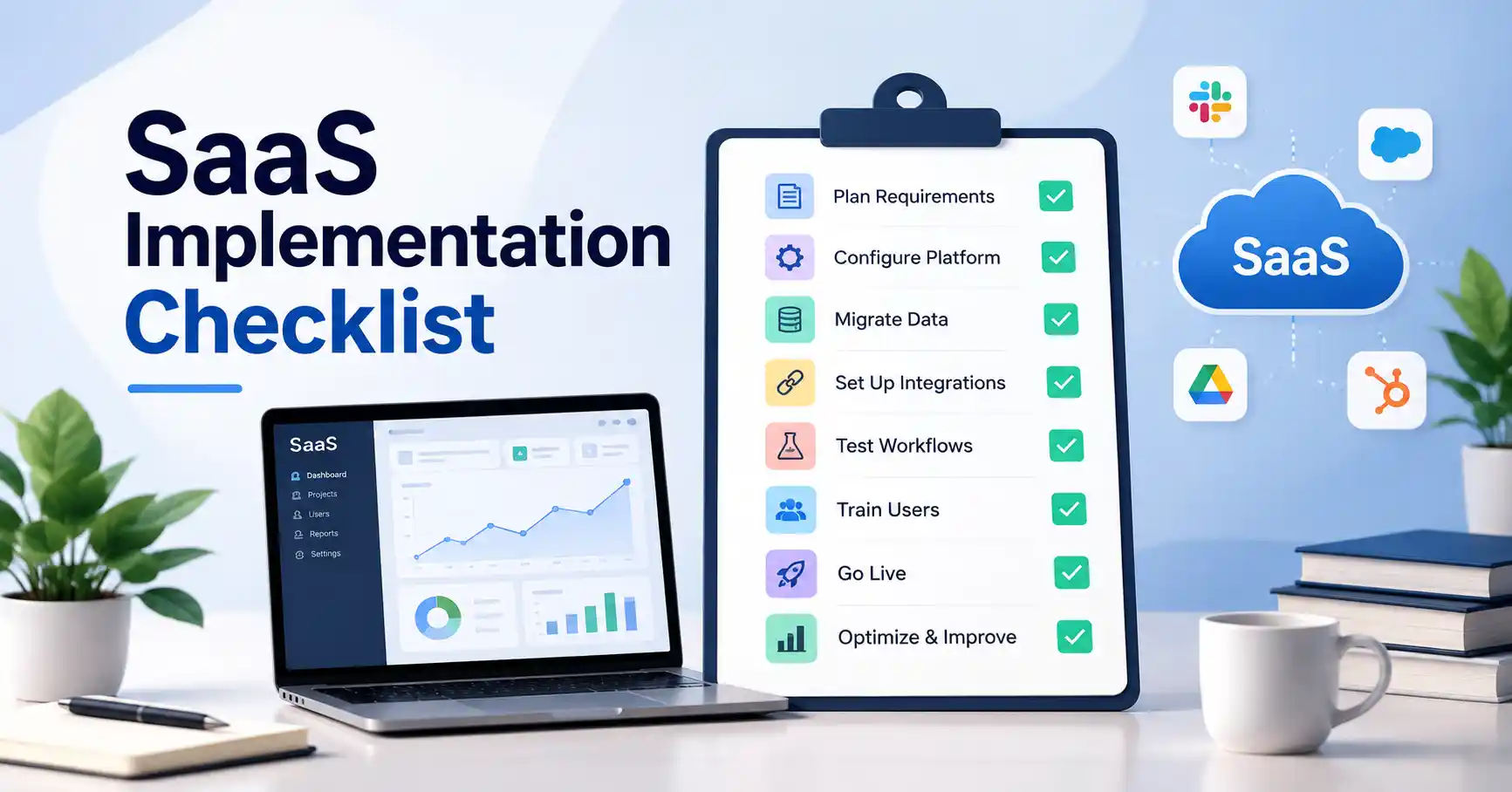
Deploying new software means way more than setting up logins and flipping a few switches. A solid saas implementation checklist walks teams through requirement planning, platform setup, data migration, integrations, testing, and user readiness.
Without a clear roadmap, great tools still crash and burn. Low adoption. Messy duplicate records, Broken data flows, plus excessive custom work that nobody actually needs. It is painful.
A structured rollout cuts those risks flat down. Every department gets a defined job, and every phase has an actual finish line you can measure.
This guide walks you through the whole process, starting from day one requirements all the way to launch day.
Table of Contents
- What is a SaaS Implementation Checklist
- Why a SaaS Implementation Checklist is Important
- Step by Step Guide
- Best Practices and Tips
- Common Mistakes
- Tools
- FAQs
- Conclusion
A SaaS implementation checklist is basically a roadmap. Teams use it to map planning, configuration, testing, launch, and optimization.
It keeps blind spots covered. Business requirements, data migration, integrations, permissions, testing, training, and user adoption stay on track so nothing slips through the cracks.
Take a company ditching spreadsheets for a fresh SaaS CRM.Their list looks messy: importing customer records, building sales stages, syncing email, locking down user permissions, testing reports, training the reps, and picking a hard go live date.
The real point isn’t just turning the software on. It is making sure the tools actually fit how the business runs day in and day out.
Want a wider look at this stuff? Check our SaaS implementation guide. It breaks down the whole lifecycle.
Why a SaaS Implementation Checklist is Important
A software checklist organizes projectsCross functional groups seize instant ownership, causing chaos to simply vanish.
Key benefits include:
- People adapt quickly once they grasp the purpose.
- Why does your data remain remarkably pristine? It faces rigorous scrubbing and strict validation long before any migration actually occurs.
- Integration headaches just vanish completely.
- Connected applications face strict testing early, while core workflows prove themselves out beforehand, that is how you secure a natural return tied directly to hard targets.
Change management must anchor the rollout. Atlassian insists on tracking metrics, securing executive buy in, communicating clearly, and delivering robust training alongside support. Why skip this?
Step by Step Guide
Step 1: Define Business Requirements and Success Criteria
Hold on. Before buying yet another SaaS platform, SaaS vendor evaluation right now.Toss out the wishlist. Focus hard on concrete problems and actual desired outcomes instead, If your sales reps despise manual lead routing, don’t just beg for random automation. State the target plainly: cut lead assignment time down from an entire hour to five flat minutes.
Document:
- Business goals
- Current workflow problems
- Required features
- Key users and teams
- Required integrations
- Security requirements
- Success metrics
- Project timeline
Look, someone just has to own the implementation. Others will contribute, certainly, but one name remains on the hook, fully accountable.
Step 2: Map Workflows and Configure the Platform
Map out your exact workflows before touching any software. Trace every critical path, Think billing, support tickets, approvals, lead management. Shape the platform around those real human habits.Quit dragging dusty old habits into modern software. If that pointless legacy workflow exists purely for busywork, cut the bloat right now. Stop doing it.. Say your team wastes hours copying customer data across three separate spreadsheets. Stop that madness. Design the system so data enters once and floods everywhere, then, configure roles, users, permissions, and dashboards before testing even begins.
Step 3: Prepare Data and Integrations
Data migrations and software tie ins wreck projects all the time. Stop. Figure out what actually needs to move, then aggressively purge the rest. Toss out duplicates, dead files, and old records before you even think about importing anything.It saves immense headaches.
Our guide to SaaS data migration covers data auditing, field mapping, test migrations, validation, and cutover planning in much more detail.
First order of business? Figure out which systems need to shake hands with the new platform right away. CRM, accounting, billing tools, even marketing automation, analytics, support desks, or identity setups. Everything sits right there on the table.
How? Mostly APIs, sometimes native connectors, or a third party platform if the tech calls for it. Stripe handles everything automatically. It churns out sharp reports and runs operations without any friction.
Step 4: Test the Complete Workflow
Configs are never actually finished until real workflows get tested, Sure, isolated features might pass. Build the whole system from scratch today, no excuses. Imagine launching a paid subscription platform, then testing every single feature right now without a single slipup.
- New customer creation
- Subscription activation
- Payment processing
- Upgrade and downgrade
- Failed payment handling
- Cancellation
- Reporting and data synchronization
Forget elementary examples, Build realistic test scenarios instead. Check user permissions too. A workflow might run fine for an admin, then break completely for a regular employee stuck behind access walls. Record bugs, delegate tasks, patch errors, and test completely prior to release.
Step 5: Train Users and Launch in Phases
Projects succeed when people actually use them. Give teams hands on training built right into their daily routines.Sales reps do not need the exact same walkthrough as finance folks or support staff, after all. Keep documentation straightforward.
Nail down your workflows and map out who to call for help. Roll everything out in staggered phases, starting with a tiny pilot group to iron out bugs before scaling up. Double check data, permissions, integrations, and rollback plans, because this is nonnegotiable. Once it finally goes live, measure actual business results rather than just celebrating because the lights are on.
SaaS Implementation Checklist
| Implementation Area | Key Tasks | Owner | Success Check |
| Requirements | Goals, workflows, scope | Project owner | Requirements approved |
| Configuration | Users, roles, fields, workflows | Admin team | Configuration tested |
| Data | Clean, map, migrate, validate | Data team | Records verified |
| Integrations | APIs, connectors, workflows | Technical team | Data sync confirmed |
| Testing | User acceptance and scenarios | Business users | Critical issues resolved |
| Training | Documentation and user sessions | Operations | Users ready |
| Launch | Cutover and support | Project owner | System live |
| Optimization | Usage and performance review | Business owner | Improvements prioritized |
View software deployment not as a technical install, but rather a massive corporate overhaul.
Best Practices and Tips
- Prioritize outcomes over features. Know what works the exact second you launch. Keep that initial rollout tight, Deploy high value workflows right away, ensuring immediate, measurable impact. Leave the minor tasks for later.
- Give huge jobs to one person. Single ownership breeds real success.First, clean data. Always, Untangling launch day duplicates? That’s pure misery, easily sidestepped, honestly.
- Test real scenarios. Throw the weird stuff at it, like broken payments, locked permissions, dropped accounts, and missing fields. Get actual users in early. The people staring at the screen all day will spot workflow traps your team missed entirely.
- Track adoption after you launch. Watch active users, finished workflows, saved hours, error rates, and metrics tied to your initial goals. Plan for maintenance. Cloud apps shift daily. Therefore, constant audits of permissions and connections remain mandatory.
Common Mistakes
Treating Implementation as an IT Only Project
Business teams understand the grind. Bypass them entirely, and you get technically pristine software that simply bombs out in actual practice.
Migrating Bad Data
Shifting massive archives of messy redundant data onto a sleek platform just transfers your old chaos. Audit it first.
Over Customizing the Platform
Tailored tweaks solve odd edge cases. Yet, piling on endless customizations breeds unmanageable complexity and heavy upkeep. Stick to reliable standard features instead.
Ignoring User Adoption
Boring software rollouts mean nothing without relentless training and honest communication. Real habits rarely shift on their own, leaving teams stranded unless proper, ongoing support is woven tightly in.
Stopping at Go Live
Going live isn’t the finish line. It’s just a milestone. Early adopters will always expose messy workflow snags your testing missed.
Tools
Proper tools? Everything hinges entirely upon your project scale and complexity.
- Jira handles implementation tasks, dependencies, and project workflows.
- Asana coordinates cross functional activities alongside critical deadlines.
- Zapier links messy software apps to kill boring tasks.
- Meanwhile, native migration tools handle huge data transfers with a surprising amount of ease.
- Stripe? It’s a platform, basically, handling subscription billing, payments, and revenue stuff easily for SaaS.
Suit the task, Don’t go hoarding software simply because it is out there and available to grab.
FAQ’s
What should be included in a SaaS implementation checklist?
Never compromise. A true rollout blueprint covers every requirement, process flow, system setup, data migration, security protocol, testing phase, and future optimization.
How long does SaaS implementation take?
It all depends, you see, Simple setups? Done in days. A massive company, though? Weeks, maybe months, so many things to consider, like the sheer volume of data and user counts.
Who should own SaaS implementation?
Someone, of course, has to own this thing. So where does it begin? Honestly, it pulls everyone in. Tech, finance, security, operations, and yes, the everyday users too.
Should data be migrated before testing?
Move a small chunk first. Test it out. You’ll catch field mapping snags, data quality issues, permission foul ups, and integration headaches way sooner this way.
How do you measure SaaS implementation success?
Scrutinize the tech and business, What metrics reveal true value? Adoption speed, workflow completion, errors, support volume, data precision? All matter. And track progress against those original business objectives, naturally.
Conclusion
A good SaaS implementation checklist really gives teams a roadmap. It takes them from picking software all the way to using it every single day, smoothly.
What matters most here? Requirements, workflow design, configuration, data migration, integrations, testing, training, and post launch tweaks, Drop just one of these steps? You’re asking for trouble. Headaches that get twice as hard to untangle later. Get the order right from the start.
So, the smartest move?Draft that checklist early, Set your core business goals down before ever touching those platform settings. Assign who owns what. Write down all the dependencies. And get super clear on what “done” actually looks like.
When you view this whole thing as a real business transformation, not just installing some software, teams are far more likely to get people using it faster, keep operations tidy, and actually see real value from their SaaS money.