

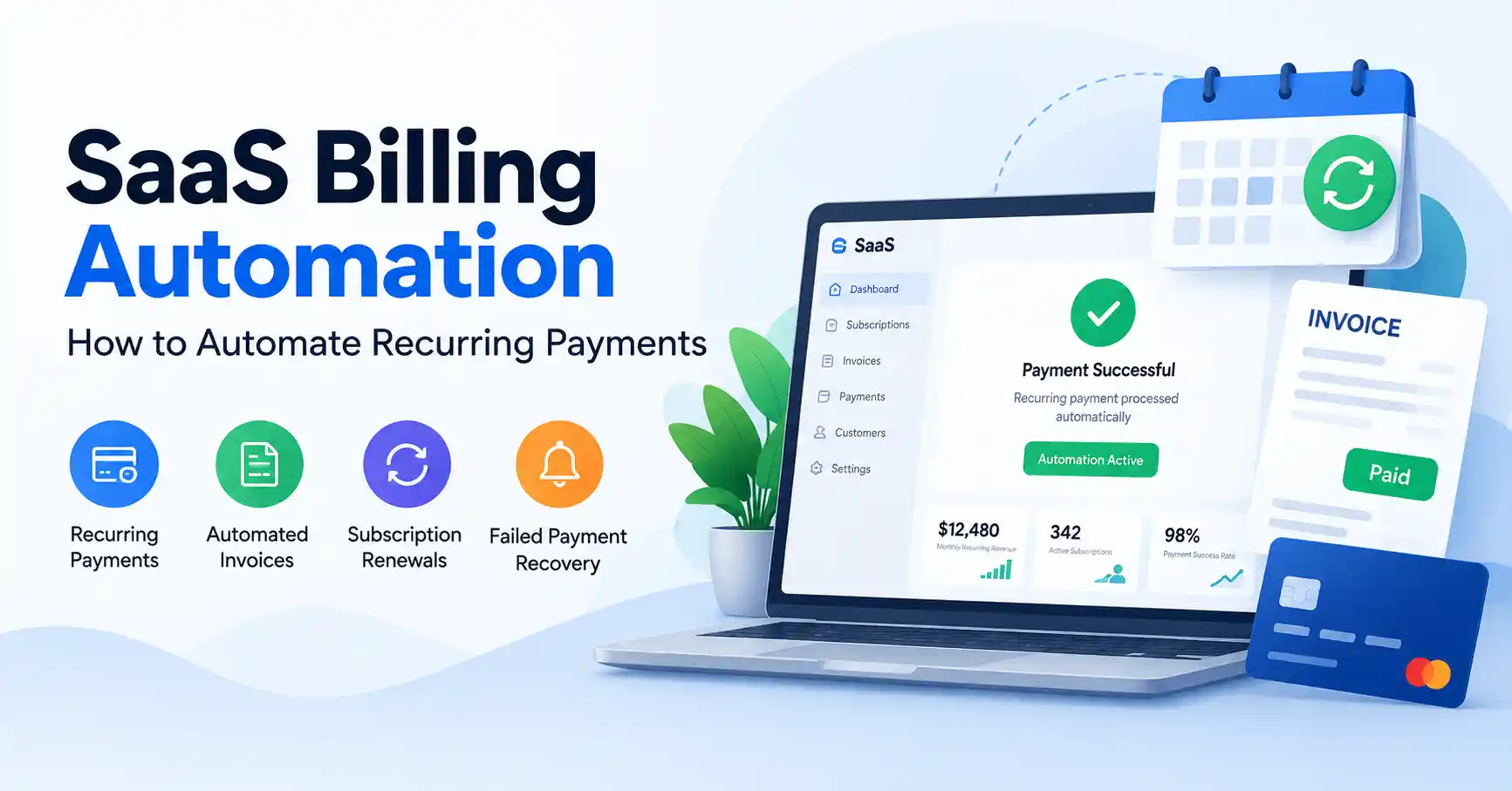
SaaS billing automation is used to charge customers again and again for subscriptions. It can also create invoices, handle renewal timing, and deal with failed charges. Teams do not have to chase payments by hand when the system is set up well.
When you have more customers, the old way breaks down fast. Spreadsheets get messy. Manual follow ups take too long.
A good automation setup links several parts together. It connects subscription status, billing dates, payment processing, invoice creation, and customer messages. All of it runs as one flow instead of separate steps.
This guide explains how the process works. It also shows how to set it up. You will see which habits matter most. It covers common billing errors to avoid.
Table of Contents
- What is SaaS Billing Automation
- Why SaaS Billing Automation is Important
- Step by Step Guide
- Best Practices and Tips
- Common Mistakes
- Tools
- FAQs
- Conclusion
What is SaaS Billing Automation
SaaS billing automation means using software to handle repeat charges and the jobs around those charges.
It takes care of subscription billing without people doing every step by hand.Instead of a person watching for when a customer should be billed, the system can do the work.
It can make invoices, bill a stored card or payment method, save what happened with each charge, and notify the customer when needed.It also keeps the subscription record up to date.
Say a SaaS business bills 500 customers, and each one pays 50 dollars per month. If there is no automation, the finance team has to watch renewal dates. They also have to build invoices, look up whether each payment worked, and chase any failed charges.
With automation, the subscription settings decide how often the customer pays.Then the platform runs the repeat billing steps each cycle.
Stripe notes that subscriptions can make invoices each billing period and charge a saved payment method when automatic collection is on.
For a broader understanding of subscription business operations, explore the SaaS business resources.
Why SaaS Billing Automation is Important
Smart billing workflows save hours, absolutely. Yet they quietly transform your bottom line, cement client trust, and keep daily operations running.
- It cuts down on the manual tasks since recurring charges and invoices run on their own.
- Payments feel more steady because customers are billed based on set dates and plans.
- It helps stop lost revenue by tracking failed payments and overdue invoices.
- Customers get updates when they need them, like receipts, renewal notes, and alerts when a payment does not go through.
- Finance and revenue teams can also see what is happening with subscriptions, payments, cancellations, and recurring income.
Chargebee can set up repeat billing cycles. It can collect payments on its own. Renewals can be done automatically. If a payment fails, it can try again without manual work.
Step by Step Guide
Step 1: Define Your Billing Model
Figure out your billing logic right from the start. SaaS companies typically rely on monthly subscriptions, annual lock ins, usage meters, tiered rates, or per user fees. Take project management software, for instance. It might run on a ten dollar monthly fee per seat, whereas a massive enterprise client secures a custom annual contract.
Write down every single rule before you touch the billing software. Map out how often you charge, free trials, discounts, taxes, upgrades, drops in tier, cancellations, and refunds. Do this, and you will avoid building a messy billing engine full of custom exceptions that become an absolute nightmare to maintain later.
Step 2: Create Products, Plans, and Pricing Rules
Set up your offerings and monthly or yearly charges in your billing system.Try to keep the plan names and amounts clear for both buyers and your own team.
For instance, you could set up Basic at $19 per month. Then set Professional at $49 per month. Finally, set Business at $99 per month.
If prices need to change later, plan what happens to current customers. Do not edit past subscription entries just because you want a new pricing approach.
Stripe suggests you set products apart from recurring prices. Treat the price as the place for the amount, the currency, and how often it bills.
Step 3: Connect a Payment Provider
A good billing setup needs a payment partner you can count on. It should handle repeat charges without hiccups.
Pick payment options that fit the people you sell to. Your market may prefer cards, bank transfers, digital wallets, or other choices you support.
Then link the payment provider to your subscription platform. Run a full end to end test before you start taking real payments.
Say someone signs up for a 49 dollar plan each month. Your system should set up the subscription, save the payment details in a safe way, make the invoice, and try to collect the charge on the billing day.
Step 4: Automate Renewals and Failed Payments
Recurring billing doesn’t just stop when one payment clears, you need rules for renewals, failed charges, retries, alerts, and status changes.
What happens when a card declines on renewal day? Don’t instantly kill the account. Your system should retry the charge while pinging the customer to update their billing info.
This whole dance goes by names like dunning or revenue recovery, Stripe has built in features for it. Chargebee handles automatic collections and dunning workflows just as easily..
Step 5: Monitor Billing and Revenue Metrics
Keep an eye on the setup after automation starts. Check it on a steady schedule, not once and then forget it. Look at these numbers: monthly recurring revenue, annual recurring revenue, successful payments, failed payments, involuntary churn, refunds, and unpaid invoices.
Say your payment fail rate jumps from 2 percent to 7 percent. If that happens, act right away and dig in.
The cause might be the payment vendor, expired cards, new sign in steps, or a recent settings edit. Automation can cut down on busywork. It should not replace your review of money.
Best Practices and Tips
- Keep your billing rules centralized. That way, pricing and subscription logic stays easy to maintain.
- Don’t cancel subscriptions right away after a failed transaction, Set up automated payment retries instead.
- Give customers a self service billing area, they need to update payment details, change plans, and view invoices on their own.
- Test everything before launching. Upgrades, downgrades, cancellations, refunds, trials, failed payments, renewals, all of it.
- Use webhooks or equivalent event notifications. They keep your product and billing system locked in sync.
- Track involuntary churn separate from voluntary ones, you need to know exactly where revenue leaks out.
- Review billing exceptions regularly. Automation works best when unusual cases are caught and handled on purpose.
For example, Stripe recommends using webhook endpoints to receive subscription activity and trigger actions in connected systems.
You can also review SaaS growth and operations strategies to connect billing improvements with broader revenue operations.
Common Mistakes
Using Manual Spreadsheets for Recurring Billing
Spreadsheets can be useful for analysis, but they should not be the source of truth for hundreds or thousands of active subscriptions.
Ignoring Failed Payments
A declined card does not always mean the buyer is ready to go. If you do not try again and you do not run payment recovery steps, you may end up losing people you could have kept.
Making Pricing Rules Too Complicated
Too many pricing exceptions make billing difficult to explain, test, and maintain. Start with clear rules and introduce complexity only when there is a strong business reason.
Forgetting Proration
Customers who upgrade or downgrade during a billing period may need partial charges or credits. Your billing system should have clear proration rules.
Automating Without Monitoring
A billing bot can handle many payments fast. One setup mistake can still hit lots of people. Watch the main billing actions. Send a warning when something changes in a way that looks odd.
Tools
| Tool | Best For | Key Strength | Consideration |
| Stripe Billing | Flexible SaaS billing | Strong payment and subscription infrastructure | Complex setups may require development |
| Chargebee | Subscription management | Billing, invoicing, and lifecycle automation | More configuration may be needed for advanced models |
| Paddle | SaaS payments and merchant of record workflows | Handles payment and related operational requirements | Best fit depends on business model and markets |
| Recurly | Subscription businesses | Recurring billing and subscription management | Evaluate integrations for your existing stack |
| Maxio | B2B SaaS billing | Subscription management and revenue operations | More suited to established SaaS businesses |
Bottom line? Pick your billing platform based on pricing structure, customer location, and how complex your ops actually are. Ignore mere feature counts.
FAQ’s
What is SaaS billing automation?
SaaS billing automation means using software to handle subscription billing work on its own. It covers recurring charges, invoice creation, renewals, and follow ups when a payment fails. The system can also send notices and keep subscription status up to date.
How does recurring payment automation work?
A person picks a plan and shares a payment method that works. Then the billing system sets up the subscription. After that, it makes invoices on the billing dates and tries to charge the card or account based on the schedule you set.
What happens when a recurring payment fails?
Reliable billing platforms retry failed payments automatically, gently requesting fresh cards from clients when necessary. Or suspending accounts entirely if policies demand it, Everything runs strictly on your terms.
Should SaaS companies automate invoices?
Automated invoices cut down on boring finance chores while keeping billing records straight for everyone involved, staff and buyers alike. That workflow depends on one thing. Are those customers billed automatically, or do they pay against terms?
Can SaaS billing automation support usage based pricing?
Modern billing platforms handle metered billing easily. Your final invoice depends entirely on that cycle’s consumption. Because of this, tools like Stripe and Chargebee document this flexible usage based support thoroughly. Exactly right.
Conclusion
SaaS billing automation turns recurring payments from a manual finance chore into a real operating system. The strongest setup links pricing, subscriptions, invoices, payment processing, failed payment recovery, customer notifications, and reporting all together.
Start by writing down your billing model. Then you configure your plans and payment gateway, set renewals and failed charges on autopilot, and watch the numbers. As your SaaS scales up, audit those workflows. Cut out weird friction and protect your MRR.
It is not just about automating payments. You are building a system that collects cash reliably and keeps the customer experience smooth and professional.