

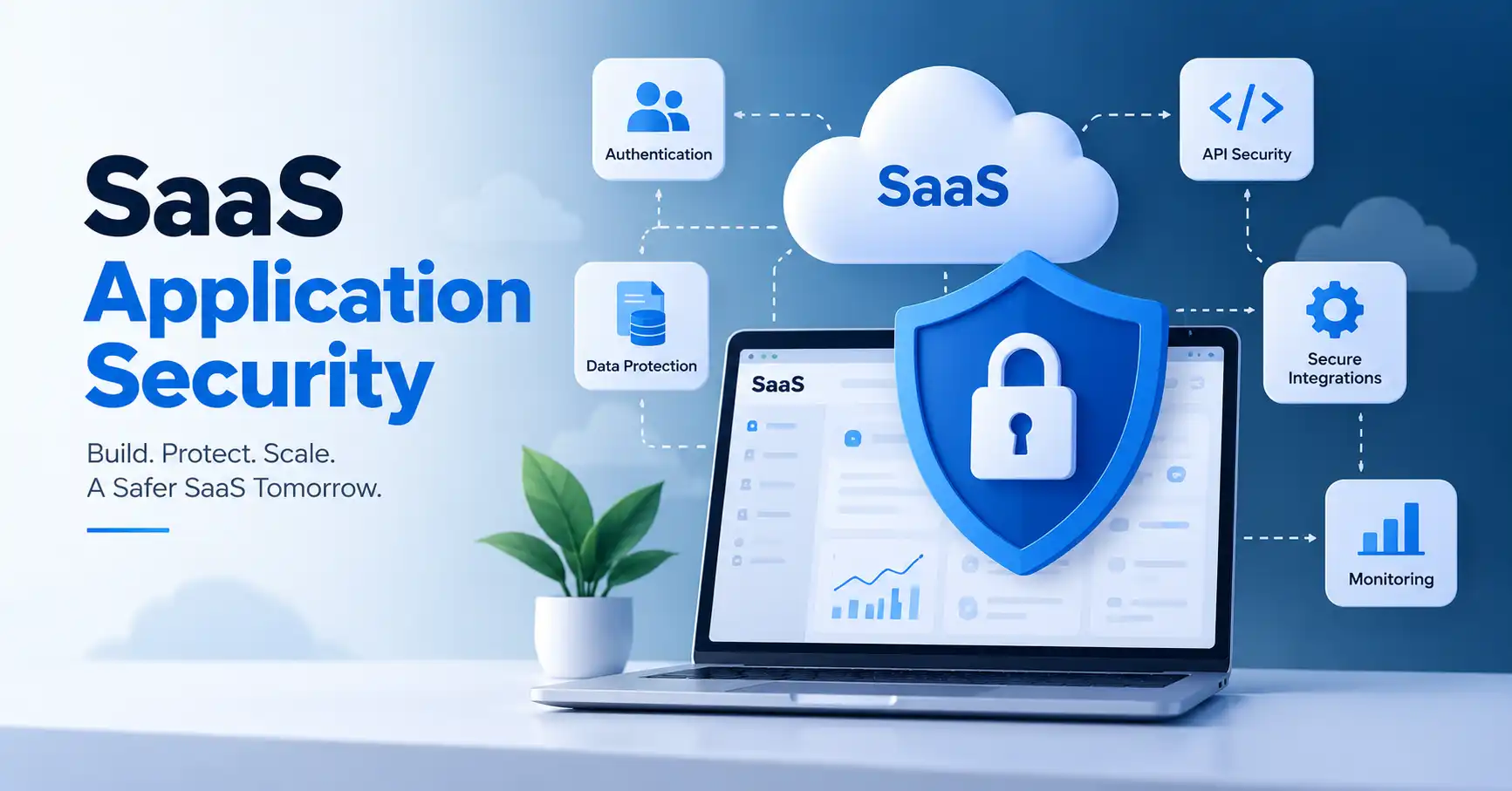
SaaS application security protects cloud applications, user accounts, data, APIs, infrastructure, and all those third-party integrations from malicious threats. Products get wired together constantly these days. Because of this, one single weak password rule, a dusty vulnerable dependency, or way too much permission can spill sensitive customer data everywhere. That is a disaster. The fix? Bake security right into the development lifecycle instead of treating it like some final checkbox audit at the finish line. This guide covers what SaaS security actually means, why it matters so much, implementation steps, frequent mistakes, handy tools, and best practices.
Table of Contents
- What is SaaS Application Security
- Why SaaS Application Security is Important
- Step by Step Guide
- Best Practices and Tips
- Common Mistakes
- SaaS Application Security Tools
- Comparison Table
- FAQs
- Conclusion
What is SaaS Application Security
SaaS application security is about the steps and safeguards for a web app that people use over the internet. It covers how users prove who they are, what they can do, and how the code is built. It also covers encryption, API defenses, and work to find and fix bugs. Teams also keep logs and watch for odd behavior. When something goes wrong, they have an incident plan.
Take a project management SaaS tool as a simple case. It may hold customer project files, staff details, documents, and API secrets. If someone steals a logged in session, or if they find a weak API route, they could reach records that the victim user should not see.
Because of that, you cannot treat security as only a login form. It needs to reach every part of the app, from the front end to the back end services. The OWASP Application Security Verification Standard lists checks that teams can apply during build and test.
If you want more context on how to protect the SaaS setup, read our SaaS Security guide.
Why SaaS Application Security is Important
SaaS platforms hold delicate customer information while linking to outside services. Security bugs threaten buyers, revenue, reputation, and corporate survival.
Key reasons to prioritize application security include:
• Protecting customer and business data from unauthorized access
• Reducing the risk of account takeover and credential theft
• Preventing vulnerabilities in APIs and application components
• Limiting damage when an account or service is compromised
• Supporting customer security requirements and compliance expectations
Security also needs to be part of the development process. NIST recommends integrating secure development practices into the software development lifecycle rather than relying only on security activities after software has been released.
Step by Step Guide
Step 1: Identify Critical Data and Attack Surfaces
Start by figuring out what your app actually needs to lock down. Make a list. Include customer data, login details, payment info, databases, APIs, source code, cloud stuff, and third party tools.
Next up, trace how users and other systems touch those assets, Take a B2B SaaS product, for instance. You might have a web app, a public API, an admin dashboard, a database, a payment gateway, email tools, and analytics running all at once. Every single connection is a spot that needs defenses.
Checking your SaaS Integration Architecture guide helps too. It shows you how data moves around.
Step 2: Strengthen Authentication and Authorization
Authentication confirms who a user is. Authorization determines what that user is allowed to do.
Use strong authentication controls such as multi factor authentication for sensitive accounts. Support secure session management and consider single sign on for business customers where appropriate.
Authorization deserves equal attention. A normal employee should not automatically have access to administrative functions simply because the application endpoint exists.
Take support reps. Sure, they need to view customer files. Does that mean downloading the whole database, No way. Stick to least privilege, Audit those permissions on a regular schedule, too.
Step 3: Secure Code, APIs, and Dependencies
Security testing belongs inside the actual development phase. Don’t wait for production. Developers need to check user input, run parameterized queries, and lock down sensitive tasks. Every endpoint requires authorization checks. Keep secrets out of the source code, period, APIs need extra care. They usually grant direct entry to core functions and user data.
Dependency management is equally important. A vulnerable open source package can introduce risk even when your own application code is well written.
NIST describes secure development as a continuous practice covering preparation, software protection, secure production, and vulnerability response.
Step 4: Protect Data and Secrets
Sensitive data should be protected both when it is stored and when it moves between systems.
Use encryption for data in transit and appropriate encryption controls for sensitive stored information. Store passwords using secure password hashing rather than reversible encryption.
Baking database credentials, signing keys, and tokens straight into source code is a terrible idea. Always deploy a dedicated secrets manager instead, rotating those fragile credentials whenever necessary.
Consider a SaaS product communicating with a payment processor. Never tuck its secret API key inside frontend JavaScript where a curious customer might easily extract it.
Step 5: Monitor, Test, and Respond
Security does not end when the application goes live.
Collect useful logs for authentication events, permission changes, administrative actions, suspicious API activity, failed requests, and important data operations.
Set alerts for strange behavior and map out an incident response plan.
Regular security checks need vulnerability scans, dependency audits, code reviews, penetration tests, and deep API testing.
Fix what you find. Don’t just file away another security report that gathers dust, Use those flaws to actually harden the app.
Best Practices and Tips
• Use multi factor authentication for privileged and sensitive accounts.
• Apply least privilege to users, services, APIs, and integrations.
• Keep application dependencies updated and monitor them for known vulnerabilities.
• Validate authorization on the server instead of trusting frontend controls.
• Store secrets outside source code and rotate them when appropriate.
• Log important security events without exposing passwords, tokens, or unnecessary sensitive data.
• Test security controls continuously as part of the software development lifecycle.
• Review third party integrations and remove permissions that are no longer required.
A good security program should be risk based rather than a collection of disconnected security products. NIST describes the SSDF as a foundation for planning and continuously improving secure software development practices.
Common Mistakes
Treating Security as a Final Audit
Finding vulnerabilities just before release gives developers less time to fix them properly. Security checks should be integrated into development and testing.
Giving Excessive Permissions
Broad permissions make successful account compromise more damaging. Give users and services only the access they actually need.
Ignoring API Security
An application can have a secure interface while its APIs expose sensitive operations. Test APIs independently for authentication, authorization, input validation, and data exposure. API Security
Storing Secrets in Code
API keys and credentials accidentally committed to source control can become a serious security problem. Use secure secret storage instead.
Assuming the SaaS Vendor Handles Everything
Apps, clouds, users, and tools demand security, Who owns what? That boundary requires absolute clarity now.
SaaS Application Security Tools
Every security tool targets a different fragment. Don’t just buy popular software. Instead, meticulously match the specific product to whatever looming risk your organization actually faces today.
Comparison Table
| Tool | Primary Use | Best For | Main Benefit |
| Snyk | Dependency and code security | Development teams | Finds vulnerabilities in code and open source dependencies |
| Semgrep | Static analysis | Developer security workflows | Detects insecure coding patterns during development |
| OWASP ZAP | Web application testing | Security testing | Helps identify common web application vulnerabilities |
| Burp Suite | Web and API security testing | Security professionals | Provides detailed testing and analysis capabilities |
| GitHub Dependabot | Dependency monitoring | Teams using GitHub | Identifies vulnerable dependencies and helps update them |
No single security tool secures a SaaS app. Real safety takes a mix. You need development checks, deep testing, identity defense, constant monitoring, and fast incident response.
FAQ’s
What is SaaS application security?
SaaS application security locks down cloud tools, users, data, APIs, infrastructure, and integrations. It keeps unauthorized eyes out and stops threats dead. Simple as that.
What are the main areas of SaaS application security?
Core pillars here? Authentication, robust authorization, safe coding, API shielding, data protection, dependency control, secret handling, vulnerability tracking, and managing surprise incidents.
How can SaaS companies improve application security?
Begin by mapping your critical assets and attack surfaces. Afterward, strictly lock down identities, enforce least privilege, secure APIs, guard secrets, and constantly watch key events. Bake security testing right into development.
Is SaaS application security only the developers responsibility?
Sure, developers matter. But application security pulls in security crews, infrastructure folks, product units, admins, and business stakeholders too. Roles need clear lines drawn.
What security standard can SaaS teams use?
OWASP ASVS is useful for defining and verifying web application security requirements. NIST SSDF can help organizations structure secure software development practices across the software lifecycle.
Conclusion
SaaS security isn’t some toggle switch you flip right before launch. It’s a living process. It touches everything from identity management and permissions down to your code, APIs, data flows, third party dependencies, integrations, monitoring. And how you handle incidents.
Map out your critical data and attack surfaces first. Then audit your login logic, lock down your APIs and libraries, hide your secrets properly, and set up non stop testing and observation.
What should you do next, Run a practical security review on your software. Figure out the five assets or workflows that would hurt the most if they went down, then check the locks on every single one of them.