

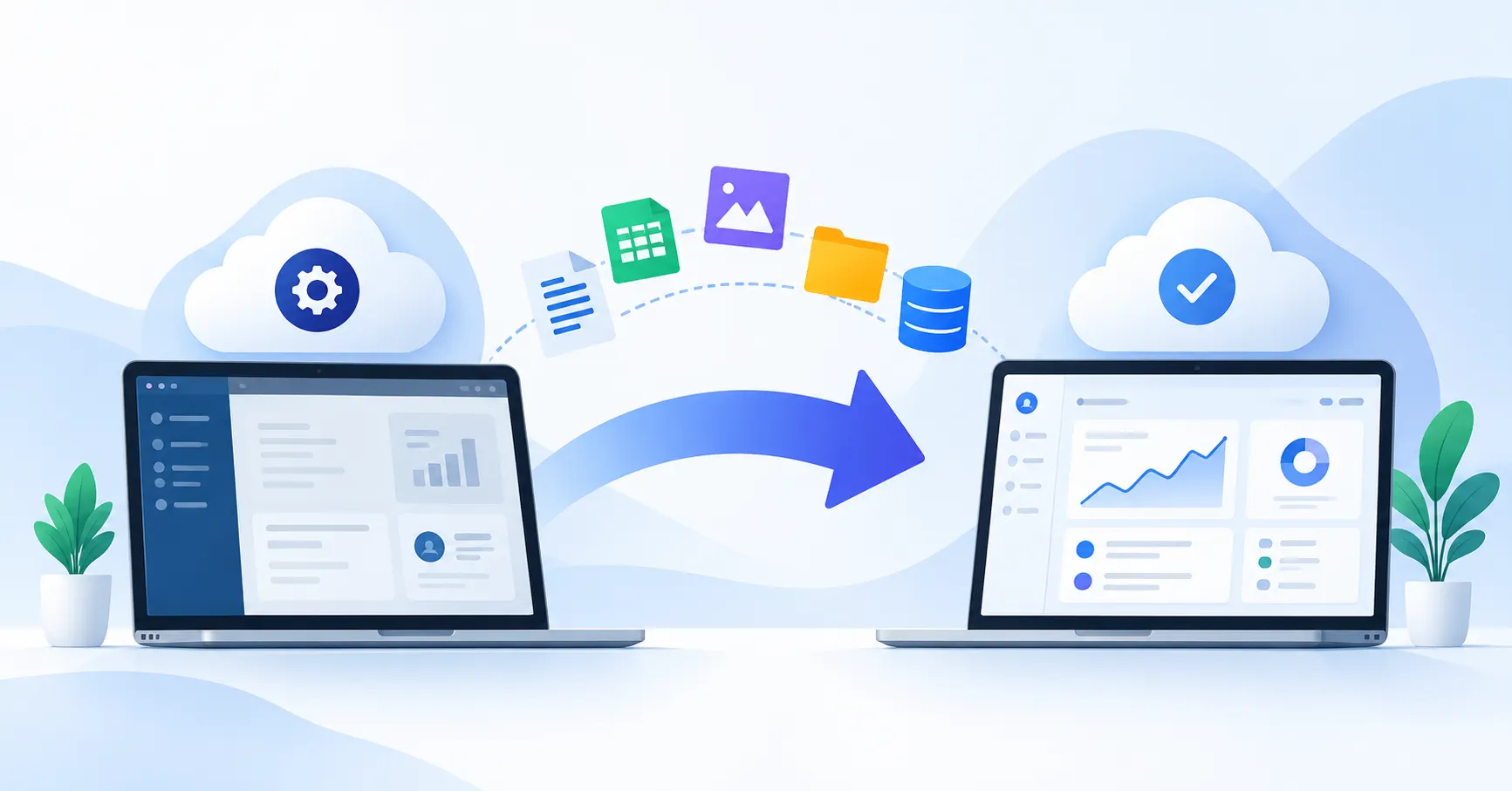
Switching SaaS tools can address real business challenges, but moving to a new platform involves more than creating an account and importing data. You also need to transfer essential records, recreate workflows, reconnect integrations, and get your team comfortable with the new system.
Consider a growing startup that decides to replace its CRM because the current platform has become expensive or difficult to customize. If customer history, sales automations, and reports don’t transfer properly, the new tool could create more problems than it solves.
The goal is to make the transition as smooth as possible while protecting business data and keeping essential operations running. Here’s how to approach the migration from planning through launch.
When Should You Migrate From One SaaS Tool to Another?
Start by identifying what’s no longer working with your current platform.
Common reasons for switching include:
- Rising costs: Subscription fees or usage charges no longer fit your budget.
- Limited functionality: The platform can’t support your team’s evolving needs.
- Integration problems: Connecting it to your CRM, billing software, or marketing tools requires workarounds.
- Low adoption: Employees struggle with the interface or find that it doesn’t support their workflows.
- Changing business needs: Your company needs stronger reporting, more automation, better security controls, or greater scalability.
Still, switching isn’t automatically the best option. Compare the cost and effort of migrating with the alternatives, such as upgrading your current plan or improving existing workflows.
Before making a decision, assess the replacement platform’s features, integrations, security, contract terms, and data export capabilities. SaaSyntic’s SaaS vendor evaluation guide can help you evaluate potential replacements.
How to Migrate From One SaaS Tool to Another
A well planned SaaS migration gives your team a clear process, identifies dependencies early, and reduces the risk of avoidable errors.
Step 1: Define Your Migration Goals
Begin with the improvements you expect from the new platform.
For example, a marketing team switching email marketing tools might want more flexible automation, more dependable reporting, and lower subscription costs.
Turn these objectives into measurable acceptance criteria. You might require all essential contact records to be transferred, campaign automations to work correctly, reports to produce accurate results, and users to have the right access.
Assign responsibilities early, too. A project owner can coordinate the transition, technical staff can handle integrations, and department representatives can confirm that business workflows work as expected.
Step 2: Audit Your Existing Tool
Before moving anything, document what your current platform contains and how your team uses it.
Your inventory should cover:
- Customer records, files, and historical activity.
- Custom fields, tags, categories, and user permissions.
- Reports, dashboards, and saved views.
- Integrations, API connections, and automated workflows.
- Subscription terms, renewal dates, and data retention requirements.
Then classify each item as migrate, rebuild, archive, or retire.
For instance, a sales team may need active deals and recent customer interactions in its new CRM. Old test records, on the other hand, might be better archived than transferred.
This exercise keeps the migration focused on what the business actually needs and highlights features that may not have a direct equivalent in the replacement platform.
Step 3: Prepare the New SaaS Platform
Configure the destination platform before importing production data.
Set up user accounts, roles, custom fields, pipelines, categories, and reporting structures. Next, map the fields in your existing system to their equivalents in the new one.
| Existing tool | New tool | Required action |
| Customer name | Account name | Map fields and validate values |
| Lead status | Sales stage | Match equivalent stages |
| Account owner | Record owner | Map users and permissions |
| Email automation | New workflow | Rebuild and test triggers |
| Custom report | New dashboard | Recreate and compare results |
Some features won’t transfer directly. For example, a CRM that automatically assigns leads using a particular rule may require a different trigger or condition in the new platform.
Identify these differences before the migration begins so your team has time to rebuild and test the necessary functionality.
Step 4: Export and Test Your Data
Export the records you need using methods supported by the source platform. Depending on the tools involved, you might use CSV files, built in migration utilities, APIs, or a specialist migration service.
Keep a secure backup of the original data. Before importing, remove unnecessary records and duplicates where appropriate.
Next, run a test migration using a representative sample. Check record counts, required fields, attachments, relationships between records, timestamps, and permissions.
A successful import doesn’t necessarily mean everything is intact. For example, 500 contacts might appear in the new CRM, but the migration is still incomplete if those contacts aren’t connected to the correct companies or sales opportunities.
For more detail on exports, field mapping, and validation, see SaaSyntic’s SaaS data migration guide.
Step 5: Reconnect Integrations and Test Workflows
Getting the data into the new platform is only part of the job. Your existing business processes must work there, too.
Review connections to billing software, analytics platforms, marketing automation, customer support systems, and internal reporting tools, depending on your setup.
Test entire workflows instead of checking individual features in isolation.
For example, submit a test lead through your website. Confirm that it reaches the new CRM, receives the correct owner, triggers the intended follow up, and appears accurately in reports.
Where applicable, verify API credentials, permissions, webhooks, and automation rules before moving forward.
Step 6: Plan the Cutover
Cutover is the point when your team transitions from the old platform to the new one. The right approach depends on how critical the system is and how much disruption the business can tolerate.
| Approach | Best suited for | Main trade off |
| Direct switch | Smaller, less complex tools | Faster, but offers less opportunity for live comparison |
| Parallel operation | Critical workflows | Allows comparison, but can increase costs and duplicate work |
| Phased migration | Separate departments or workflows | Breaks the transition into stages but requires coordination |
Before cutover, decide when updates to the old system will stop, how you’ll transfer the final changes, and who can approve or reverse the transition.
Microsoft’s migration execution guidance offers useful principles for coordinating stakeholders, planning cutover, preparing fallback options, and validating the new environment.
Step 7: Train Users and Monitor Results
Give employees practical, role specific training before the new platform becomes their primary workspace. Short demonstrations, clear workflow instructions, and a way to report issues can make the transition easier to manage.
After launch, monitor the system closely. Check whether employees can complete essential tasks, integrations are working, reports match expected results, and errors are being addressed.
Where practical and permitted by your contract, retain access to the old platform during an agreed transition period. Define rollback conditions in advance, especially if a critical business process stops working.
Decommission the old system only after the necessary data has been verified, stakeholders have approved the transition, and relevant retention requirements have been addressed.
Common SaaS Migration Mistakes to Avoid
Small oversights can complicate an otherwise straightforward migration. Watch out for these common mistakes:
- Choosing a tool based only on price: Account for migration labor, training, integrations, and overlapping subscriptions when calculating total costs.
- Moving everything without reviewing it: Unnecessary records add complexity and can clutter the new system.
- Skipping test migrations: A small test can expose field mapping problems before they affect the full dataset.
- Overlooking integrations: Broken automations can interrupt lead management, billing, reporting, or customer support.
- Canceling the old subscription too early: Losing access before validation is complete can make recovery difficult.
- Failing to define success: Without clear acceptance criteria, teams may declare the migration complete before essential workflows have been verified.
SaaS Migration Checklist
Use this checklist to track your progress from preparation to completion.
- Document migration goals and success criteria.
- Audit data, workflows, integrations, and users.
- Evaluate the replacement tool and contract terms.
- Prepare fields, permissions, and configurations.
- Back up and clean the source data.
- Run a test migration and resolve errors.
- Test integrations and end to end workflows.
- Confirm cutover timing and rollback conditions.
- Train users and communicate the transition.
- Validate results before retiring the old tool.
FAQ’s
How long does it take to migrate from one SaaS tool to another?
The timeline depends on data volume, workflow complexity, integration requirements, and the availability of migration support. A straightforward switch may take days, while a more complex transition can take weeks or longer. Audit dependencies and complete a test migration before setting a realistic deadline.
Can you switch SaaS tools without losing data?
You can reduce the risk by backing up the original data, using supported export methods, testing field mappings, comparing record counts, and validating relationships between records. Some platform specific features and historical information may not transfer directly, so identify those limitations early.
Should you use both SaaS tools during migration?
Running both tools temporarily can help teams compare results and reduce transition risk for critical workflows. However, it may increase subscription costs and lead to inconsistent records if employees update both systems. Decide which platform is the source of truth for each type of data.
When should you cancel the old SaaS subscription?
Wait until the required data is accessible, critical workflows work in the replacement platform, stakeholders have approved the transition, and contractual and retention requirements have been addressed. Check renewal and cancellation deadlines early to avoid unnecessary subscription costs.
Conclusion
Migrating from one SaaS tool to another works best when you plan the business transition before moving the data. Define your goals, audit existing workflows, prepare the new platform, test the migration, and verify essential processes before making the full switch.
Ultimately, a successful migration isn’t just about getting data into a new system. It’s about giving your team a platform they can use reliably without disrupting the work your business depends on.