

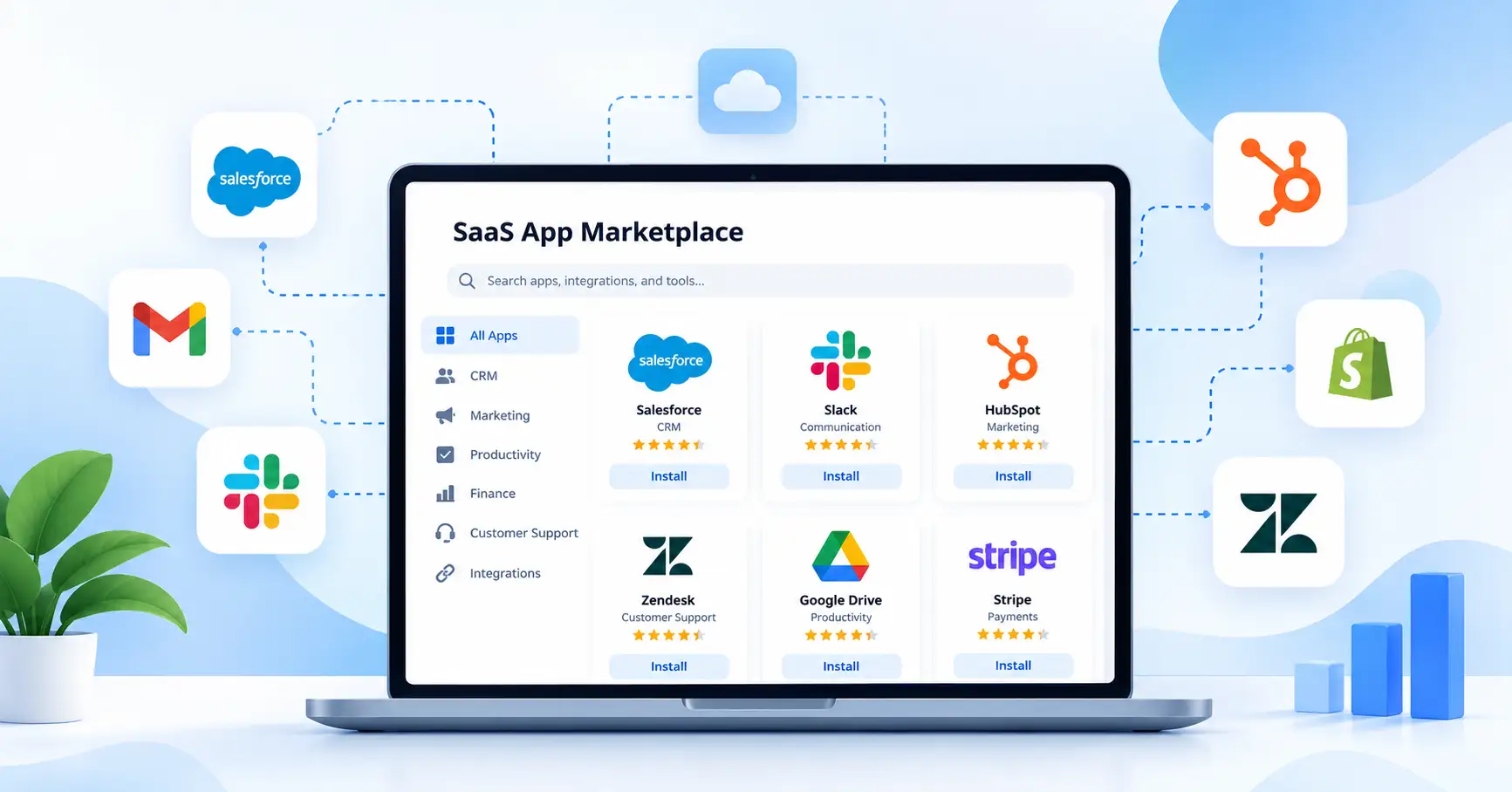
Most growing businesses rely on several software applications to keep operations running. Sales teams use CRMs, marketing teams manage campaigns, finance teams handle billing, and support teams look after customers. When these tools operate in silos, employees often waste time switching between platforms or transferring data manually.
A SaaS app marketplace gives businesses a central place to discover, evaluate, and access applications that extend their existing software or meet specific business needs.
For SaaS companies, marketplaces offer another way to reach potential customers, develop partnerships, and expand their product ecosystems. Understanding how these platforms work helps businesses choose suitable applications and gives software vendors a clearer view of their distribution options.
What Is a SaaS App Marketplace?
A SaaS app marketplace is an online platform where users can find, evaluate, and access software applications, add ons, and integrations. Depending on the platform, they may be able to install apps, connect existing tools, purchase subscriptions, or manage software licenses.
Consider a business that uses a customer relationship management (CRM) system and wants to connect it to an email marketing platform. By finding an appropriate integration through its marketplace, the business can help its sales and marketing teams share customer information without moving every record manually.
SaaS app marketplaces serve several groups:
- Businesses: Find applications that meet their operational needs.
- SaaS vendors: Distribute products and reach potential customers.
- Developers and partners: Add complementary features to existing software.
- Marketplace operators: Build an ecosystem around their core products.
The experience varies by platform. Some marketplaces focus on software discovery and purchasing, while others help users connect applications they already have.
How Does a SaaS App Marketplace Work?
The process differs across platforms, but most SaaS app marketplaces follow a similar path from discovery to ongoing management.
1. Discover and evaluate applications
Users browse categories, search for specific features, and compare available apps. Listings may include product descriptions, compatibility information, pricing, documentation, and customer reviews.
Before choosing an application, confirm that it supports your software versions, subscription plan, required features, and expected data volume.
2. Install the app and authorize access
Depending on the marketplace, getting started might mean adding an app to an existing account, purchasing a subscription, or connecting two cloud services.
An application may request access to customer records, contacts, files, or other business data. Review these permissions before granting access, and make sure they align with the application’s intended purpose.
3. Configure integrations and workflows
After installation, users may need to connect accounts, map data fields, establish synchronization rules, or configure automated workflows.
For instance, a company might connect its CRM to a communication tool so sales representatives receive notifications when qualified leads enter the pipeline. The setup and available automation options depend on the applications involved.
4. Manage access, updates, and subscriptions
Once an app is running, administrators may need to review permissions, monitor data synchronization, manage renewals, and update configurations.
Installation is only the first step. Businesses also need to consider ongoing compatibility, maintenance, support, and troubleshooting as their software stack evolves.
Types of SaaS App Marketplaces
Marketplaces serve different purposes. Knowing which type fits your needs can help you find the right software or choose a suitable distribution channel for your product.
Public SaaS and cloud marketplaces
These platforms allow organizations to discover and purchase software from multiple vendors. Depending on the product and marketplace, purchasing options may include subscriptions, private offers, free trials, or consolidated billing.
For example, AWS Marketplace provides a catalog of third party software, data products, and services that customers can discover, purchase, deploy, and manage.
Vendor specific app stores
These marketplaces extend a particular software product through third party applications and add ons.
Salesforce AppExchange is one example. Businesses can explore applications designed to work with Salesforce and add capabilities to their CRM without replacing the core system.
Embedded integration marketplaces
An embedded integration marketplace sits within a SaaS product and allows customers to activate connections to other applications.
For example, a project management platform might let users connect their accounts to Slack or a CRM through an in product catalog. Customers can configure supported connections themselves instead of relying on the SaaS vendor’s engineering team for every setup.
This approach is particularly useful for B2B SaaS companies that want to make integrations a self service product feature. Prismatic’s guide to in app integration marketplaces explains this model in more detail.
Benefits of a SaaS App Marketplace
Benefits for businesses
A marketplace can make software selection and adoption more manageable in several ways:
- Easier software discovery: Find relevant applications in one place rather than researching every vendor independently.
- Connected workflows: Reduce repetitive data entry and manual handoffs by integrating compatible tools.
- Simpler evaluation: Compare compatibility, documentation, pricing, and support options before committing.
- Greater flexibility: Extend existing software as business needs change instead of immediately replacing core systems.
The value depends on choosing applications that fit the company’s requirements and existing setup. An unsuitable integration can introduce more complexity than it removes.
Benefits for SaaS founders and vendors
For SaaS companies, a marketplace can provide access to customers already using a compatible platform. A clear, well maintained listing also makes it easier for potential users to understand what a product does and how it fits into their workflow.
Imagine a customer feedback software company that publishes an integration for a popular CRM. Businesses exploring that CRM’s marketplace for ways to improve their processes may discover the feedback tool during their search.
Marketplaces can also support partnerships and, where permitted, paid listings or transactions. However, visibility alone doesn’t guarantee sales. Vendors still need a useful product, clear documentation, reliable integrations, and an onboarding experience that helps customers get started.
SaaS App Marketplace vs. Integration Marketplace
The terms are related, but they don’t always mean the same thing.
| Aspect | SaaS app marketplace | Integration marketplace |
| Primary purpose | Discover or obtain software | Connect existing applications |
| Typical offerings | Apps, add ons, and SaaS products | Connectors and configured workflows |
| Main user goal | Extend software capabilities | Exchange data or automate processes |
| Common location | Public portal or product ecosystem | Public catalog or embedded in a SaaS product |
| Key considerations | Product fit, licensing, and compatibility | Data mapping, permissions, and reliability |
A SaaS app marketplace may include integrations, while an integration marketplace may offer complete software extensions. The main distinction is what users want to accomplish, not simply where the catalog is hosted.
If connecting business systems is your primary goal, explore how SaaS integration platforms help connect applications and coordinate workflows.
Examples of SaaS App Marketplaces
These examples illustrate three different approaches to software distribution and integration.
- Salesforce AppExchange: A vendor specific ecosystem for discovering applications and extensions designed to work with Salesforce.
- AWS Marketplace: A cloud marketplace where organizations can discover and purchase SaaS products and other software offerings.
- Prismatic’s integration marketplace: An example of an embedded integration catalog that lets SaaS vendors offer customers self service integration activation.
Each serves a different purpose. A company looking to extend its CRM might start with AppExchange, while an organization evaluating third party cloud software could explore AWS Marketplace. A SaaS vendor that wants customers to activate integrations within its own product might consider an embedded marketplace.
How to Choose the Right SaaS App Marketplace
Before installing an application or selecting a marketplace for your product, work through these six steps.
- Define the goal. Decide whether you need a new application, an extension, or a connection between existing tools.
- Check compatibility. Confirm that the app supports your current software, subscription tiers, and required features.
- Review security and permissions. Understand what data the application can access, how credentials are handled, and what security documentation is available.
- Calculate the total cost. Include subscriptions, usage charges, implementation, maintenance, and any additional integration fees.
- Assess ongoing support. Review documentation, update practices, troubleshooting options, and vendor support commitments.
- Test before scaling. Where possible, run a limited pilot with representative workflows and data before rolling the application out across the organization.
SaaS founders should also consider whether a marketplace reaches the right audience. Check eligibility requirements, listing guidelines, revenue sharing or transaction terms, onboarding responsibilities, and the ongoing effort required to maintain the integration.
A well defined SaaS integration strategy can help teams prioritize connections that address real customer needs instead of building integrations simply because they are available.
FAQ’s
What is a SaaS app marketplace?
A SaaS app marketplace is an online catalog where users can discover, evaluate, and access SaaS applications, add ons, and integrations. Purchasing and installation options vary by platform.
Are SaaS marketplace apps free?
Some applications are free, while others require subscriptions, usage based payments, or one time purchases. An app may also require a separate subscription to the underlying software.
Are SaaS app marketplaces secure?
Security depends on the marketplace, the individual application, and how it handles data. Before connecting business systems, review permissions, data handling practices, vendor reputation, available security documentation, and access controls.
How can SaaS companies benefit from marketplaces?
Marketplaces can give SaaS companies another distribution channel, improve product discoverability, and connect them with customers already using compatible software. Results depend on customer demand, product fit, listing quality, and ongoing support.
Conclusion
A SaaS app marketplace helps businesses find software, extend existing applications, and connect tools that support everyday workflows. For SaaS vendors, it offers another way to reach potential customers and build partnerships within established software ecosystems.
Start with a specific business need, then evaluate compatibility, security, pricing, and ongoing support before choosing a marketplace or application. SaaS founders should focus on distribution channels and integrations that solve meaningful customer problems rather than simply increasing the number of available connections.
When the fit is right, a SaaS app marketplace can help businesses get more value from their software without adding unnecessary complexity.