

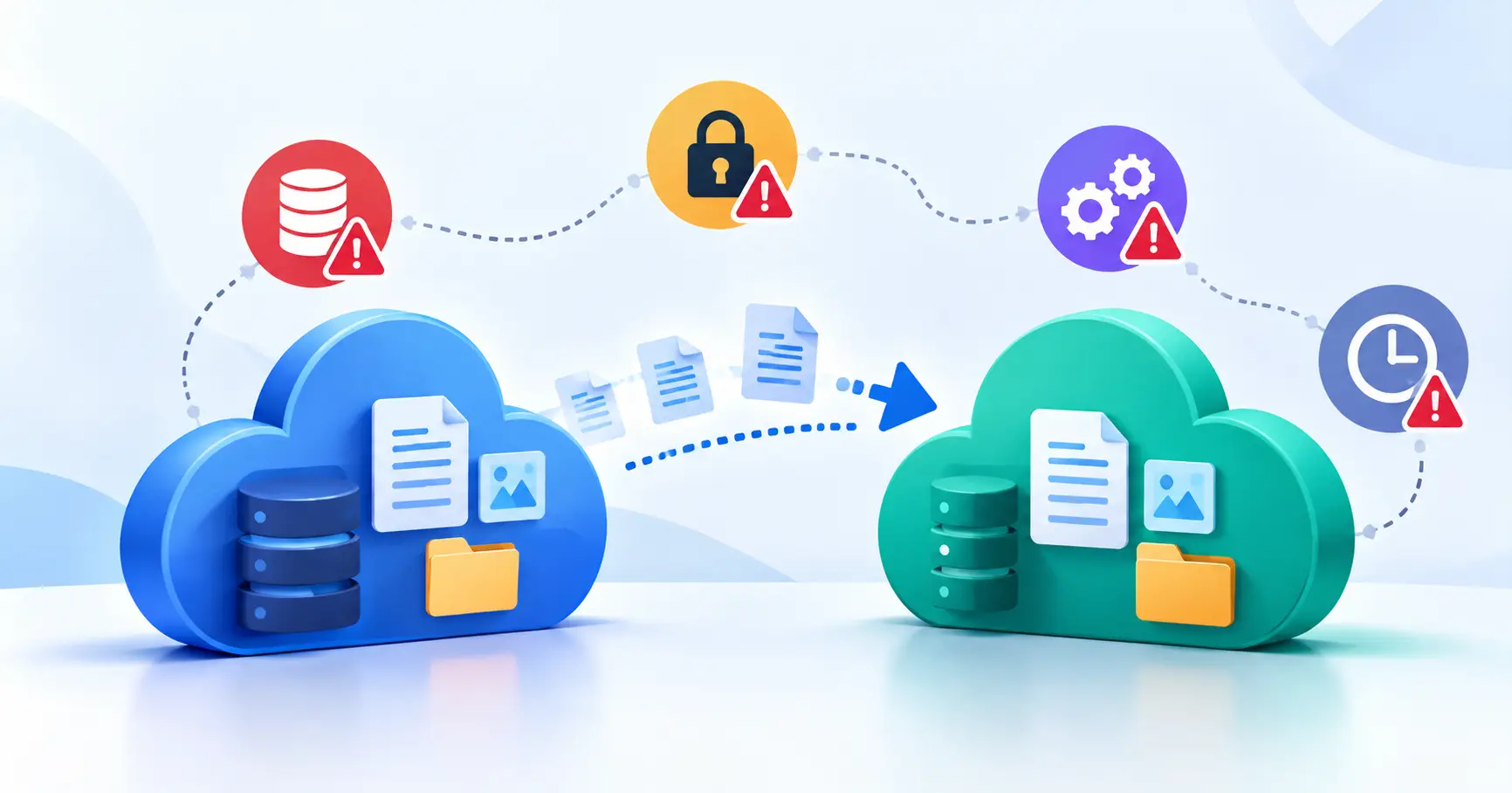
Switching from one SaaS platform to another can help businesses cut costs, streamline workflows, and access better features. But the transition comes with its own set of challenges. Data can go missing, integrations can break, security gaps can emerge, and everyday operations can take a hit.
Consider a company moving its CRM contacts to a new platform. The contact records transfer successfully, but the links between contacts, sales opportunities, and support records don’t. The data is still there, yet the sales team can no longer work as expected.
Understanding SaaS migration risks before making the switch helps teams anticipate these problems and prepare for setbacks. The aim isn’t to eliminate every possible risk. It’s to identify potential failures, reduce their likelihood, and have a recovery plan ready if something goes wrong.
What Are SaaS Migration Risks?
SaaS migration risks are the potential problems that arise when moving data, workflows, users, and integrations from one software as a service platform to another.
These risks extend beyond technical issues. A migration might preserve all the data but disrupt automated workflows, expose sensitive information, increase costs, or leave employees struggling to use the new platform.
The level of risk depends on factors such as data volume, system complexity, security requirements, and the number of business processes that rely on the existing tool.
For startups and small businesses, even a brief disruption can affect sales, customer support, or marketing campaigns. Assessing these risks early helps teams plan the transition without overlooking critical dependencies.
10 Common SaaS Migration Risks and How to Reduce Them
1. Data Loss and Incomplete Exports
One of the most serious SaaS data migration risks is losing information during export, transfer, or import.
A platform might export standard records while leaving out attachments, comments, activity history, or other important information. Export limits and permission restrictions can also prevent certain data from being included.
How to reduce the risk:
- Back up the source data before migration.
- Identify the records, files, and historical information that must be preserved.
- Compare record counts and required fields across both platforms.
- Test a sample migration before transferring the full dataset.
- Keep the original platform available until validation is complete.
For example, a marketing team might move its contact database to a new automation tool only to discover that historical engagement records weren’t transferred. Identifying and checking those records before migration would help prevent that gap.
2. Incorrect Data Mapping and Corruption
A successful transfer doesn’t guarantee that the data will retain its original meaning.
Suppose the old platform stores customer status as free form text, while the new one uses predefined values. Poor field mapping can introduce invalid values, duplicate records, or broken relationships between entries.
How to reduce the risk:
- Map each important source field to its destination field.
- Check differences in formats, required fields, and allowed values.
- Test relationships between records, not just individual entries.
- Validate representative records after importing.
- Document fields that cannot be transferred directly.
The goal is to preserve the meaning and relationships within the data, not simply match the original record count.
3. Security Vulnerabilities and Unauthorized Access
SaaS migrations often involve exporting data, creating temporary accounts, connecting APIs, and transferring files between systems. Each additional access point can introduce security risks.
Sensitive customer information may be exposed if export files are stored insecurely or temporary credentials remain active after the migration.
How to reduce the risk:
- Encrypt sensitive data during transfer and storage.
- Give migration permissions only to people who need them.
- Store credentials securely instead of sharing them in documents or messages.
- Review access logs and revoke temporary permissions when the work is complete.
- Establish how migration files and temporary copies will be deleted.
Security checks should cover both platforms and the transfer process itself. A secure destination doesn’t automatically make the migration secure.
4. Compliance, Privacy, and Data Retention Issues
Changing SaaS providers can affect where personal data is stored, who can access it, and how long it must be retained.
These considerations matter to businesses with contractual obligations, industry specific requirements, or privacy law responsibilities. Moving data to a new provider doesn’t automatically satisfy those obligations.
How to reduce the risk:
Review the destination provider’s data processing terms, storage locations, access controls, and retention policies. Check whether existing customer commitments or regulatory requirements affect the migration.
You should also determine how long the old system and exported files need to be retained. Don’t delete records just because the transfer appears complete. Confirm the applicable retention and deletion requirements first.
5. Integration and Automation Failures
Most businesses rely on multiple SaaS applications working together. A CRM, for instance, might connect to an email platform, billing system, analytics tool, or customer support application.
These connections can break after migration because of changed API credentials, different field names, unsupported triggers, or incompatible data structures.
How to reduce the risk:
- Inventory existing integrations and automations.
- Identify the business processes that depend on each connection.
- Update credentials, webhooks, and field mappings where necessary.
- Test critical workflows from beginning to end.
- Monitor integration errors after launch.
Imagine a CRM migration that preserves customer records but stops new leads from triggering sales notifications. Testing the complete lead capture process before launch can catch the problem before it affects real opportunities.
6. Unexpected Costs and Scope Creep
The cost of a SaaS migration often extends beyond the subscription fee for the new platform. Teams may need paid migration tools, consultants, additional API access, overlapping subscriptions, or extra staff time.
Costs can climb further when undocumented requirements surface halfway through the project.
How to reduce the risk:
- Estimate the cost of migration work, tools, training, and testing.
- Set aside a contingency allowance for unexpected work.
- Identify features that require separate plans or paid integrations.
- Agree on the migration scope before work begins.
- Compare the total switching cost with expected long term savings.
A lower subscription price doesn’t necessarily mean a cheaper solution. Evaluate the cost of the transition alongside the ongoing cost of running the new platform.
7. Downtime and Business Disruption
Some migrations temporarily prevent users from updating records or accessing certain features. If the transition takes longer than planned, sales, billing, customer support, and marketing operations may be interrupted.
How to reduce the risk:
Schedule the cutover during a quieter period, tell users what to expect, and identify essential processes that must remain available.
For business critical systems, consider a staged migration or temporary parallel operation. These approaches can reduce disruption, although they may add costs and create data synchronization challenges.
Microsoft’s migration execution guidance emphasizes cutover planning, fallback options, validation, and support during stabilization.
8. Performance and Compatibility Problems
A new SaaS platform may behave differently from the old one. Reports might produce different results, workflows may take longer, and existing processes may not fit the destination’s capabilities.
How to reduce the risk:
Test the new platform with realistic workloads and representative data. Check important reports, user permissions, search functions, and high volume workflows. Compare results with the source system and investigate unexplained differences before the final cutover.
Don’t assume that two products with similarly named features will work in the same way.
9. Low User Adoption and Employee Resistance
A technically successful migration can still fall short if employees don’t understand or adopt the new platform.
People become accustomed to familiar interfaces, workflows, and shortcuts. When a replacement changes how they work, employees may develop workarounds or return to unapproved tools.
How to reduce the risk:
- Involve representative users in evaluation and testing.
- Identify workflow changes before launch.
- Provide role specific training and clear documentation.
- Gather feedback during a pilot.
- Monitor adoption and support requests after launch.
For example, a sales team moving to a new CRM may need practical training on lead assignment and pipeline reporting, not just a tour of the interface. Training works best when it reflects the tasks employees actually perform.
10. Vendor Lock In and Inadequate Recovery Planning
A migration can leave a business dependent on the new provider’s proprietary formats, export limitations, or integrations. If the platform later becomes unsuitable, moving away from it may prove difficult.
Another common mistake is shutting down the old platform before confirming that the replacement works reliably.
How to reduce the risk:
Review data export options, API availability, contract terms, and exit procedures before committing to a provider. Keep migration documentation and preserve the data needed for recovery.
Define rollback conditions before launch. Significant data discrepancies, broken revenue generating workflows, or unresolved security issues may justify delaying the cutover or returning to the old platform.
Keep in mind that rolling back isn’t always as simple as switching back. If users have created new records in the destination, you’ll need a way to preserve and reconcile those changes.
How to Assess and Prioritize SaaS Migration Risks
Not every risk needs the same level of attention. A minor reporting issue might be manageable after launch, while missing billing records could affect revenue and customer trust.
A simple risk register helps teams prioritize their efforts.
| Risk | Likelihood | Impact | Preventive action |
| Missing customer records | Medium | High | Test exports and reconcile records |
| Broken CRM integration | Medium | High | Run end to end workflow tests |
| Temporary access exposure | Low | High | Restrict permissions and review logs |
| Delayed employee adoption | Medium | Medium | Pilot the platform and provide training |
These ratings are illustrative, not measured probabilities. Adjust them to reflect your systems and business requirements.
Assign an owner, deadline, and completion criterion to each risk. Give particular attention to issues with severe business consequences, even if their likelihood appears low.
A Practical Plan to Reduce SaaS Migration Risks
Risk management should continue throughout the migration, from initial planning to post launch checks.
Before migration
- Document business critical data, integrations, and workflows.
- Confirm export capabilities, backup options, and security requirements.
- Set measurable acceptance criteria and define rollback triggers.
- Run a pilot using representative records and users.
During migration
- Track progress and migration errors.
- Validate record counts, field mappings, relationships, and permissions.
- Test critical integrations and business workflows.
- Pause the cutover if essential checks fail.
After migration
- Confirm that users can complete their core tasks.
- Monitor errors, performance, integration health, and support requests.
- Keep the source platform available during an agreed stabilization period, where feasible.
- Decommission the old system only after business owners approve the results and retention requirements have been addressed.
For a more detailed execution workflow, refer to SaaSyntic’s SaaS migration checklist.
FAQ’s
1. What are the biggest SaaS migration risks?
The main risks include data loss, incorrect field mapping, security vulnerabilities, broken integrations, unexpected costs, downtime, and low user adoption. Which ones matter most depends on how the software supports your business. Start by identifying critical workflows and prioritizing risks according to their potential impact.
2. How can you prevent data loss during SaaS migration?
Back up the source data, test exports, map fields carefully, and validate imported records. Check attachments, relationships, and historical activity where necessary. Keep the original platform available until the data and essential workflows have passed validation.
3. How do you minimize downtime during SaaS migration?
Choose a suitable low activity period for the cutover, communicate the plan to users, and test the migration beforehand. For critical systems, consider a staged migration or temporary parallel operation. Define rollback criteria and ensure the people responsible for recovery are available during launch.
4. When is it safe to shut down the old SaaS platform?
Shut it down only after the new platform passes acceptance tests, critical integrations work, required data has been verified, and business owners approve the transition. Check contractual, legal, and retention requirements as well. If rollback depends on the old system, keep it available until that dependency is resolved.
Conclusion
SaaS migration involves more than moving data between platforms. It requires protecting information, preserving business processes, controlling costs, and helping employees adapt to new ways of working.
The best way to reduce SaaS migration risks is to identify potential failures early, test critical workflows, assign clear ownership, and define recovery procedures before launch. Don’t judge success solely by whether the data has moved. Consider whether your team can continue working accurately, securely, and reliably.
A well planned migration puts your business in a stronger position to benefit from the new platform while avoiding preventable operational problems.