

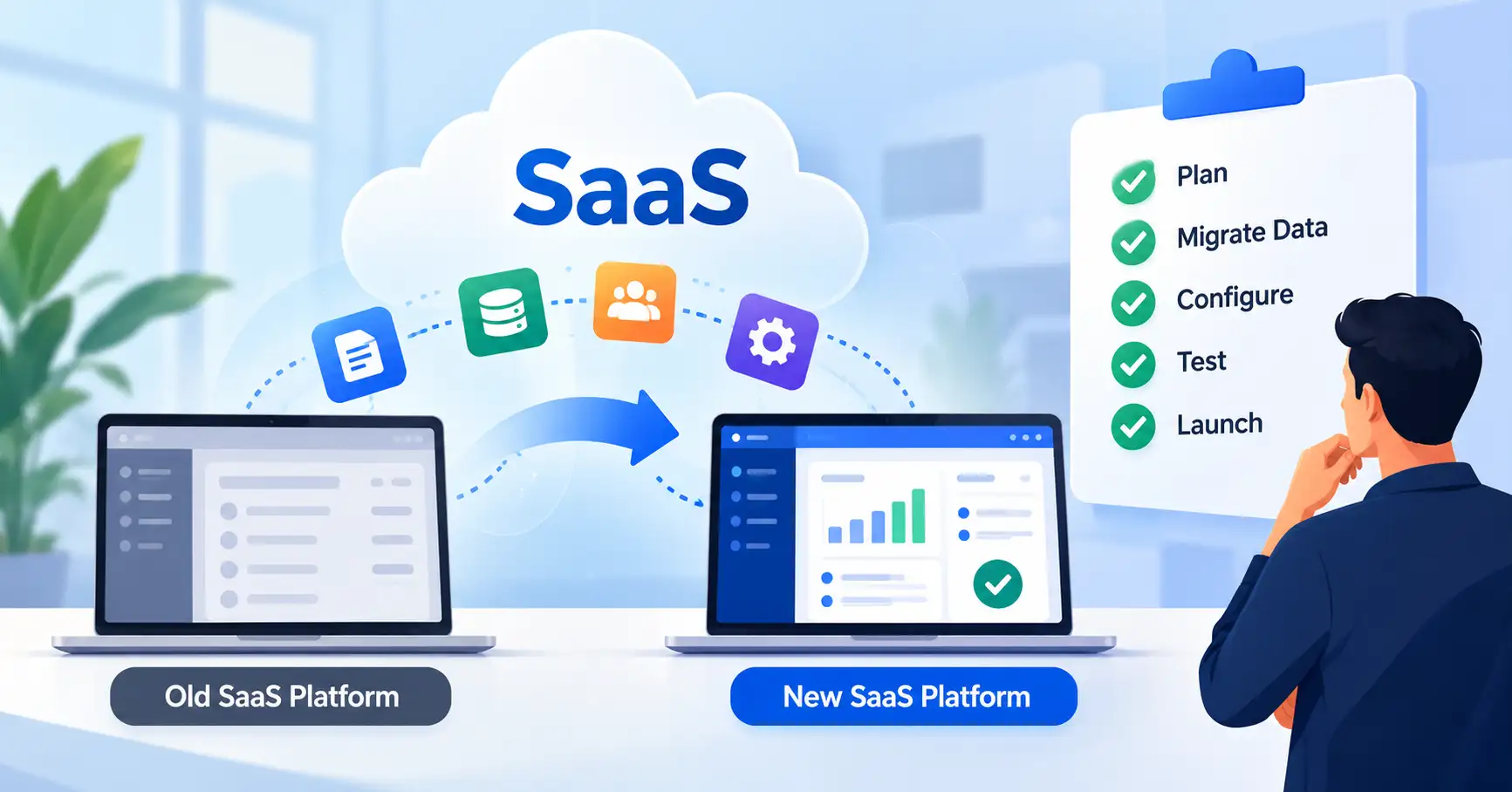
Thinking about a new SaaS platform? It’s true, these things can really juice up your team’s output, untangle messy workflows, and even cut down on what you pay for upkeep. But skip a solid migration checklist? You’re just asking for problems. Companies lose data, things stop working, and customers, they get annoyed, quick.
Moving everything isn’t just about shifting files around. It takes careful planning, getting your data ready, checking security, testing all the connections, and actually training your whole team.
This guide walks you through the whole journey, from planning to actually getting your SaaS migration done, one step at a time. We’ll show you how to avoid the usual screw ups and highlight the tools that really smooth out the leap.
You’ll end up with a practical checklist, Your team can move ahead with real confidence, and less risk.
Table of Contents
- What Is a SaaS Migration Checklist?
- Why a SaaS Migration Checklist Is Important
- Step by Step Guide to SaaS Migration
- Best Practices and Tips
- Common SaaS Migration Mistakes
- SaaS Migration Tools
- Frequently Asked Questions
- Conclusion
What Is a SaaS Migration Checklist?
A SaaS migration checklist serves as a practical blueprint, guiding teams through shifting apps, data, users, and workflows between platforms. Without it, chaos ensues. This single document locks down the exact sequence required before, during, and after the big leap.
Consider a firm abandoning their dusty old CRM for a much fresher option. They must safely port years of customer files, configure strict user permissions, reconnect marketing tools, and verify every report. All before pulling the plug on the legacy software.
It forces the team to crawl, walk, then finally run. Nothing vital slips through.
A typical checklist covers:
- Establish clear targets first.
- Take charge, purge junk, and shift files.
- Secure permissions, test workflows, train staff, and watch the system like a hawk.
Why a SaaS Migration Checklist Is Important
Smart migration plans shield daily operations, guaranteeing teams extract maximum value from expensive software investments right away.
Here are five reasons to use one.
- Prevents data loss:Robust backups, rigid checks, and meticulous record counts guarantee critical data migrates safely.
- Reduces downtime: Planning migration windows stops teams from accidentally ruining customer service and day to day operations.
- Improves security: Protecting critical business data? Permissions, encryption, compliance. Got it covered.
- Controls costs: Examining migration support, storage limits, extra licenses, and subscriptions prevents those sudden, painful bills entirely.
- Improves adoption:Good training changes everything, Without it, staff wrestle with the new platform instead of working.
Need deeper insight? Consult our SaaS implementation roadmap to see precisely how migration tasks fit inside your broader software rollout.
Step by Step Guide to SaaS Migration
Follow these five steps to plan, execute, and validate your migration.
Step 1: Define Migration Goals and Assess Your Current System
Start by figuring out why your business actually needs a fresh SaaS platform. Your goals might look like cutting bloated software bills, fixing clunky reporting, or just keeping up with relentless growth.
Next up, map out the apps, users, data, daily workflows, and hooks tied into your current setup. Figure out what features your team touches every single day versus dead weight you can finally ditch.
Take a growing sales team jumping to a new CRM because their old one chokes on heavy reports. Before picking anything, they must list out exact reporting needs, pipelines, customer fields, and hookups.
Checklist:
- Establish clear migration goals early.
- Pick a project owner alongside a technical lead, Map out your apps and integrations, then spot critical workflows fast.
- Nail a realistic budget.
Step 2: Choose the New Platform and Prepare Your Data
Inspect prospective tools against your real workflow, Price tags matter. Instead, guardrails, future scaling, support desks, and seamless stack integration matter much more. Choose wisely.
Clean house first. Purge clone records, repair mangled formatting, root out old dead weight, and make sure every lone scrap of legacy data maps to a dedicated spot on the new system.
Phone numbers scattered in five messy formats across your current setup? Normalize them now, because scrambling to fix junk records post launch ruins your reporting.SaaS data migration guide
Checklist:
- Confirm that the new platform meets business requirements.
- Review vendor security and compliance documentation.
- Export and securely back up existing data.
- Clean duplicate and incomplete records.
- Map data fields and test a small sample import.
- Confirm data ownership and retention requirements.
Step 3: Configure the Platform and Rebuild Integrations
Scrub that pristine setup thoroughly before you ever touch real production data. Configure accounts, permissions, oddball custom fields, alert triggers, approval paths, Every scrap.
Next, hook up the actual plumbing: payment gateways, newsletter sequences, tracking tags, helpdesk queues.
Launch a store CRM without reconnecting outbound messaging, though, and fresh buyers instantly vanish into dead air, stranded without welcome notes.
Log each bridge, then hammer the full pipeline end to end, because a lazy ping between endpoints proves nothing. SaaS integration strategy
Checklist:
- Define user roles, build core workflows, and map custom fields.
- Reconnect external APIs.
- Run strict security and sync tests immediately, Ensure every single automated alert and report functions properly.
Step 4: Test the Migration and Switch Systems
Try a pilot migration first. Use just a few users or a small chunk of data, See if records, files, access rights, reports, and any automated tasks work right.
Count the records in both places, then, test key business stuff. Log in. Update a customer. Process a payment, Make sure data syncs up properly.
Have a plan to undo it all before the big switch. Figure out who pulls the plug, how you get things back online. And when you’d actually go back to the old system.
Checklist:
- Start with the pilot.
- Once you have dug through every record for blind spots, clocked system speeds, untangled integrations.
- And locked down user buy in, schedule the final cutover during an off peak lull.
- Keep the old safety net running until this build proves itself.
Step 5: Train Users and Monitor Performance
Once the new platform is live, we must onboard everyone with haste. Short training, interactive demos, and an easy bug reporting method are absolutely vital.
For those initial weeks, we’ll meticulously monitor system performance, any glitches, integration snags, user support queries, and actual user adoption rates.
If, say, folks keep reverting to the old CRM for client data, that’s a surefire path to chaotic, duplicated information. The official switchover date must be crystal clear, definitively stating which system now holds primary status.
Checklist:
- Get the team up to speed on new processes.
- Then, spill the beans about the launch date and their support channels.
- Watch for integration snags or data weirdness, Monitor usage and business impact. Troubleshoot.
- Jot it down, Don’t swap out the old system until it’s really, truly set.
Best Practices and Tips
How can we make SaaS launches less like a total gamble?
- Start with a pilot: Test first, Never commit fully right now.
- Assign clear ownership:Alright, people get tasks, and there’s a deadline.
- Protect sensitive data: Lock it down, this data, Minimal access, always. And encryption? That’s everything.
- Maintain reliable backups: First, ensure the backups restore. Then, proceed with your modifications.
- Plan for downtime: Tell people first. Schedule the switch away from peak business hours.
- Measure success:Monitor migration missteps, data integrity, system outages, user uptake, and the overall spend.
- Keep a rollback option: Plans. When do we just ditch ’em?
Microsoft Cloud Adoption Framework migration guidance detail everything.Precise paths, safety audits, and emergency rollbacks are mapped.
Common SaaS Migration Mistakes
Even experienced experts miss crucial migration steps. Watch out for these five common traps.
- Migrating unclean data: Old data ruins fresh systems. Scrub it all thoroughly and run strict checks before you even think about importing.
- Ignoring integrations:Fluid data pathways mean nothing when endpoints sever. Test that full operational chain right now.
- Underestimating costs: Beware, Hidden fees, migration toil, and extra software quietly wreck corporate budgets.
- Skipping user training: People might simply shrug off the new system, preferring the old, and why? Nobody bothered to explain it, that’s why.
- Removing the old system too early: Skipping migration checks invites absolute disaster. Always verify your backups and data integrity first, without fail.
SaaS Migration Tools
Your ideal utilities depend completely on origin, destination, and technical demands. Weigh these options carefully now.
| Tool | Best For | Main Benefit |
| AWS Migration Hub | Tracking eligible AWS migration projects | Centralized migration progress and visibility |
| Microsoft Azure Migrate | Assessing and migrating supported workloads to Azure | Readiness assessment and migration planning |
| MuleSoft Anypoint Platform | Connecting applications and APIs | Integration and data flow management |
| Zapier | Automating supported SaaS workflows | Low code automation between connected apps |
| Airbyte | Moving data between supported sources and destinations | Connector based data integration |
Which migration tool works best? The absolute right one seamlessly handles your exact platforms, security rules, data needs, and recovery.
These tools handle completely different tasks, Look at their combined output first.
FAQ’s
1. What should a SaaS migration checklist include?
Define migration goals, run platform checks, secure backups, and map data carefully. Then handle security audits, integration tests, training, cutovers, and watchful post migration monitoring.
2. How long does a SaaS migration take?
Transferring a lone app, bare bones data and all, could drag on for days, even weeks. But full on migrations?Fragmented systems devour months instantly. Ultimately, your real timeline hinges on a volatile mix of scope, testing rigor, data hygiene. And whether vendors actually back you up.
3. How can businesses prevent data loss during SaaS migration?
Always verify backups, Test sample imports thoroughly, checking source and destination counts while you validate critical fields. Keep your recovery plan close by, because pulling the plug on that old system too soon invites total disaster.
4. What are the biggest risks of SaaS migration?
Things get ugly fast. Data vanishes, systems crash. Security breaches appear, Connections sever. Bills shock, Staff refuse. Smart planning, hard testing, and plain accountability stop it all.
5. Should a business migrate everything at once?
Not always. A phased rollout usually means more control, especially with lots of departments or apps. One big cutover? Maybe, but only if it’s small, super simple, and your team’s tested it to death with a solid rollback plan ready.
Conclusion
Moving to SaaS without a hitch takes real groundwork. Think clean data, solid links, deep checks, and getting your team on board, A good migration guide keeps things straight, step by step, dodging the usual traps.
Start by taking stock of what you run right now and set clear goals. Then scrub your data clean, set up the new space right, and run the key steps. Furthermore, monitor performance post launch. This isn’t merely a software swap it’s about enhancing your entire operation. Achieve this, and your new SaaS investment will yield lasting benefits.