

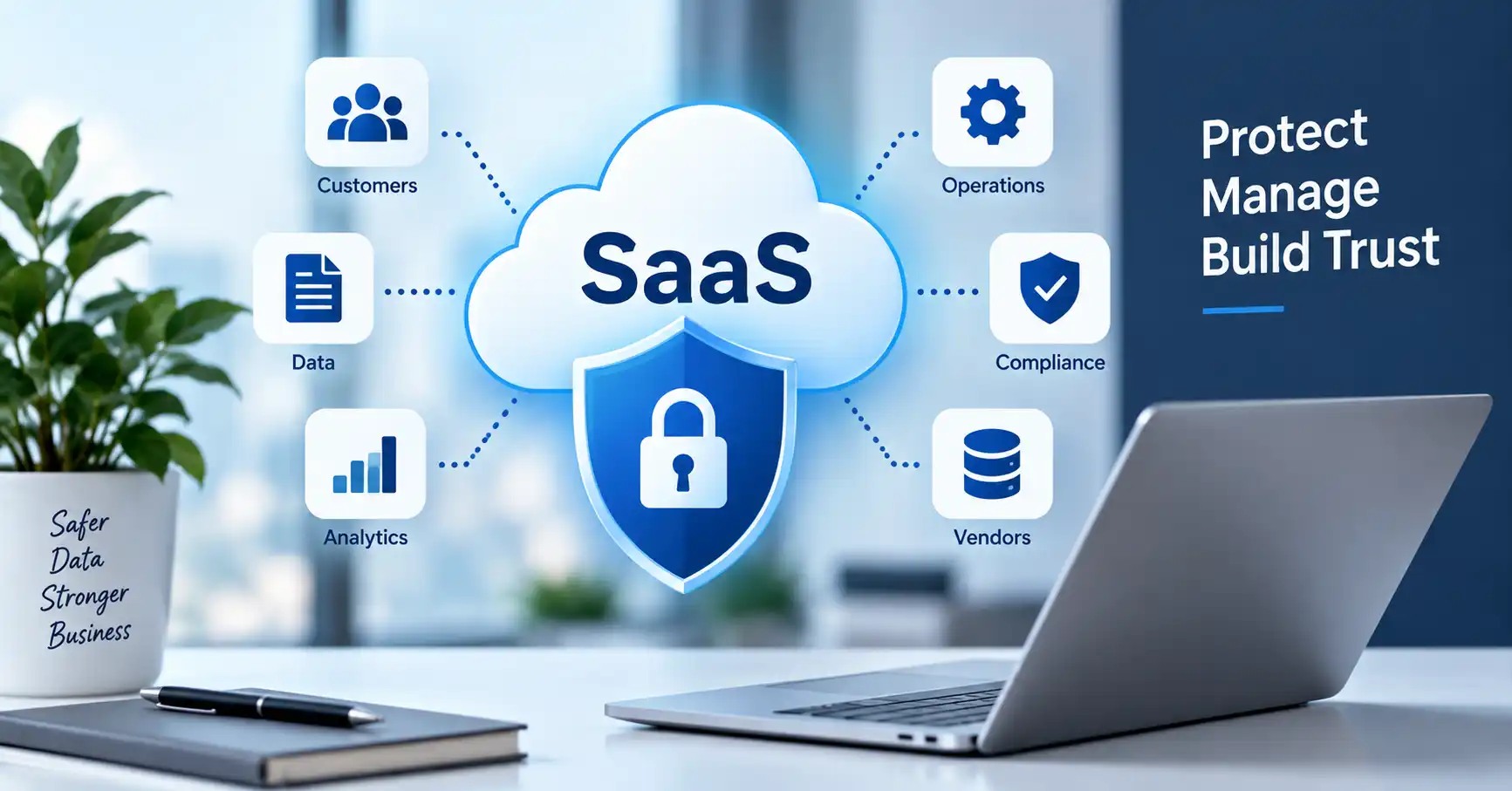
SaaS data privacy is essentially how a cloud software company handles personal info from collection and storage to sharing and deletion. Companies lean hard on CRM platforms, payment processors, HR software, and analytics tools these days. Because of this, sensitive info scatters across systems almost instantly. Figuring out what data is actually there, who looks at it, where it travels, and when it needs to be purged? That is the real puzzle. This guide shows you how to set up a practical privacy workflow, cut down exposure risks, wrangle third party vendors. And lock down tighter controls.
Table of Contents
- What is SaaS Data Privacy
- Why SaaS Data Privacy is Important
- Step by Step Guide
- Best Practices and Tips
- Common Mistakes
- Tools
- FAQs
- Conclusion
What is SaaS Data Privacy
SaaS data privacy covers the rules and controls meant to guard sensitive personal stuff handled by cloud software. Think customer files, worker records, phone numbers, credit card data, and click paths, Anything tied to a real person, really.
Take a typical business setup, A CRM holds names and emails. A marketing tool blasts out emails. An analytics app tracks user habits, and a helpdesk saves raw chat logs, Every single platform adds another spot where personal records need proper handling.
And security isn’t privacy, Security tries to block hackers and break ins. Privacy digs deeper, asking if a company should even grab that data, why they want it, who gets to see it. And when it finally gets wiped.
Want a good place to jump in? Figure out your broader SaaS security duties first. Take a look at our SaaS Security guide for the big picture on cloud apps, user accounts, integrations, and business info protection.
Why SaaS Data Privacy is Important
Bad privacy habits hurt a business. Operational headaches, legal trouble, commercial hits, A firm can lock down its cybersecurity tight yet still face a privacy crisis. Why, they hoard data they don’t need or misuse customer info behind the scenes.Key reasons SaaS data privacy matters include:
- Reduce unnecessary exposure of personal information
- Support applicable privacy and data protection obligations
- Build customer confidence in your product
- Improve control over third party vendors and processors
- Make data deletion and access requests easier to manage
The FTC demands tracking every single byte, Grab only what you truly need. Lock the doors, shield files everywhere, and painstakingly craft a truly bulletproof breach response plan before disaster strikes.
Step by Step Guide
Step 1: Identify What Data You Collect
Start by creating a data inventory. List the personal information your SaaS product or internal SaaS stack collects.
Include information such as:
- Names and email addresses
- Phone numbers
- Account credentials
- Customer support conversations
- Payment related information
- IP addresses and usage information
- Employee information
Then write down why you collect every bit of info and where it lives. Does your app grab a birth date even though no single feature uses it? Drop it. Data minimization simply cuts down the exact weight of what your company has to keep safe.
Step 2: Map Where the Data Goes
Knowing where data enters your organization is only the beginning. You also need to understand how it moves between systems.
Create a simple data flow showing:
Customer → SaaS application → Database → Analytics platform → Support platform
Then identify every third party involved in the process.
Take a customer email. It drops into your app, shunts off to a CRM via an API, and lands inside an email tool. Every single hop needs a sharp business reason and tight controls. No exceptions.
This is also where SaaS integration practices become important. Our guide to SaaS API Integration explains how connected applications exchange information and where integration risks can appear.
Step 3: Control Access to Personal Data
Not every employee needs access to every customer record.
Use role based access controls and follow the principle of least privilege. A support employee may need customer account information but have no reason to access financial reports or the production database.
Review privileged accounts regularly. Remove access when employees change roles and immediately disable accounts when they leave.
Multi factor authentication should also be enabled for important accounts, particularly administrator and privileged users.
Step 4: Review Vendors and Data Processors
Your SaaS provider may not be the only company handling your data. Cloud hosting providers, analytics platforms, payment processors, customer support tools, and other vendors may also process information.
Before onboarding a vendor, review:
- What information does the vendor receive
- Why does it need the information
- Where is the information stored
- Who can access it
- How long is it retained
- What happens when the contract ends
- How will security incidents be reported
Put privacy rules right into contracts. Don’t trust mere verbal promises, the FTC agrees. They suggest spelling out security expectations in writing and checking that service providers actually follow through.For a deeper procurement process, see our SaaS Security Assessment guide.
Step 5: Create a Retention and Deletion Process
Keeping data forever creates unnecessary risk.
Define how long different types of information should remain in your systems. Your retention period may depend on business requirements, contractual obligations, legal requirements, and the type of data involved.
For example, inactive customer records might follow a different retention policy from accounting records that must be maintained for regulatory or tax purposes.
Deletion should also cover connected systems. Removing a record from your main SaaS platform does not necessarily mean copies have disappeared from analytics tools, backups, exports, or other integrated services.
Best Practices and Tips
- Collect strictly necessary product data.
- Maintain an active inventory of sensitive files, then audit those SaaS tools and API permissions constantly.
- That protects everything.
- Use least privilege access instead of broad employee permissions.
- Encrypt sensitive information during transmission and storage where appropriate.
- Create documented retention and deletion rules.
- Review vendors before giving them access to customer information.
- Test your incident response process instead of waiting for a real breach.
Privacy requires constant operational effort rather than one solitary compliance task. SaaS apps, staff, tools, and data flows shift endlessly. Stay alert.
Common Mistakes
Collecting Too Much Information
Companies sometimes request additional customer information simply because the application can store it. Extra data creates extra responsibility and risk.
Giving Employees Excessive Access
A large number of employees with unrestricted access makes it harder to control sensitive information. Access should match the employee’s actual responsibilities.
Ignoring Third Party Integrations
An application may have strong controls while a connected integration has excessive permissions. Review what every integration can access and what actions it can perform.
Keeping Data Indefinitely
There should be a business or legal reason for retaining personal information. Create clear retention periods and deletion procedures.
Assuming the Vendor Handles Everything
Sure, vendors handle the heavy backend tech. But customers? They shoulder fixing messed up configs, managing users, locking permissions, wiring integrations, and just surviving daily usage.
Tools
Various platforms cover distinct pieces of SaaS compliance. The ideal blend hinges on your volume, architecture, governing frameworks, and staffing. Truly.
| Tool Category | Primary Use | Example Application | Best For |
| Data discovery tools | Find sensitive information | Data discovery and classification | Understanding where data exists |
| IAM platforms | Manage identity and access | SSO and MFA | Controlling user access |
| DLP tools | Prevent inappropriate data sharing | Data loss prevention policies | Sensitive data protection |
| GRC platforms | Manage privacy and compliance workflows | Risk and evidence tracking | Compliance teams |
| SIEM platforms | Monitor security events | Centralized logs and alerts | Detection and incident response |
It is not about getting more tools. It is about the controls you use. Those controls help you handle how data is gathered, who can access it, what can be shared, how long it stays, and how it gets watched.
FAQ’s
What is SaaS data privacy?
SaaS data privacy is about what happens to personal and sensitive data inside SaaS apps. It looks at how the data is gathered and how it is used. It also covers where the data is kept, who it may be shared with, how long it stays, and how it is removed.
What is the difference between SaaS data privacy and SaaS security?
SaaS security is mostly about keeping intruders out of systems and shielding files from attacks. Privacy goes further. It questions whether you should gather that data at all, how you handle it, who sees it, and when you finally purge it.
Who is responsible for SaaS data privacy?
A lot of the work is split among different teams in a company. Product, engineering, security, legal, compliance, procurement, and the business side can each own part of it. What each group must do will vary. It depends on what the company does, who the customers are, where things happen, and which rules apply in each place.
How can a SaaS company reduce privacy risks?
Find your personal data first. Map out where it flows. Limit access strictly, audit vendors, cut useless collection, set retention rules, and get ready for incidents.
Is SaaS data privacy only important for large companies?
Smaller SaaS firms can still manage large volumes of customer data. A good start is to list what data you have, set clear access rules, check what your vendors do, and decide how long you keep records.
Conclusion
SaaS data privacy is all about knowing what info your company holds and keeping a tight grip on it from day one. You need to figure out what you gather, the exact reason you grab it, where it travels, who gets to see it, which third party vendors handle it. And finally when it gets wiped out for good.
Start with a practical inventory. Map out those data flows, check your permissions, vet your vendors, and write strict rules for keeping or deleting files. As your setup scales up, bake these privacy checks right into your daily product and security routines. Don’t treat it like a one off chore.