

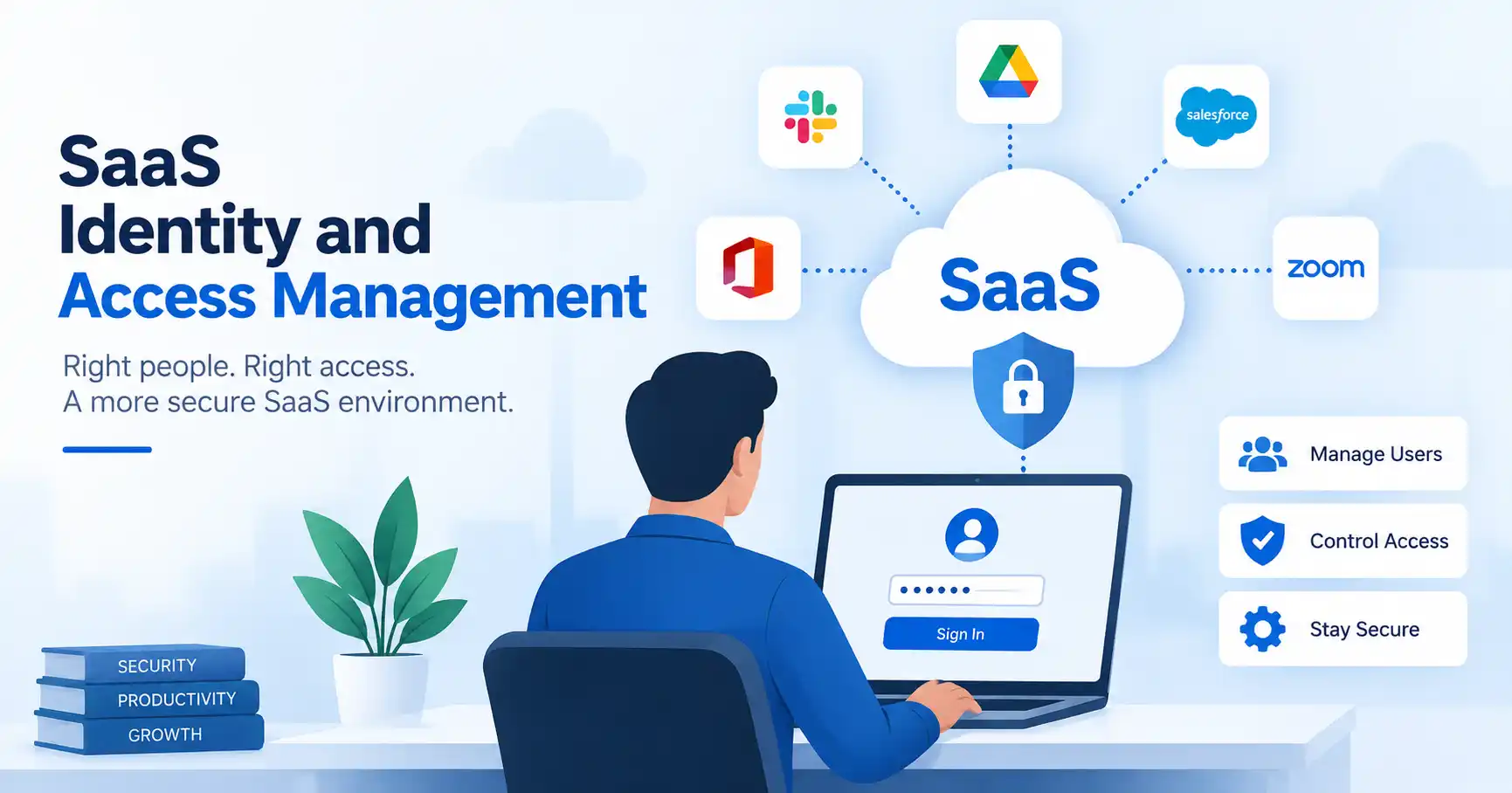
SaaS identity and access management explains how cloud software controls sign in and access. It also shows how a person proves their identity. After login, it spells out what a user may do.
When a firm adds more SaaS apps, the task can jump quickly. Teams often end up fixing things manually. They manage who can log in, what each person can access, login details, and job based permissions. This kind of work can turn messy and slow.
With a well planned identity and access setup, the main controls come together. Login checks, role checks, user setup, and access limits are kept in one system. That way, access stays steady across different services.
This guide explains how SaaS identity and access management works. It also reviews why it matters, how to set it up, and which tools may support the process.
Table of Contents
- What is SaaS Identity and Access Management
- Why SaaS Identity and Access Management is Important
- Step by Step Guide
- Best Practices and Tips
- Common Mistakes
- Tools
- FAQs
- Conclusion
What is SaaS Identity and Access Management
SaaS identity and access management helps a business handle digital identities. It also sets who can reach certain SaaS tools. The scope includes login methods, permissions, and sign on. It also covers multi factor checks and how users are added or removed. Access rules are part of it too.
One point really matters here. Authentication is about identity. It asks, who is the user. Authorization is about access. It asks, what can the user do or view.
Say a company uses Salesforce, Slack, Google Workspace, and a finance app. A sales worker may need Salesforce and Slack. That person should not get access to private finance files by default. IAM helps the firm set those limits and keep them in place.
Many identity setups can also link SaaS apps to one main identity source. Microsoft Entra ID is one example. It supports SaaS sign in, single sign on, multi factor authentication, and automated user provisioning.
For more on access rules, check the SaaS Access Control guide.
Why SaaS Identity and Access Management is Important
A growing SaaS environment creates an identity problem as much as a software management problem. Every employee, contractor, administrator, customer, and integration can introduce another access point.
Key benefits include:
- Lets users only access the apps and features they truly need.
- This follows the idea of least privilege.
- Helps teams onboard and offboard employees faster.
- It does this with automated setup and removal of access.
- Gives one place to view users, roles, apps, and what access they used.
- Provides centralized visibility into users, roles, applications, and access activity
- Helps organizations establish stronger security controls for sensitive business systems
NIST Digital Identity Guidelines cover identity proofing, authentication, federation, and related identity management processes, making them a useful reference when designing identity controls.
Step by Step Guide
Step 1: Inventory Users and SaaS Applications
List each SaaS app people use across the org. Include tools IT purchased, plus any tools teams added on their own.
Next, create a short inventory. For each app, note: the tool name, who uses it, which group owns it, what kind of data it stores or processes, who has admin access, and the current login method.
After you map who can reach each service, you can start setting up IAM.
Use the SaaS Security Checklist while you put the inventory together.
Step 2: Define Roles and Permissions
After that, set role access using real job duties, not personal likes.Typical roles are admin, manager, worker, contractor, and a view only role. Each role needs a written list of what it can do.
For instance, a customer support lead should be able to see customer data and support tickets. The same person should not be able to edit the billing settings. With this setup, role access stays easier to manage as the business expands.
Step 3: Strengthen Authentication
Use a central identity provider wherever practical. This can reduce the number of separate credentials employees need to manage while giving administrators greater control.
Enable multi factor authentication for important applications, particularly administrative accounts and systems containing sensitive information. NIST says multi factor authentication means you use more than one type of proof to sign in.
Single sign on can also help teams handle SaaS sign in in a simpler way. Users log in through one main identity source. That is easier than keeping a separate username and password for each app.
Step 4: Automate Provisioning and Offboarding
Manual account creation creates unnecessary work and increases the chance of mistakes. Connect your identity provider with supported SaaS applications to automate user provisioning where possible.
When a new employee joins the sales department, their approved applications can be assigned based on their role. When they leave, access can be removed as part of the offboarding workflow.
This is particularly important because former employees should not retain access to business applications after their employment ends.
Step 5: Review Access Regularly
IAM isn’t something you set and forget. People switch jobs, apps get updated, and business needs shift. You’ve got to audit access for important apps regularly. Check for old accounts, too many permissions, and forgotten profiles from people who left. Look for admin rights that went unused or roles that no longer match what people actually do. Log logins on vital systems. Security needs that audit trail badly.
Best Practices and Tips
- Give people only the permissions they need for what they do right now.
- For key accounts and apps, require multi factor authentication.
- Use one main identity system instead of keeping separate logins for each SaaS tool.
- Where it is supported, set up automation for hiring and removing access when employees join or leave.
- Separate administrator accounts from everyday user accounts where appropriate.
- Review privileged access more frequently than ordinary access.
- Document approval processes for new applications, integrations, and elevated permissions.
A useful IAM strategy should also connect with your broader SaaS Security Best Practices rather than operate as a standalone security process.
Common Mistakes
Giving Everyone Administrator Access
Granting administrator permissions because they are convenient creates unnecessary risk. Most employees only need a limited set of application functions.
Keeping Former Employee Accounts Active
An account that remains active after an employee leaves can become an unnecessary access path. Offboarding should include account deactivation and access revocation.
Managing Permissions Manually
Manual permission management becomes increasingly difficult as the organization grows. Automation and role based access can reduce repetitive administrative work.
Treating SSO as Complete IAM
Single sign on simplifies authentication, but it does not automatically determine every permission a user should have inside an application. Authentication and authorization still need to be managed.
Never Reviewing Existing Access
Some permissions worked well about six months ago, but that may not be true now. Access can shift as roles change. Checking things regularly can spot access that is no longer needed.
Tools
Choosing the right IAM platform is not one size fits all. It depends on what you need most right now. Are you focused on workforce identity, or on customer sign ins? Maybe you care more about app access, or device management. You might also want lifecycle automation.
| Tool | Primary Focus | Common Use | Key Capability |
| Microsoft Entra ID | Workforce identity | Microsoft focused organizations | SSO, MFA, application access |
| Okta | Workforce identity | Organizations with many SaaS applications | SSO and lifecycle management |
| JumpCloud | Identity and device management | Growing distributed teams | Directory, SSO, and device controls |
| OneLogin | Workforce identity | Multi application environments | SSO and user provisioning |
| Auth0 | Customer identity | SaaS product teams | Customer authentication and authorization |
Choosing an IAM tool depends entirely on your users, SaaS sprawl, auth methods, and lifecycle automation.
When you are judging a tool, list the controls you truly need. Do not pick a platform just because it has many features.
FAQ’s
What is SaaS identity and access management?
SaaS identity and access tools manage digital identities and control who can reach cloud apps. They handle sign in and verify steps. They set roles and decide what users may do. They also handle adding people to the system and removing them when needed. Access rules are defined and applied as well.
Is IAM the same as SSO?
Single sign on is just a tiny slice of IAM. It only makes logging in easier, whereas full IAM handles tricky permissions, user lifecycles, and access policies too.
Why is MFA important for SaaS applications?
MFA asks for more than one proof that you are you. That usually means you must use two or more things, like a password plus another sign in check. If one login secret leaks, the account still needs the extra step, so access is harder to get.
What is the difference between authentication and authorization?
Login verifies that someone is who they claim to be. After that, permissions determine what the signed in person can do and which screens or data they can see.
How often should SaaS access be reviewed?
Look, no single schedule fits all. Top tier apps and privileged accounts? Yeah, those demand more frequent checks. Oh, and when staff move on or switch roles, their access definitely warrants a review
Conclusion
SaaS identity and access management hands companies a structured way to handle users, logins, permissions. And app access as their software stack grows. The core idea is pretty simple. Figure out who gets in, check who they are, hand out just enough permissions, automate onboarding and offboarding, and check the logs often.
Build a full inventory of every app and user first. Map out roles, tighten up logins, automate user cycles, and set up routine audits. As your cloud tools pile up, a solid identity plan keeps security manageable while staying out of the users way.
For organizations working toward broader security controls, identity management can also become part of a wider SaaS security and compliance program. NIST’s current Digital Identity Guidelines provide a useful technical reference for identity proofing, authentication, and federation.