

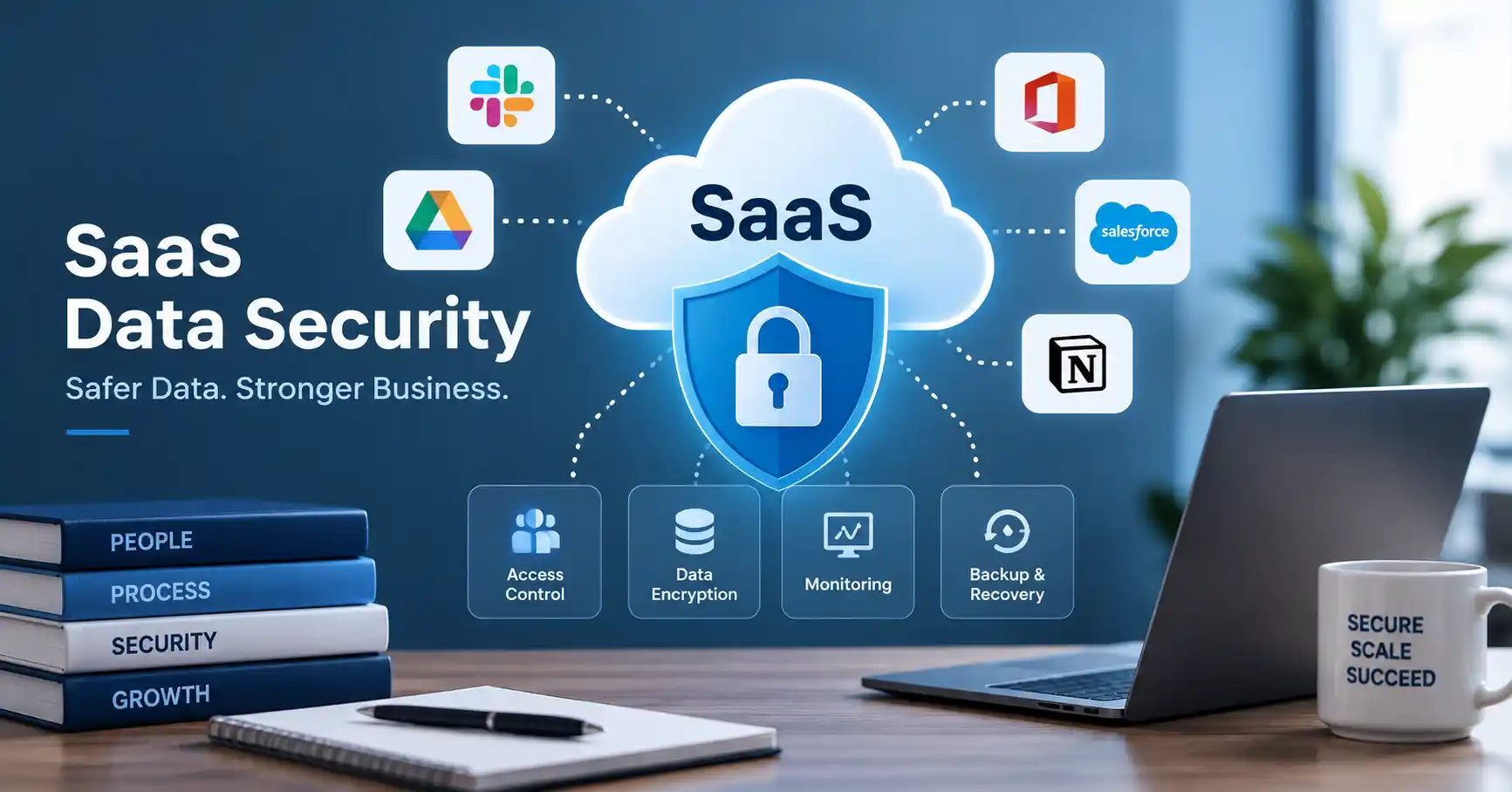
SaaS data security guards business and customer info sitting inside cloud software. Companies lean heavily on these tools now, meaning sensitive stuff bounces across endless platforms, APIs, and user accounts. One bad permission setting or a single breached login can spark a major mess. Solid protection means locking down access, turning on encryption, running vendor audits, backing up everything, and keeping strict policies. It is a lot to juggle. Seriously. This guide covers the main risks, practical steps, common blunders, and tools companies use to keep their SaaS data safe.
Table of Contents
- What is SaaS Data Security
- Why SaaS Data Security is Important
- Step by Step Guide
- Best Practices and Tips
- Common Mistakes
- SaaS Data Security Tools
- SaaS Data Security Comparison
- FAQs
- Conclusion
What is SaaS Data Security
SaaS data security refers to the controls and processes used to protect information inside SaaS applications.That covers customer records, employee files, financial numbers, business documents, passwords, API credentials, and other sensitive stuff.
Consider a typical setup. A company drops customer details into a CRM, stashes internal documents on a project management board. And keeps the books in a cloud accounting app. Suddenly, every single one of those tools is part of the corporate data environment. They all need proper locks on the doors.
SaaS security means figuring out the shared responsibility model between the vendor and your own team. NIST points out that security duties shift depending on the cloud service model you picked. CISA tells organizations to get crystal clear on the security posture and where the provider stops protecting you.
Businesses wanting a wider view can check out the SaaS Security guide on SaaSyntic.
Why SaaS Data Security is Important
SaaS platforms cradle crown jewels. Securing this digital territory transcends mere IT defense today, it is an absolute commercial imperative driving survival.
- Sensitive business files and client data remain shielded from unauthorized eyes.
- Stolen credentials suddenly matter less, this approach keeps companies strictly compliant with grueling privacy mandates.
- When breaches happen, the fallout stays utterly contained, Operations just keep humming, unfazed by external threats.
Bad access control, it’s a problem. Look, NIST’s cloud guidance, it delves right into SaaS settings, hammering home the absolute necessity of fastidiously managing permissions for every last service.
Step by Step Guide
Step 1: Identify What Data Your SaaS Applications Store
Start by mapping out every SaaS application you run and what data passes through them. Classify that stuff by sensitivity. Public marketing pages don’t need heavy locks. Customer payment details, staff files, proprietary source code, and private contracts? Those need serious walls. Write down exact storage spots, who holds the keys, and how data moves between apps. Security teams get a real look at where the actual dangers lurk once this inventory sits in front of them.
Step 2: Control User Access
Apply the principle of least privilege, Workers get only the access needed to do their jobs. Nothing extra.
Turn on multi factor authentication everywhere you can. Especially for admins and anyone touching sensitive data.
Take a sales rep. They need customer records, sure. But can they export the whole database? They shouldn’t.
Audit those permissions often. When someone switches teams or walks out the door for good, pull their access right away.
Step 3: Protect Data With Encryption
Encryption locks down your data whether it is moving across networks or sitting in storage. Always check if your SaaS vendors actually encrypt data in transit and at rest. You also need to dig into how those encryption keys are handled. Does your team keep any extra control over the strict security needs? NIST points out that key management is a big deal in the cloud since who holds the infrastructure keys changes depending on the provider. And remember. Encryption pairs with access controls. It never replaces them.
Step 4: Monitor Activity and Integrations
Security teams need eyes on what happens inside their SaaS apps. Suspicious logins, weird privilege shifts, massive data dumps, sketchy API usage, and random devices demand immediate attention.
Watch integrations closely, too. Even a solid, trusted app turns into a liability the second it grabs overblown permissions for another connected service.
Take a marketing tool with full run of the customer database just to pull email addresses. That is pure exposure.
Centralized logs and routine audits help flag strange behavior before things go sideways.
Step 5: Prepare for Data Loss and Security Incidents
Security controls cannot block every single risk out there, Businesses also need a solid recovery plan. You have to figure out what data needs saving, how often to do it, where those files go, and who has the keys to restore them. Test the restoration process. Never just assume backups work when disaster strikes.
CISA guidelines point to backup and recovery as a vital shield for the cloud, especially when companies face malicious attacks, system crashes, or corrupted data. Build an incident response plan now. Assign roles clearly so everyone knows who investigates, who talks to clients, and who makes the final call on recovery.
Best Practices and Tips
- Keep a precise inventory of every SaaS tool you use and the information it stores.
- Enforce multi factor authentication everywhere, especially on privileged accounts,Never hand out broad permissions.
- Stick strictly to the principle of least privilege, Audit inactive users, admins, and third party integrations constantly.
- Encrypt sensitive information in transit and at rest, Watch logins, admin actions, API requests, and data exports like a hawk.
- Vet vendors thoroughly.
- Test your backups and incident plans often.
A practical vendor review can help procurement and security teams identify weaknesses before software is introduced into the business. See this SaaS Security Assessment guide for a useful evaluation approach.
Common Mistakes
Giving Users Excessive Permissions
Granting admin rights merely for convenience vastly increases your security exposure when a single account gets compromised.
Ignoring Former Employee Accounts
Leave an old worker’s account active by mistake, and you are asking for trouble. Proper offboarding stops that. Better yet, let automated user provisioning and deprovisioning handle it.
Trusting Vendor Security Claims Without Verification
Vendors brag about security. Still, firms must comb through audits, certifications, complex documents, endless questionnaires, and strict legal terms.
Forgetting Third Party Integrations
Connected apps can open weird backdoors to sensitive info, Check what each integration actually touches. Are those permissions still needed? Honestly, probably not.
Treating Backups as a Complete Security Strategy
Sure, backups help you recover. But stop intruders, Not a chance. Companies still need tight identity controls, constant monitoring, encryption, and an incident plan.
SaaS Data Security Tools
Several categories of tools can support SaaS data protection.
- SaaS Security Posture Management tools help identify risky configurations and excessive permissions across SaaS applications.
- IAM engines manage log ins and access rules.
- Meanwhile, DLP tools hunt down sensitive data sneaking past boundaries, they lock it all down. Fast.
- Security Information and Event Management platforms can centralize logs and identify suspicious activity.
- Cloud Access Security Broker platforms can provide visibility and policy enforcement across cloud applications.
CISA’s Secure Cloud Business Applications initiative also provides guidance and resources for assessing and hardening SaaS configurations.
SaaS Data Security Comparison
| Security Area | Basic Approach | Stronger Approach | Business Benefit |
| User access | Passwords | MFA and least privilege | Reduces account compromise |
| Data protection | Provider defaults | Encryption and key management review | Protects sensitive information |
| Monitoring | Occasional checks | Continuous logging and alerts | Detects suspicious activity |
| Integrations | Trust by default | Permission and API reviews | Limits unnecessary data exposure |
| Recovery | Vendor dependent | Tested backups and recovery plans | Improves business continuity |
| Vendor security | Security questionnaire | Continuous vendor assessment | Reduces third party risk |
SaaS security? Not just one thing. It’s a whole symphony: identity, data, vigilant monitoring, vendor care, and recovery, all harmonizing.
FAQ’s
What is SaaS data security?
SaaS security protects cloud data. It handles everything from access control and encryption to vendor audits and recovery plans. Ultimately, your information stays tightly sealed away from prying eyes.
Who is responsible for SaaS data security?
Ownership splits between you and the vendor. That exact boundary shifts wildly based on contracts, architecture, and service levels. Map it all out beforehand. Never just dump sensitive data blindly into the cloud.
Is encryption enough to protect SaaS data?
Encryption matters. Still, it won’t stop a stolen login, bad permissions, a bad actor on the inside, or sloppy third party tools. You need a wider safety net.
How often should SaaS permissions be reviewed?
Constant permission audits matter, especially during staff changes. High risk applications and admin accounts demand relentless monitoring, Absolutely no excuses.
What should businesses check before choosing a SaaS provider?
Audit login procedures, encryption layers, access lists, logs, incident steps, archives, compliance, retention rules, breach alerts, and external partners. Seriously.
Conclusion
Securing SaaS data goes beyond just buying the right cloud tools. Companies have to keep a tight grip on app settings, user access permissions, data flow between systems. And fast incident response when things go sideways.
Start by finding every platform holding sensitive data. Lock down access, turn on multi factor authentication, audit third party integrations, watch user activity closely, vet vendors. And test your backup recovery plans.
For organizations building out a broader security program, this SaaS Security Checklist helps turn all those moving parts into actual working defenses.
For additional technical guidance, NIST provides resources covering cloud computing, access control, and data protection, including its cloud computing security guidance.