

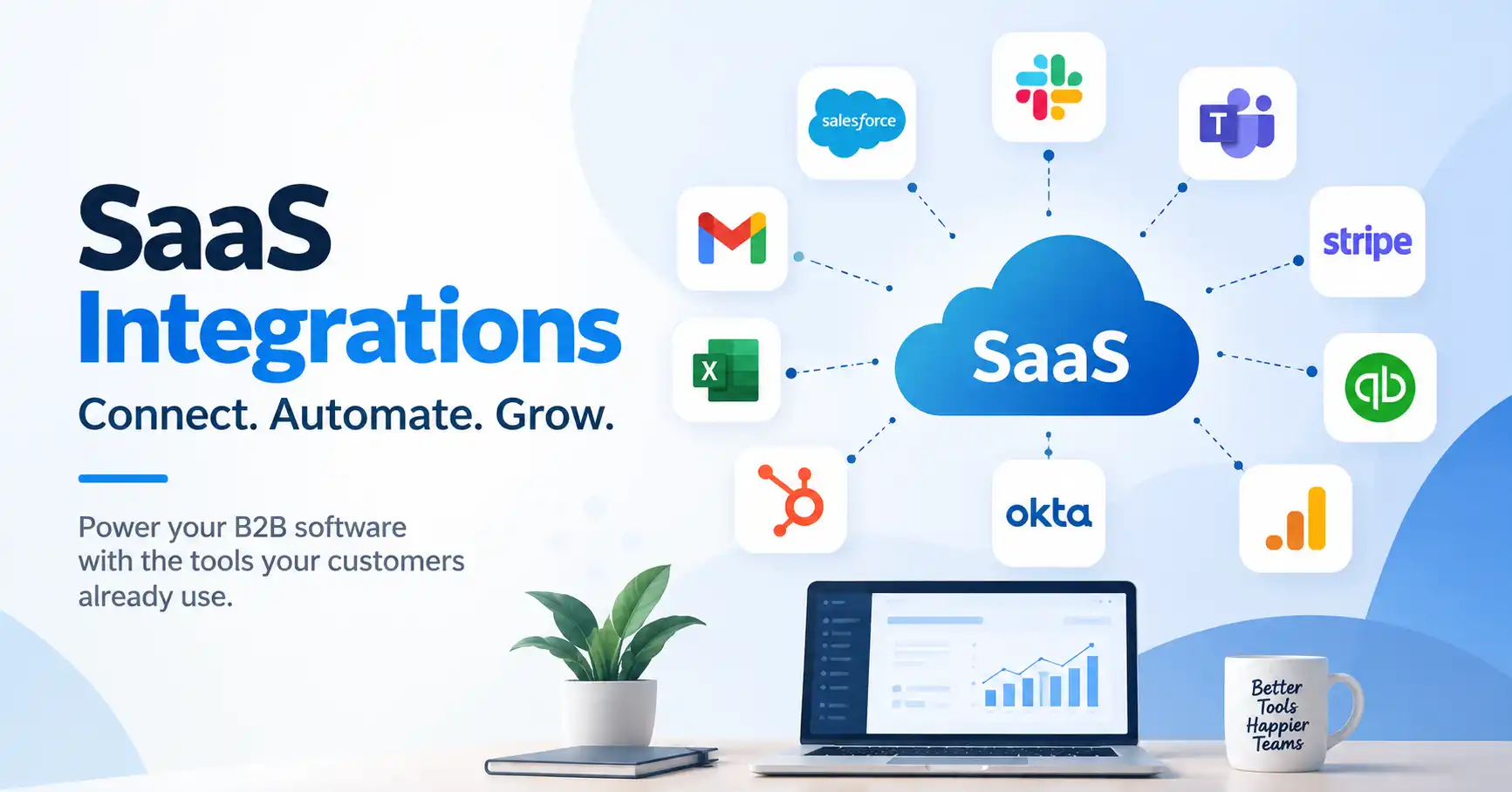
SaaS integrations hook your B2B software straight into the tools customers rely on daily. Without them, teams waste hours copy pasting data or jumping between clunky apps, it gets messy. Fast. A solid integration strategy cuts that friction out completely, dropping your product right into their existing tech stack and making it infinitely more useful. This comprehensive guide walks through the heavy hitters you need to weigh, how to stack rank them, and what hidden traps to dodge on your roadmap.
Table of Contents
What is SaaS Integrations
Why SaaS Integrations are Important
Step by Step Guide
Best Practices and Tips
Common Mistakes
Tools
FAQs
Conclusion
What is SaaS Integrations
Software integrations are digital links connecting your platform to outside apps and services, these silent bridges let separate systems swap data or trigger workflows automatically. Zero manual grunt work needed.
Picture a project management tool tethered to Slack, Someone drops an urgent task onto the board. Boom, the integration immediately pushes an alert straight to a designated team channel. People stay glued to their daily habits while your product quietly hums along underneath.
Common varieties include CRM platforms, messaging hubs, accounting systems, payment gateways, marketing automation, analytics suites, identity management, and productivity apps.
Curious about the actual backend mechanics? Dive into SaaS integration architecture to see how APIs, webhooks, authentication protocols, and data mapping mesh together seamlessly.
Why SaaS Integrations are Important
Integrations have become part of the product experience rather than an optional technical feature. B2B buyers increasingly expect new software to fit into their existing technology stack.
Key benefits include:
- Reduce manual data entry and repetitive work
- Improve product adoption by fitting existing workflows
- Give sales teams more reasons to choose your product
- Keep customer and business data synchronized
- Create opportunities for expansion into larger accounts
For example, a CRM integration can allow sales teams to see product activity without opening another application. A billing integration can automatically update subscription information when a customer changes plans.
Step by Step Guide
Step 1: Identify the systems your customers already use
Start with customer research rather than technical assumptions. Review support requests, sales calls, product surveys, and feature requests to identify applications customers repeatedly mention.
Look for patterns across customer segments. If enterprise prospects mostly run on Salesforce while smaller companies lean toward HubSpot, your integration roadmap needs to account for both. Prioritize apps showing up constantly in customer workflows that also drive real business impact.
Step 2: Prioritize core integration categories
Most B2B software products should evaluate integrations across several categories.
| Integration category | Typical examples | Main use case | Priority |
| CRM | Salesforce, HubSpot | Customer and sales data | High |
| Communication | Slack, Microsoft Teams | Alerts and collaboration | High |
| Payments | Stripe | Subscriptions and payments | High |
| Accounting | Xero, QuickBooks | Financial data and reconciliation | Medium to High |
| Marketing | HubSpot, Marketo | Campaign and lead data | Medium |
| Identity | Okta, Microsoft Entra ID | Enterprise authentication | High |
| Analytics | Google Analytics, BI tools | Product and business reporting | Medium |
Your buyers dictate the integration mix, Even so, CRMs, messaging tools, payment gateways, and identity verifiers remain solid starting points. Why? They work.
Step 3: Build the highest value integrations first
Don’t try hooking up every popular app at once. Pick just a few connections that fix real customer headaches and start there.
Take a B2B SaaS platform selling to enterprise sales squads. They usually tackle Salesforce first. Why, because customer records, account info, and product activity have to stay in sync.
Or think about distributed teams, If your product lives in that space, Slack and Microsoft Teams are your go tos. Notifications and teamwork drive their entire day.
Then you have subscription software companies. They often need payment and accounting hooks much sooner, Billing data hits revenue operations directly.
Stripe helps out here. They give you APIs and ready made tools for subscription billing, invoices, payments, and general SaaS workflows.
Step 4: Decide how data should move
An integration isn’t just about wiring two systems it’s so much more. You’ve got to detail the exact data flow, the precise timing of those handoffs. And nail down which platform truly owns each record.
Your CRM, for example. That’s likely the absolute source of truth for customer profiles, while your app will handle all product usage data.
Reach for APIs when systems need to chat directly for an action. Conversely, webhooks are your friend for instant event alerts.
And you definitely need rules for the messy bits: failed requests, duplicate pings, rate limits, broken auth, or deleted entries.
A robust SaaS integration strategy prevents these decisions from morphing into sloppy, one off engineering patches later.
Step 5: Measure adoption and improve the integrations
Launching an integration isn’t the finish line. You have to track if customers actually touch the thing, and whether it fixes the exact problem it was built for.
Look at real numbers. Activation rates, connected accounts, daily usage, sync failures, support tickets, and retention for users.
Take Salesforce. Say thirty percent of your customer base hooks it up, but they bail and disconnect within a month. Don’t call it a win, Dig into the workflow instead.
Best Practices and Tips
- Build around customer workflows
Do not integrate an application simply because it is popular. Connect it because customers need it to complete an important workflow. - Keep data mapping simple
Clearly document how fields in your product correspond to fields in the connected application. Complicated mappings create maintenance problems. - Use secure authentication
Prefer established authentication methods such as OAuth where supported. Store credentials securely and request only the permissions your integration actually needs. - Design for failure
External APIs can change, become unavailable, or return errors. Build retry logic, logging, monitoring, and clear error messages into the integration from the beginning. - Provide useful controls
Customers should be able to choose what gets synchronized, which events trigger actions, and how often data is updated when appropriate. - Monitor API changes
Third party platforms change their APIs, authentication requirements, limits, and data models. Assign ownership for maintaining important integrations. - Document everything
Solid documentation kills support tickets, Developers finally master tricky setups, frustrating limits, and fast fixes instantly.
Common Mistakes
One common mistake is building integrations based only on the requests of a single large customer. That can produce expensive custom functionality without creating a repeatable product capability.
Another mistake is treating integrations as isolated features. When every integration has different authentication, data models, and error handling, the engineering workload grows quickly.
Some teams also ignore monitoring. An integration can technically launch successfully but silently fail later because an API changes or authentication expires.
Overengineering is another problem. Not every customer needs real time synchronization. Honestly? Just syncing things up can kill so many tech problems.
But don’t talk integration until you grasp the API: its limits, what it can do, how secure it is, and the constant work it’ll need.
Tools
B2B software teams have options when building integrations, Zapier gives you a massive web of app connections. It works well when users want quick workflow automation across standard business tools.
Stripe handles money. SaaS products lean on it for payments, subscriptions, and billing.
Then you have CRMs like Salesforce and HubSpot, you need these when sales data has to flow between systems without breaking.
Workato targets bigger shops. It runs heavy workflow automation across complex enterprise software stacks.
What about technical teams building a massive integration ecosystem? They usually need an API management or infrastructure layer. This centralizes authentication, monitoring, data transformation, and error handling all in one spot.
FAQ’s
What SaaS integrations should a B2B product build first?
Integrations power modern workflows entirely, they drive adoption, retention, revenue, and productivity upward. CRM, payments, messaging, and identity launch the process, yet customer research alone dictates what finally happens.
How many integrations should a SaaS product have?
No magic number exists. Five solid integrations tackling genuine user headaches will easily crush dozens of half baked connections you are never going to fix.
Should SaaS integrations be built in house?
That depends. How vital is the integration? Huge strategic moves often warrant building completely in house, whereas simple automation tools handle minor tasks and test demand just fine.
What is the difference between an API and a SaaS integration?
Think of an API as a technical handshake for software to chat. SaaS integration, though? That’s the whole kit and caboodle, APIs, webhooks, the works, to actually get stuff done.
How do I prioritize SaaS integrations?
Weigh customer value and revenue against technical friction and upkeep. One scoring model helps both product and engineering squads make consistent calls. That matters.
Conclusion
SaaS integrations make or break B2B software. They embed your product directly into the daily tech stack clients already rely on. Do not chase every random app on the market. Instead, smooth out critical workflow bottlenecks, turning your software into an indispensable tool that teams adopt effortlessly and scale with ease.
Start by studying real user behavior. Figure out which connections actually pack a punch before sketching a roadmap, once it goes live, relentlessly track adoption metrics, error logs, and business outcomes.
Scale smarter, Build a robust framework early. That keeps future development smooth.