

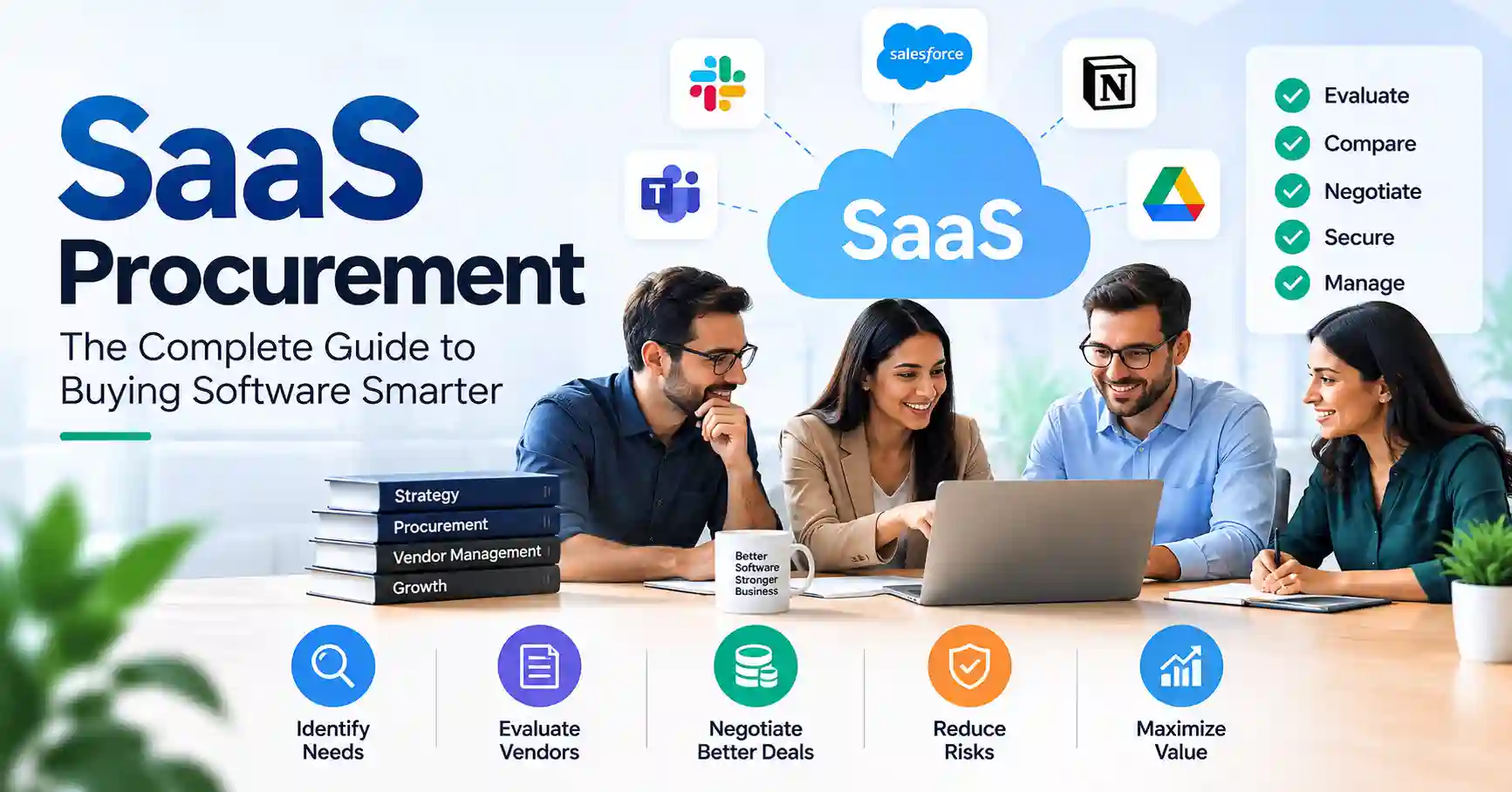
Buying SaaS software is quite a project: finding it, checking it out, arguing over the price, signing the papers. And then making it work for your company. Lots of businesses are jumping into these cloud tools, and the costs can skyrocket before anyone notices. Usually, teams just grab software without really thinking about security, what the contract actually says, what people actually need, or how much it’ll really cost. It’s a mess waiting to happen, A smart SaaS buying process fixes this. It gets business, IT, security, finance, legal, and purchasing all on the same page. This guide shows you how to thoroughly vet SaaS vendors, get better terms, avoid problems, control spending. And keep track of your software from start to finish.
Table of Contents
- What is SaaS Procurement
- Why SaaS Procurement is Important
- Step by Step Guide
- Best Practices and Tips
- Common Mistakes
- SaaS Procurement Tools
- FAQs
- Conclusion
What is SaaS Procurement
Buying cloud software, or SaaS procurement, is just how a company goes about getting and handling those subscriptions. It’s not just picking something off a shelf. It means figuring out what you need, who’s got it, checking they’re not a security risk, haggling over the price, signing on the dotted line, and remembering to renew.
Think about it. Your marketing folks need a new way to track customers, Instead of just grabbing whatever’s easiest, procurement steps in. They help nail down exactly what the team needs, suss out different suppliers, make sure the vendor’s security is up to snuff, figure out the real cost, sort out the paperwork, and set rules for when the contract is up for renewal.
And what happens after you’ve bought it, that matters too. How well is the vendor performing? Are people actually using the software? Who has access? What if the contract needs tweaking? When is that renewal date? All these bits affect whether you’re actually getting your money’s worth from that SaaS deal.
Plus, before anyone signs off on a vendor, it’s smart to have a checklist. A solid SaaS vendor evaluation guide means everyone’s looking at the same important stuff, not just winging it.
Why SaaS Procurement is Important
When a company buys SaaS well, it tends to choose better options. It also stops treating each software buy like a plain monthly bill.
Key benefits include:
- Reduce unnecessary SaaS spending by identifying duplicate or unused applications.
- Improve negotiation power by comparing vendors and understanding pricing models.
- Reduce security and compliance risks before sensitive company data enters a platform.
- Create clear ownership for contracts, users, renewals, and vendor relationships.
- Improve long term software value by reviewing usage and performance after implementation.
Giant companies need this, Their SaaS deals can rope in tons of users and get super complicated. Gartner, a real wise owl, says get ready before that software supplier chat, Ignore it? Your power vanishes.
Step by Step Guide
Step 1: Define the Business Requirement
First, figure out what is wrong in the real world. Do not start with tools or software.Write down what the business needs right now. Include who will use the app day to day.
List the tasks the app must handle. Explain the steps it should support, from start to finish. Then spell out what “success” means. Use clear outcomes you can measure.
For instance, do not say the sales team just wants a new CRM. Say the goal is better lead tracking. Add that reps should type less by hand. Also note that sales actions should show up in customer support work.This prevents teams from choosing software based mainly on attractive features.
Step 2: Create Evaluation Criteria
Create a standard scorecard before contacting vendors. This makes the evaluation more objective.
Useful criteria include:
- Required features
- Integration requirements
- Security and privacy
- Ease of implementation
- User experience
- Vendor reputation
- Customer support
- Pricing and contract flexibility
- Data export and exit requirements
Security should not be treated as a final checkbox. Atlassian recommends establishing clear vendor risk criteria and using defined evaluation processes when reviewing cloud vendors.
For higher risk applications, a detailed SaaS security assessment should be completed before the purchase is approved.
Step 3: Compare Vendors and Total Cost
Do not compare vendors only by their advertised subscription price. Calculate the total cost of ownership.
Consider subscription fees, implementation, onboarding, integrations, premium support, additional users, usage based charges, storage, and renewal increases.
For example, Vendor A may charge 20 dollars per user each month while Vendor B charges 30 dollars. However, Vendor A may require a costly integration and paid support package. Vendor B may include both. The cheaper subscription is not automatically the cheaper solution.
A simple comparison can help:
| Procurement Approach | Main Benefit | Main Risk | Best Use |
| Direct purchase | Fast and simple | Limited negotiation | Small low risk tools |
| Procurement led | Better governance | Slower process | Mid size and enterprise purchases |
| SaaS management platform | Better visibility and control | Additional platform cost | Large SaaS environments |
| Department led purchase | High team autonomy | Shadow IT and duplication | Limited low risk use cases |
| Strategic sourcing | Strong negotiation leverage | Requires more preparation | Large strategic contracts |
| Managed procurement | Expert support | External dependency | Complex or high value purchases |
The best approach depends on contract value, business risk, number of users, and the complexity of the SaaS environment.
Step 4: Negotiate the Contract
Never assume the vendors first proposal is the final offer.
Negotiate more than the subscription price. Important areas include:
- Per user pricing
- Minimum user commitments
- Annual price increases
- Renewal terms
- Payment schedules
- Usage based pricing
- Support levels
- Implementation services
- Service level agreements
- Data ownership
- Data deletion
- Termination rights
- Renewal notice periods
A deal that lasts three years can lower the cost, but it can also cause issues if the product no longer fits the business needs. Think through the discount and the loss of room to change later.
Gartner has some notes on SaaS contract talks and how to get ready for renewals.
Step 5: Approve, Implement, and Review
A contract isn’t something procurement should just drop once it’s signed.
You need to log everything: who owns it, when it renews, who can actually use it, how they’re charging, vendor contacts, security stuff, and the business owner. Once it’s up and running, check if people are actually using it like you thought they would. Say your company bought 500 licenses, but only 280 people ever log in. That renewal date? It’s your cue to talk about cutting down those licenses. When a SaaS deal finishes, you follow the same steps: export data, delete accounts, kill access, and close the contract. Document it all.
Best Practices and Tips
- We need one standard way for every department to get new SaaS.
- Bring security and legal into the loop early, especially for anything risky.
- Keep a single, central record of all vendors, contracts, users, costs, and those critical renewal dates.
- Don’t wait for an invoice negotiate renewals well before the deadline.
- Plus, track usage. If licenses aren’t being used, cut ’em.
- Always look past just the subscription price figure out the total cost to own it.
- Make sure contracts spell out clear exit terms and how your data gets deleted.
- Finally, write down why you picked a vendor. Future teams will thank you.
A procurement process should work in real life, not just look busy. For low risk software, a simple review path is enough.
For systems that touch money, customers, staff, or regulated data, the review should be more thorough.
Common Mistakes
Buying Software Without a Defined Requirement
Teams sometimes begin with a product instead of a business problem. This makes it easier to buy unnecessary features or duplicate an existing application.
Focusing Only on Price
That “cheapest” subscription? Never just the sticker price. Implementation, integrations, support, renewal hikes, they flip the whole equation.
Ignoring Security Until the End
Late security reviews can delay projects or force teams to abandon a vendor after significant evaluation work.
Forgetting Renewal Management
A SaaS deal may keep renewing on its own even if usage drops a lot. The renewal day and the notice window should be stored in one place, not spread across different notes.
Allowing Too Many Departments to Buy Independently
Letting departments make their own choices can spark new ideas. Still, if buying is not kept in check, teams may end up building the same kind of app twice. That can also split the data into separate piles. Then the budget gets hit by costs that do not really help.
SaaS Procurement Tools
The right tools depend on the size and complexity of your SaaS environment.
- So, what do these platforms do? SaaS management spots apps, tracks how much they’re used, handles licenses, and finds what’s just sitting there.
- Procurement platforms? They automate buying stuff, requests, approvals, contracts, even supplier tasks.
- Need to keep an eye on agreements? Contract management platforms help teams with renewals, obligations, and key clauses.
- As for vendor risk, those platforms let security and procurement size up third party threats.
- And once you’ve bought an app, identity management takes over, controlling who gets in.
Don’t jump at a new tool just because you can. First, look at the main purchasing issue in your org. Pick the tech that clears that stop point..
FAQ’s
What is SaaS procurement?
SaaS procurement: merely how companies discover, acquire, deploy, and manage their cloud applications, Simple, right?
Why is SaaS procurement important?
It lets companies manage their software costs. It also lowers security risks. Teams can talk with suppliers more effectively. It can stop them from buying tools twice or buying things they do not need.
Who should be involved in SaaS procurement?
Who is on the team can change depending on what is being bought. In many cases, people from procurement, IT, finance, and security get involved. Legal may also be needed, along with the business owner.
How can companies reduce SaaS procurement costs?
First, merge the tools that do the same job. Then drop any licenses you no longer need. After that, talk through the contract terms and get them down in writing. Next, check the vendor options side by side. Finally, look at how much you used before the renewal date.
What should be included in a SaaS contract?
Key parts cover the price, the renewal schedule, the service standards, who is responsible for security, who owns the data, privacy rules, what happens if the deal ends, exporting the data, and deleting it when required.
Conclusion
SaaS buying isn’t just about getting the green light for another subscription anymore. Nope, it’s a whole ongoing thing. It ties together what the business actually needs, picking the right vendor, making sure it’s secure, keeping a lid on costs, handling contracts, getting it set up, and then dealing with renewals.
The best procurement teams don’t just chase discounts. They go for real value. They get what the company needs, size up vendors fair and square, haggle over key commercial terms, keep risks in check. And then actually check if the software’s still worth it.
So, first step: audit all your current SaaS stuff. Find those duplicate tools, what’s renewing soon, licenses no one’s using, and any risky vendors. After that, whip up a simple workflow for procurement. Every important software buy needs a clear owner, a way to evaluate it, an approval route, and a solid renewal plan.